Introduction
If your battery can't keep a charge or drains quickly, use this guide to remove and replace your battery.
What you need
-
-
-
Remove the two 3.5 mm Phillips #0 screws holding the cover in place.
-
Slide cover forward then carefully lift up.
-
-
-
-
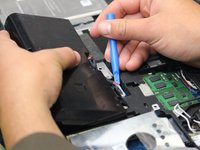
Carefully use the Plastic Opening Tool to unplug the battery.
-
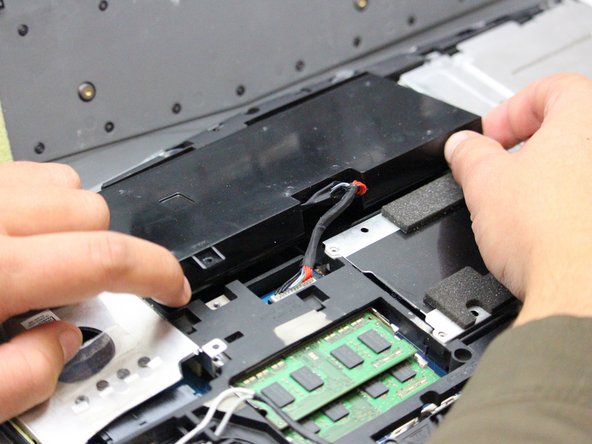
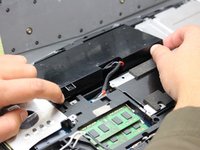
Lift the battery up and out to remove.
-


 Ask FixBot


To reassemble your device, follow these instructions in reverse order.
Cancel: I did not complete this guide.
3 other people completed this guide.

Team

Oregon Institute of Technology, Team S1-G2, Lancaster Fall 2018 Member of Oregon Institute of Technology, Team S1-G2, Lancaster Fall 2018
OIT-LANCASTER-F18S1G2
3 Members
60 Guides authored
