Introduction
This guide provides instructions on how to replace the battery in an Alienware Aurora M9700.
-
-
-
Turn laptop over so that the bottom of the device is facing upward.
-
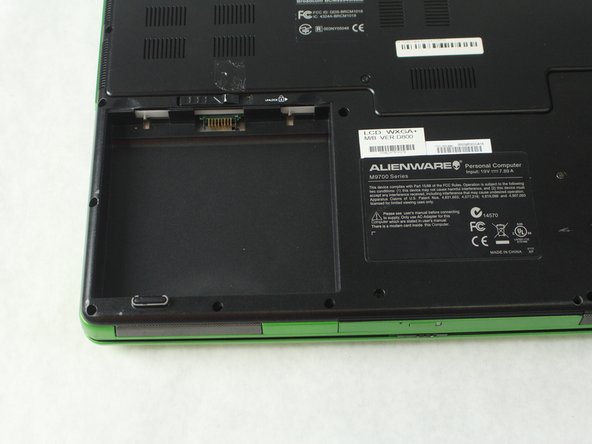
Locate the square battery pack on the bottom left corner.
 Ask FixBot
-
-
-
-
Notice a unlock emblem directly above the battery pack with a sliding lock button.
-
Using your finger, slide the button to the right, releasing the battery from its designated compartment.
-
-
-
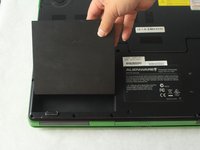
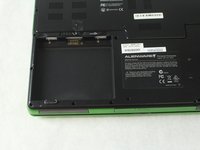
Now that the battery is free, use your finger to pry the battery upward, out of its designated compartment.
-
-


To reassemble your device, follow these instructions in reverse order.

Team

Sam Houston State, Team S15-G3, Blackburne Fall 2018 Member of Sam Houston State, Team S15-G3, Blackburne Fall 2018
SHSU-BLACKBURNE-F18S15G3
4 Members
60 Guides authored
