Free Shipping on Domestic Orders $75+

Alcatel Pop 4 Plus Charging Port Replacement

What you need

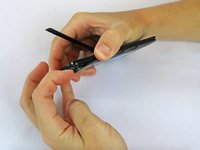
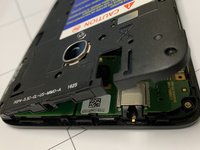
    1. Alcatel Pop 4 Plus Charging Port Replacement, Charging Port: step 1, image 1 of 3 Alcatel Pop 4 Plus Charging Port Replacement, Charging Port: step 1, image 2 of 3 Alcatel Pop 4 Plus Charging Port Replacement, Charging Port: step 1, image 3 of 3
      • Begin by removing the back of the phone. Press your nail or a thin object in the bottom right-hand corner of the phone and gently press to release the back of the phone from the front.

      Ask FixBot

      Add Comment

    2. Alcatel Pop 4 Plus Charging Port Replacement: step 2, image 1 of 3 Alcatel Pop 4 Plus Charging Port Replacement: step 2, image 2 of 3 Alcatel Pop 4 Plus Charging Port Replacement: step 2, image 3 of 3
      • Remove seventeen 1.2 mm screws from the phone's mid-frame using the Phillips #000 screwdriver.

      Ask FixBot

      Add Comment

    3. Alcatel Pop 4 Plus Charging Port Replacement: step 3, image 1 of 2 Alcatel Pop 4 Plus Charging Port Replacement: step 3, image 2 of 2
      • Once the screws have been taken out, remove the mid-frame protecting the phone's electronics by using a fingernail or tool to pry it off.

      Ask FixBot

      Add Comment

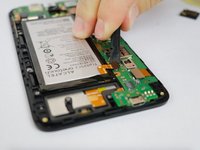
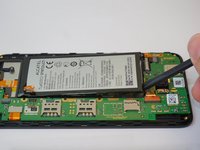
    4. Alcatel Pop 4 Plus Charging Port Replacement: step 4, image 1 of 2 Alcatel Pop 4 Plus Charging Port Replacement: step 4, image 2 of 2
      • Disconnect the battery from the motherboard and remove it.

      Ask FixBot

      Add Comment

    5. Alcatel Pop 4 Plus Charging Port Replacement: step 5, image 1 of 2 Alcatel Pop 4 Plus Charging Port Replacement: step 5, image 2 of 2
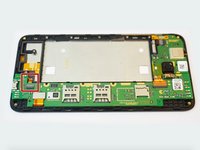
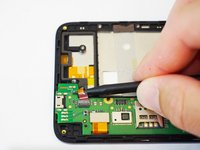
      • Unhook the USB ribbon from the motherboard.

      Ask FixBot

      Add Comment

    6. Alcatel Pop 4 Plus Charging Port Replacement: step 6, image 1 of 2 Alcatel Pop 4 Plus Charging Port Replacement: step 6, image 2 of 2
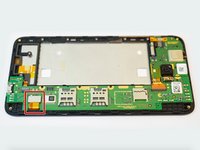
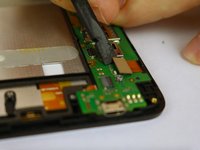
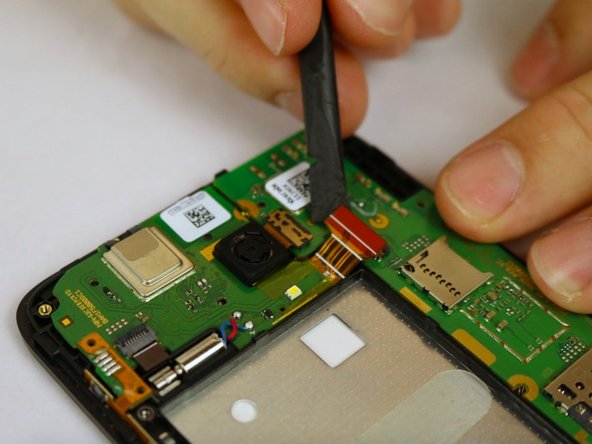
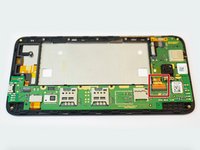
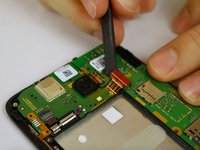
      • Disconnect the phone's ribbon cable.

      Ask FixBot

      Add Comment

    7. Alcatel Pop 4 Plus Charging Port Replacement: step 7, image 1 of 2 Alcatel Pop 4 Plus Charging Port Replacement: step 7, image 2 of 2
      • Disconnect the ribbon cable from the phone

      Ask FixBot

      Add Comment

    8. Alcatel Pop 4 Plus Charging Port Replacement: step 8, image 1 of 2 Alcatel Pop 4 Plus Charging Port Replacement: step 8, image 2 of 2
      • Remove the phone's rear camera from the motherboard.

      Ask FixBot

      Add Comment

    9. Alcatel Pop 4 Plus Charging Port Replacement: step 9, image 1 of 1
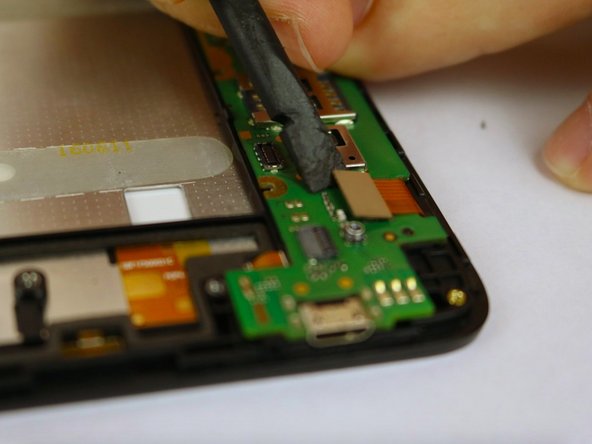
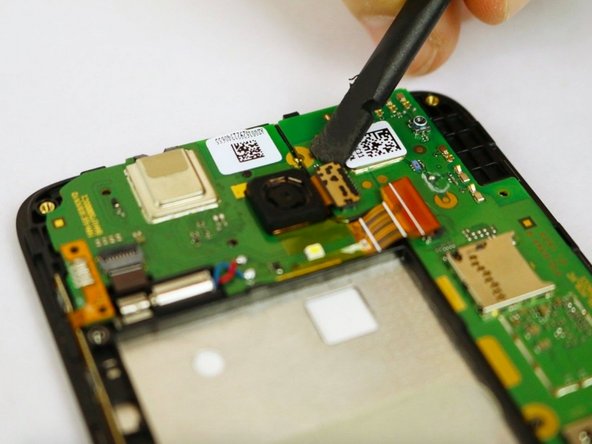
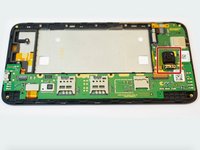
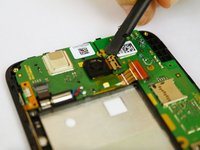
      • Use the flat end of the spudger to pry off the motherboard.

      Ask FixBot

      Add Comment

    10. Alcatel Pop 4 Plus Charging Port Replacement: step 10, image 1 of 1
      Ask FixBot

      Add Comment

Conclusion

To reassemble your device, follow these instructions in reverse order.

Cancel: I did not complete this guide.

One other person completed this guide.

1 Guide Comment

Hello, nice to meet you. I like your guide because it is didactic and objective in the apprehension process. I would like to support me in the visualization to buy the charging port. Alcatel pop 4 plus 5056e. Thank you

Carlos Reboredo - Reply Share

Add Comment

View Statistics:

Past 24 Hours: 4

Past 7 Days: 6

Past 30 Days: 26

All Time: 1,025