Introduction
This guide will walk you through the steps on changing your phones SIM card with guided pictures to help at every stage
What you need
-
-
-
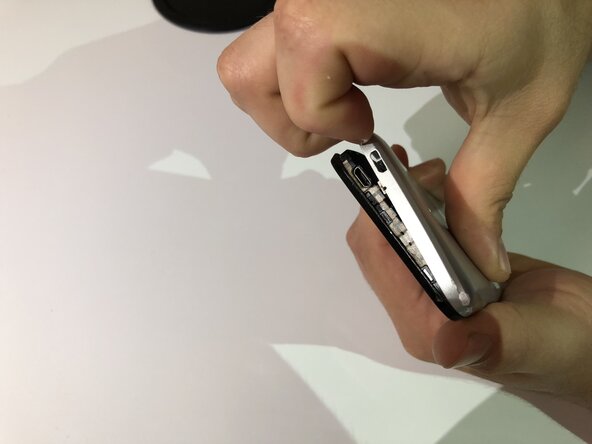
Locate the small indent on the lower left corner.
-
Use your fingers or a small plastic opening tool to lift the back cover off.
 Ask FixBot
-
-
-
Locate the indent between the battery and your phone.
-
Use your finger or a small plastic opening tool to lift the battery free.
-
-
-
-
-
-
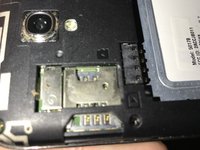
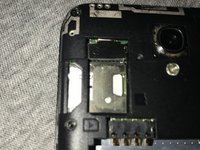
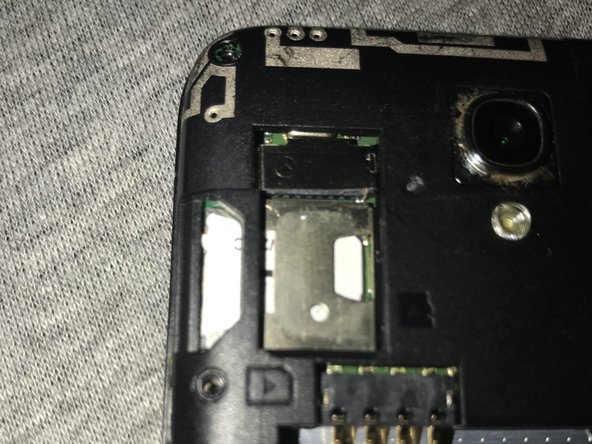
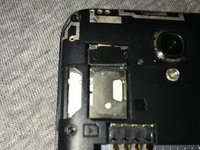
Locate the SIM card slot at the top left of the phone.
-
If an SIM card is not present, you can skip to step 4
-
-
-
The SIM card will have an indent at the top, use this to carefully pull the card from the slot.
-
-
-
Grab the new SIM card making sure not to touch the metallic area.
-
With the metallic patch facing down, insert the card into the slot.
-
-







To reassemble your device, follow these instructions in reverse order.
Cancel: I did not complete this guide.
One other person completed this guide.

Team

University of North Texas, Team S6-G3, Thomas Spring 2018 Member of University of North Texas, Team S6-G3, Thomas Spring 2018
UNT-THOMAS-S18S6G3
4 Members
60 Guides authored
