Free Shipping on Domestic Orders $75+

Alcatel OneTouch Elevate Rear Camera Replacement

What you need

  1. Alcatel OneTouch Elevate Rear Camera Replacement, Battery: step 1, image 1 of 3 Alcatel OneTouch Elevate Rear Camera Replacement, Battery: step 1, image 2 of 3 Alcatel OneTouch Elevate Rear Camera Replacement, Battery: step 1, image 3 of 3
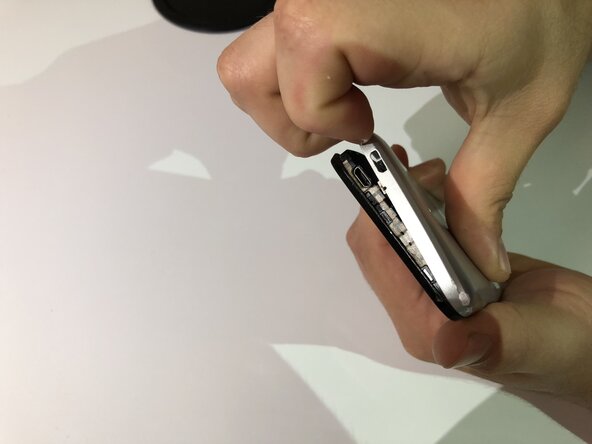
    • Locate the small indent on the lower left corner.

    • Use your fingers or a small plastic opening tool to lift the back cover off.

  2. Alcatel OneTouch Elevate Rear Camera Replacement: step 2, image 1 of 3 Alcatel OneTouch Elevate Rear Camera Replacement: step 2, image 2 of 3 Alcatel OneTouch Elevate Rear Camera Replacement: step 2, image 3 of 3
    • Locate the indent between the battery and your phone.

    • Use your finger or a small plastic opening tool to lift the battery free.

  3. Alcatel OneTouch Elevate Rear Camera Replacement, Motherboard: step 3, image 1 of 3 Alcatel OneTouch Elevate Rear Camera Replacement, Motherboard: step 3, image 2 of 3 Alcatel OneTouch Elevate Rear Camera Replacement, Motherboard: step 3, image 3 of 3
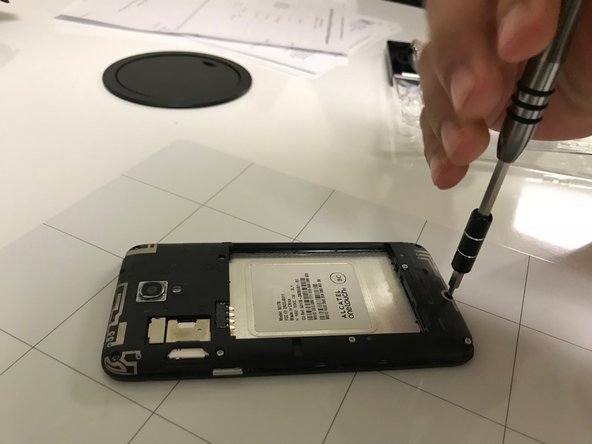
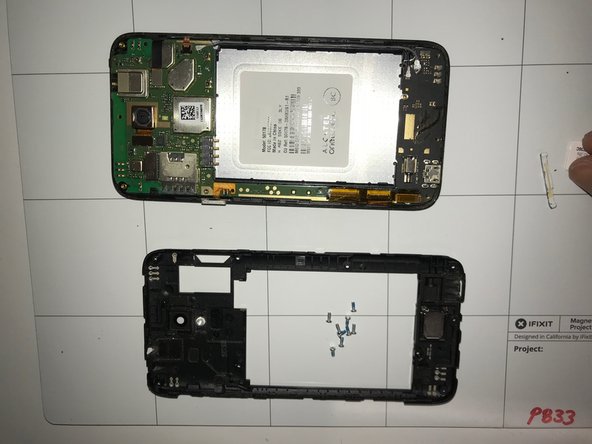
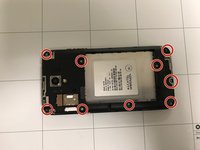
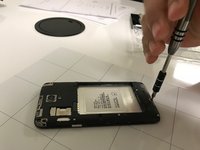
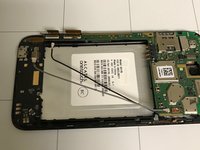
    • Using the Phillips #0 screwdriver, remove the nine screws from the phone.

  4. Alcatel OneTouch Elevate Rear Camera Replacement: step 4, image 1 of 1
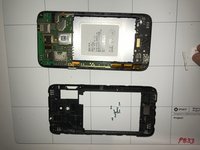
    • Place an iFixit opening tool between the screen and the back cover and pry it open.

  5. Alcatel OneTouch Elevate Rear Camera Replacement: step 5, image 1 of 2 Alcatel OneTouch Elevate Rear Camera Replacement: step 5, image 2 of 2
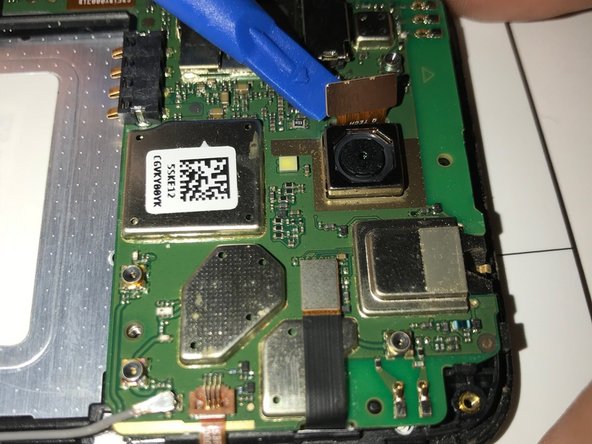
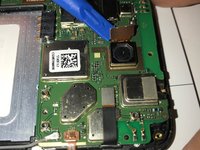
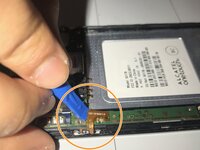
    • Disconnect the camera from the mother board with your prying tool.

  6. Alcatel OneTouch Elevate Rear Camera Replacement: step 6, image 1 of 3 Alcatel OneTouch Elevate Rear Camera Replacement: step 6, image 2 of 3 Alcatel OneTouch Elevate Rear Camera Replacement: step 6, image 3 of 3
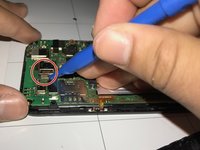
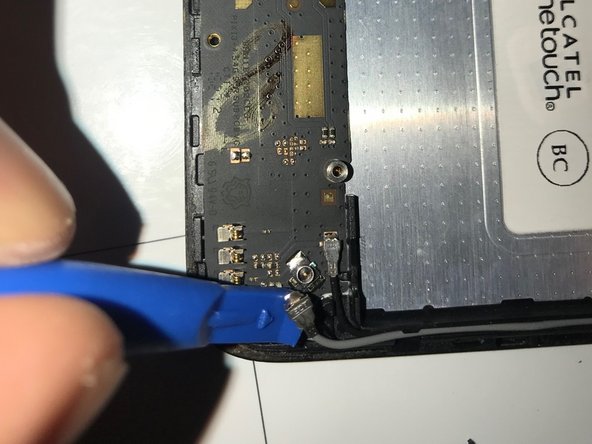
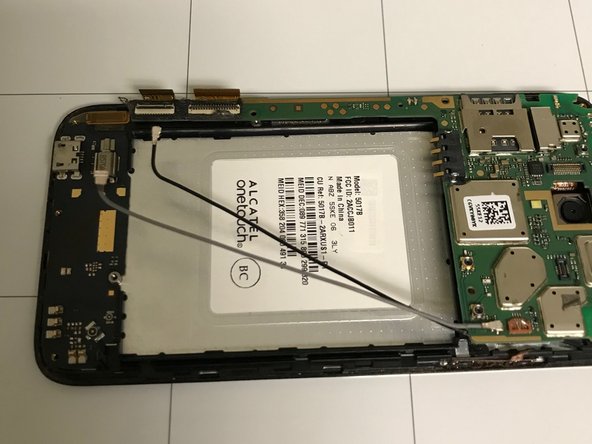
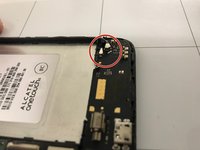
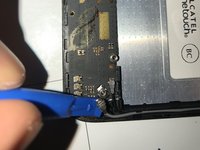
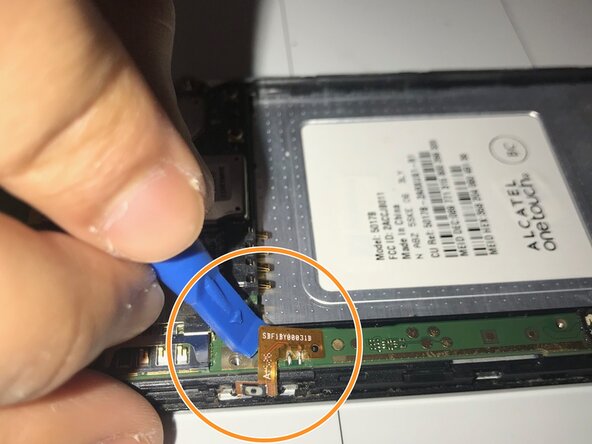
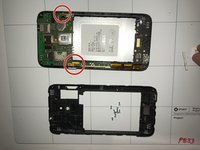
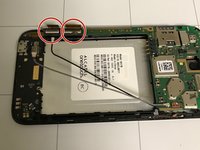
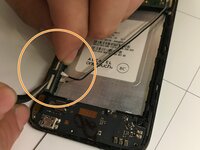
    • Remove both of the cables located on the bottom left corner of the phone.

  7. Alcatel OneTouch Elevate Rear Camera Replacement: step 7, image 1 of 2 Alcatel OneTouch Elevate Rear Camera Replacement: step 7, image 2 of 2
    • Remove the volume and power button using your prying tool.

    • Go underneath the bronze plate with your prying tool and carefully pry it off.

  8. Alcatel OneTouch Elevate Rear Camera Replacement: step 8, image 1 of 1
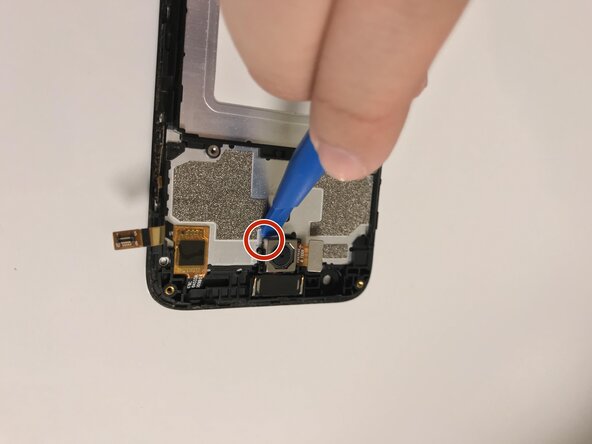
    • Remove this piece that is to the right of the camera with your prying tool.

  9. Alcatel OneTouch Elevate Rear Camera Replacement: step 9, image 1 of 2 Alcatel OneTouch Elevate Rear Camera Replacement: step 9, image 2 of 2
    Tool used on this step:
    Tweezers
    $4.99
    Buy
    • Remove these two pieces by using your tweezers.

    • Carefully pull them off. There will be a black flap where you can place your tweezers to pull.

  10. Alcatel OneTouch Elevate Rear Camera Replacement: step 10, image 1 of 1
    • Using the prying tool, go in-between the phone.

    • Carefully pry it off.

  11. Alcatel OneTouch Elevate Rear Camera Replacement, Back of Camera: step 11, image 1 of 1
    • Find the camera.

  12. Alcatel OneTouch Elevate Rear Camera Replacement: step 12, image 1 of 1
    • Gently place the opening tool head as close as possible to the edge.

  13. Alcatel OneTouch Elevate Rear Camera Replacement: step 13, image 1 of 1
    • Flip the camera up carefully and slowly.

  14. Alcatel OneTouch Elevate Rear Camera Replacement: step 14, image 1 of 1
    • Take the old camera out and replace it with the replacement.

    • Gently press on the camera and wait for it to stick back to the phone.

Conclusion

To reassemble your device, follow these instructions in reverse order. Take your e-waste to an R2 or e-Stewards certified recycler.

Son Bao Luong

Member since: 02/08/18

109 Reputation

1 Guide authored

0 Guide Comments

Add Comment

View Statistics:

Past 24 Hours: 0

Past 7 Days: 5

Past 30 Days: 21

All Time: 307