
Akaso EK7000 4K Button Replacement

Annie Sun and one other contributor
Last updated on Jun 18, 2019
Views: 3.3K
View statistics:
- Past 24 Hours:
- 2
- Past 7 Days:
- 18
- Past 30 Days:
- 79
- All Time:
- 3,264
Comments: 6
3 comments on steps, 3 guide comments.
Go to guide commentsCompleted: 3 4
3 people have marked this guide "completed." Will you be next?
4 people have marked this guide "completed." Including you — great job!
Favorites: 0 1
No one has favorited (and subscribed to) this guide. Will you be the first?
1 person has favorited (and subscribed to) this guide — and that's you!
Introduction
Go to step 1 ↓This is a guide to replacing the up and down buttons on your Akaso EK7000. Required tools are: a metal spudger or any other instrument used to pry or separate, and a Phillips #000 screwdriver.
What you need
Tools


-
-
-
Locate the battery cover at the bottom of the camera. Use your fingers to gently pry open the battery cover.
 Ask FixBot
-
-
-
Locate the small plastic flap attached to the battery. Pull the battery out towards you.
-
-
-
-
-
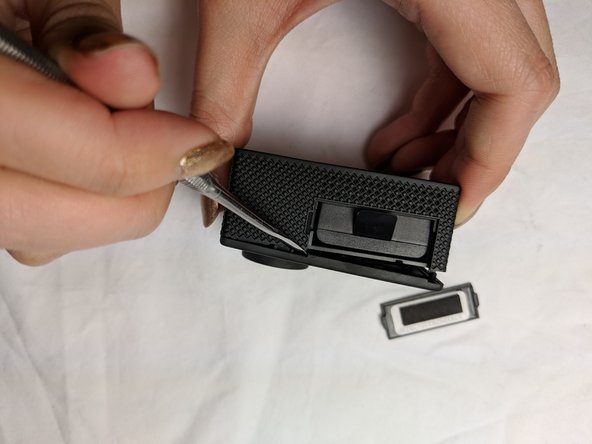
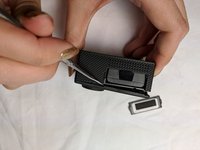
Using the metal spudger, gently pry open the front panel from the exposed battery cartridge.
-
-
-
Remove the rest of front panel with your fingers or with assistance from the spudger.
-
-
-
-
-
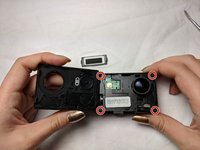
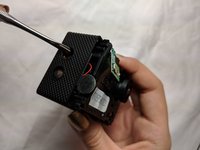
Using a Phillips #000 screwdriver, remove the four screws securing the cover plate.
-
-
-
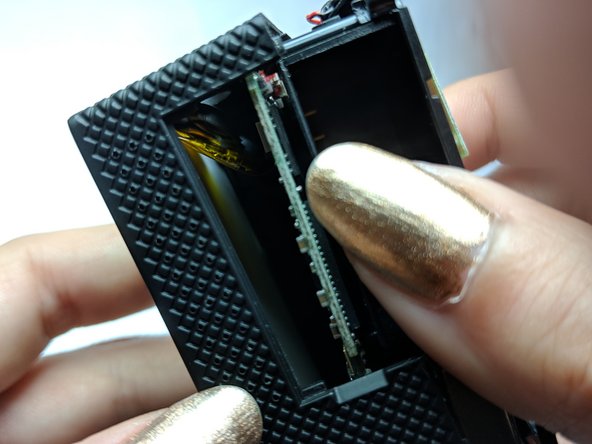
Using your thumb or a spudger, gently push up from inside the battery cartridge.
-
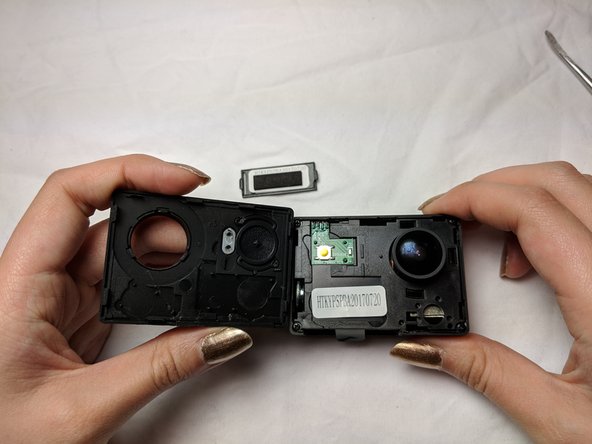
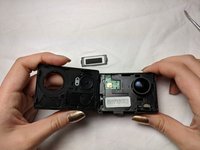
Gently lift the cover plate until you can see into the inside of the camera. The cover will not completely come off, so be careful not to damage any of the inner wiring.
-
-
-
-
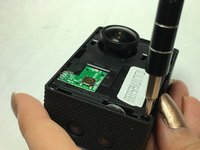
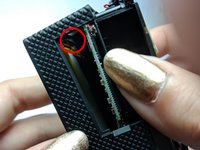
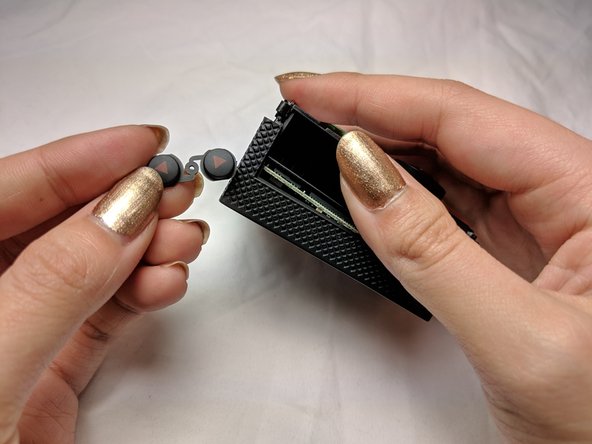
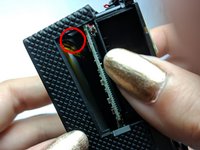
Using the metal spudger, push down on the up and down button as shown in the picture. Dislodge the button and it should fall to the bottom of the camera.
-
-
-
Again, using the metal spudger, gently pull out the button from within the camera.
-
-









To reassemble your device, follow these instructions in reverse order.
Cancel: I did not complete this guide.
3 other people completed this guide.

Team

UC Davis, Team S20-G2, Lore Winter 2019 Member of UC Davis, Team S20-G2, Lore Winter 2019
UCD-LORE-W19S20G2
3 Members
48 Guides authored
3 Guide Comments
Annie, where do I get the replacemnet bottons for the Akaso 7000 pro?
