
Acer Swift 3 2022 Screen Replacement

Anna Miller and 3 other contributors
Last updated on May 7, 2024
Views: 5.7K
View statistics:
- Past 24 Hours:
- 4
- Past 7 Days:
- 59
- Past 30 Days:
- 215
- All Time:
- 5,678
Comments: 1
1 guide comment.
Go to guide commentsCompleted: 1 2
1 person has marked this guide "completed." Will you be next?
2 people have marked this guide "completed." Including you — great job!
Favorites: 0 1
No one has favorited (and subscribed to) this guide. Will you be the first?
1 person has favorited (and subscribed to) this guide — and that's you!
Introduction
Go to step 1 ↓Acer Swift 3 2022 Model Number: N20C12
If your screen is cracked, doesn't turn on, or has any other issues, use this guide to help replace the screen. The screen is the piece of hardware that displays the graphics. Before attempting to replace it, try restarting your computer. Broken screens are a nightmare for anyone. Sending them in can put you in an unnecessary predicament, so fix it at home with the simple steps below. For more information view our troubleshooting page.
Problem: You can only do it once.
What you need
Tools
-
-
Spudger4.9
-


-
-
-
Remove the eleven 5 mm screws from the back of the device using a TR6 Torx screwdriver.
-
-
-
Use the iFixit opening tool to pry open the back of the device.
-
Remove the bottom cover from the laptop.
-
-
-
-
-
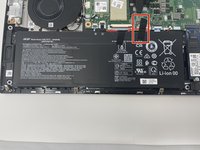
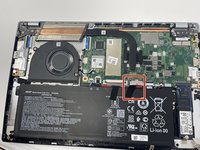
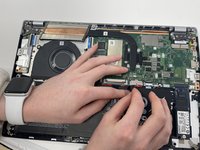
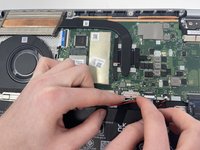
Unplug the group of wires by pulling the white plastic piece towards yourself.
-
-
-
-
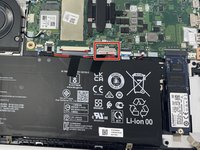
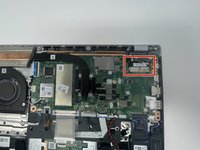
Remove the EDP Cable located on the top right by pushing away from you.
-
-
-
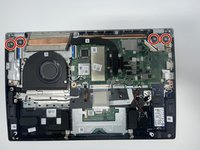
Remove the four 4.5 mm screws on the metal plates located on the top left and right hand corner using the JIS #1 screwdriver.
-
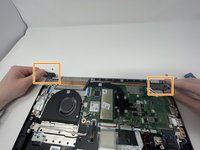
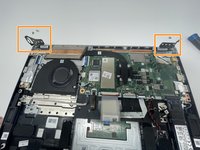
Flip up the metal plates.
-
-
-
Open computer to a 90 degree angle by lifting the keyboard and sliding it out.
-
Place keyboard to the side so the screen is face up and the only thing in front of you.
-
-
-
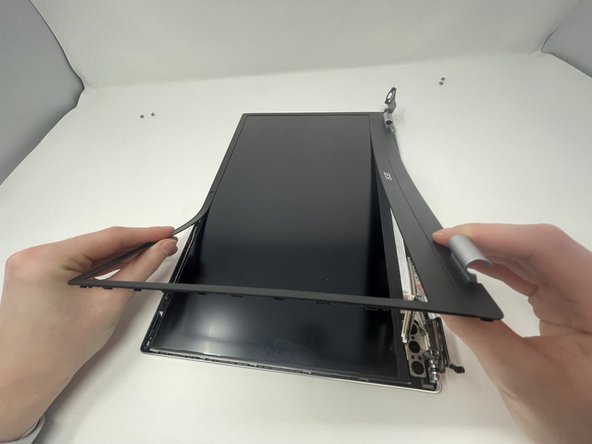
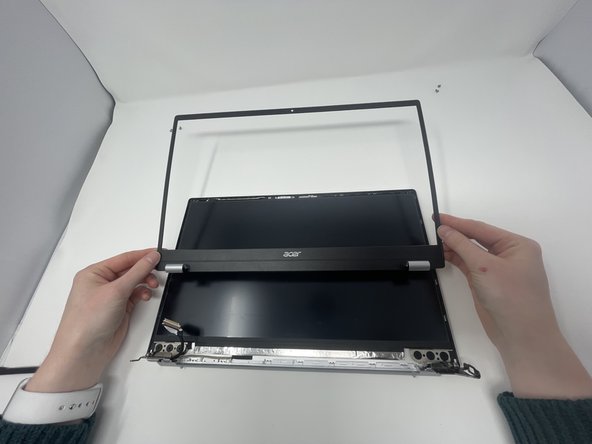
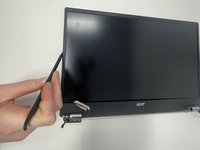
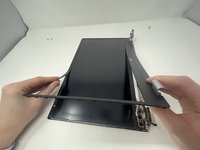
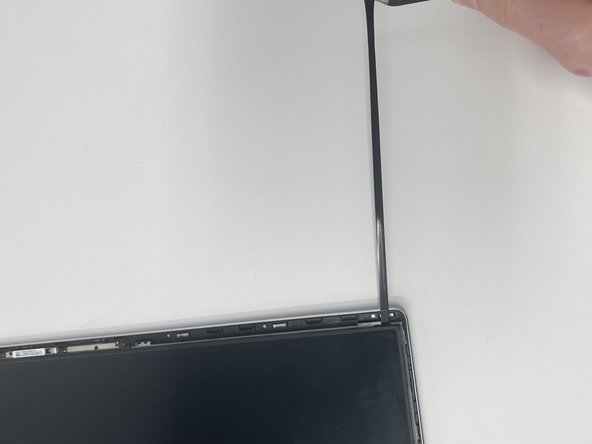
Insert the spudger between the computer screen and the black bezel.
-
Slide around the whole perimeter of screen.
-
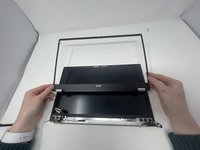
Peel the bezel off.
-
-
-
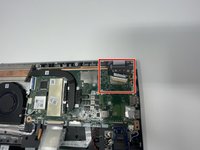
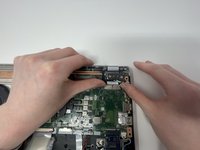
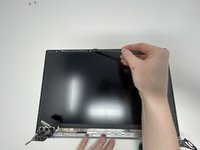
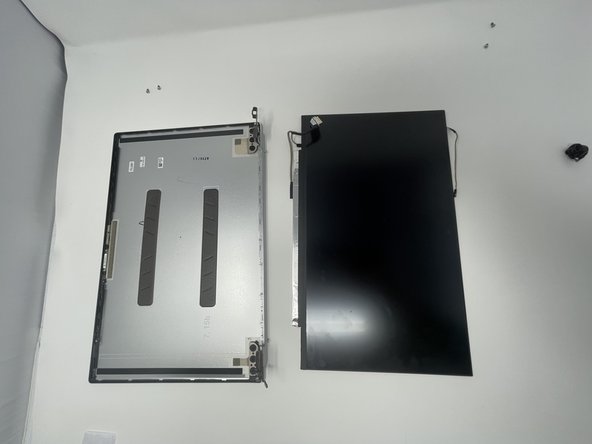
Disconnect the other end of the EDP Cable located next to the camera with the spudger.
-
-
Tool used on this step:Tweezers$4.99
-
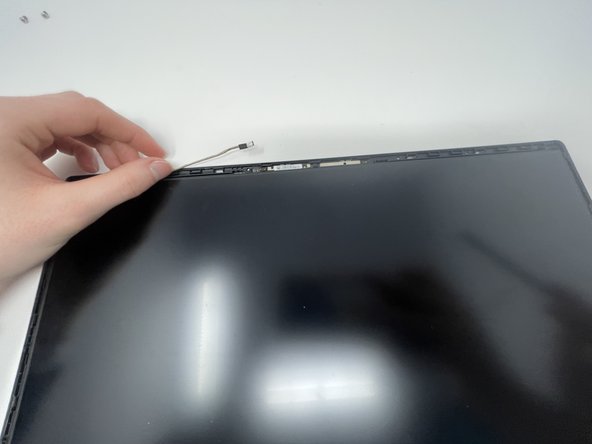
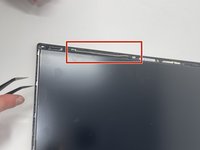
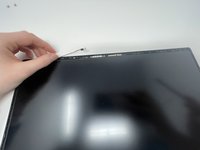
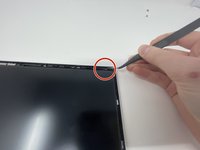
Using the curved, fine-tipped tweezers, unstick the tape from the top of the case.
-
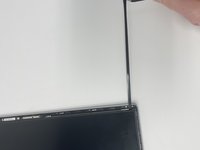
Once the tape is unstuck, pinch it with the tweezers and pull in the opposite direction.
-
Repeat on the other side.
-
-

 Ask FixBot













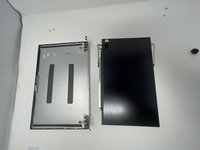

To reassemble your device, follow these instructions in reverse order.
Cancel: I did not complete this guide.
One other person completed this guide.

Team

Utah Tech University, Team 1-2, McMurrin Fall 2022 Member of Utah Tech University, Team 1-2, McMurrin Fall 2022
UTAHTECH-MCMURRIN-F22S1G2
2 Members
72 Guides authored
1 Guide Comment
really good i just followed the instructions and it was easy to do.
