Free Shipping on Domestic Orders $75+

Acer Iconia Tab A501 Wireless Adapter Replacement

What you need

  1. Acer Iconia Tab A501 Wireless Adapter Replacement, Back Cover: step 1, image 1 of 3 Acer Iconia Tab A501 Wireless Adapter Replacement, Back Cover: step 1, image 2 of 3 Acer Iconia Tab A501 Wireless Adapter Replacement, Back Cover: step 1, image 3 of 3
    • Turn off your device before opening it.

    • Use a plastic opening tool to carefully separate the back cover, starting at the volume buttons.

    • Continue separating the back cover along the short side closest to the camera and around the device.

    Ask FixBot

    Add Comment

  2. Acer Iconia Tab A501 Wireless Adapter Replacement: step 2, image 1 of 1
    • When separated enough, a little more than halfway around the device, the back cover will be easy to take off.

    Ask FixBot

    Add Comment

  3. Acer Iconia Tab A501 Wireless Adapter Replacement, Wireless Adapter: step 3, image 1 of 3 Acer Iconia Tab A501 Wireless Adapter Replacement, Wireless Adapter: step 3, image 2 of 3 Acer Iconia Tab A501 Wireless Adapter Replacement, Wireless Adapter: step 3, image 3 of 3
    Tool used on this step:
    Tweezers
    $3.99
    Buy
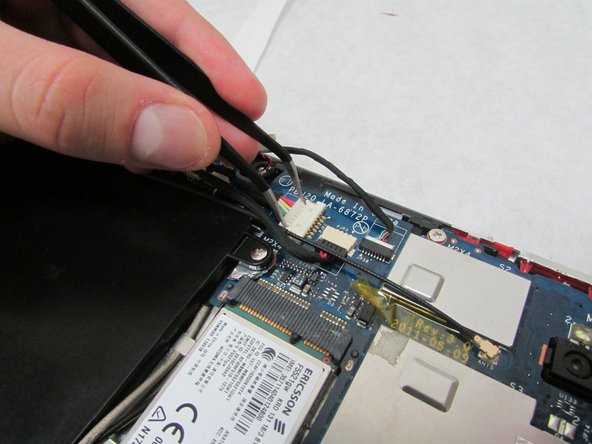
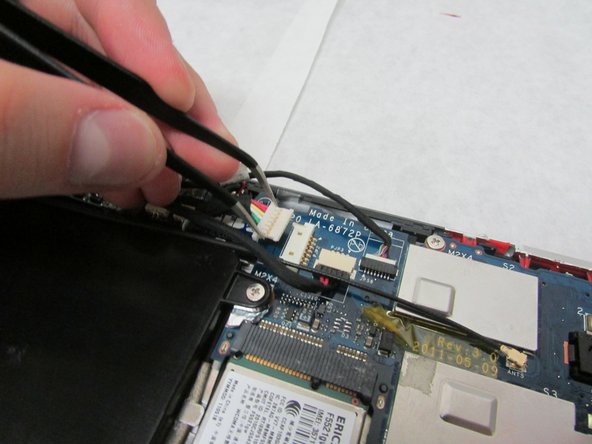
    • In the next step, be careful not to squeeze too hard or scratch the motherboard.

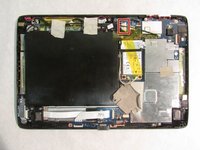
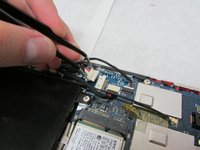
    • Use the angled tweezers to disconnect the motherboard-battery cable from the white connector in the middle of the side opposite the docking port.

    Ask FixBot

    Add Comment

  4. Acer Iconia Tab A501 Wireless Adapter Replacement: step 4, image 1 of 1
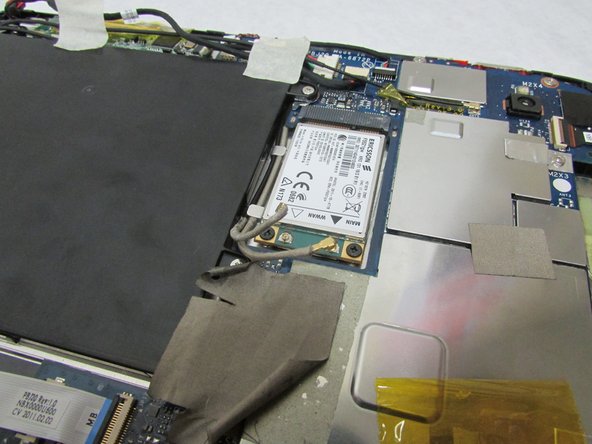
    • Remove all tape covering the wireless adapter.

    Ask FixBot

    Add Comment

  5. Acer Iconia Tab A501 Wireless Adapter Replacement: step 5, image 1 of 3 Acer Iconia Tab A501 Wireless Adapter Replacement: step 5, image 2 of 3 Acer Iconia Tab A501 Wireless Adapter Replacement: step 5, image 3 of 3
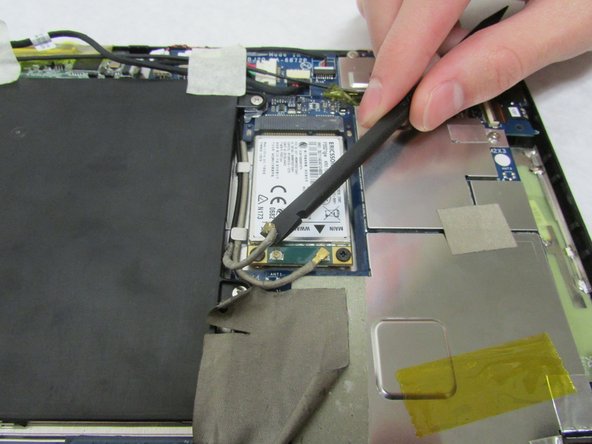
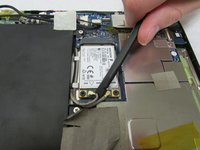
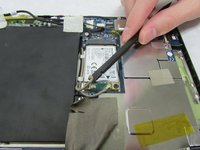
    • Use the flat end of the standard Spudger to disconnect the two small rotatable connectors attached to the wireless adapter.

    Ask FixBot

    Add Comment

  6. Acer Iconia Tab A501 Wireless Adapter Replacement: step 6, image 1 of 2 Acer Iconia Tab A501 Wireless Adapter Replacement: step 6, image 2 of 2
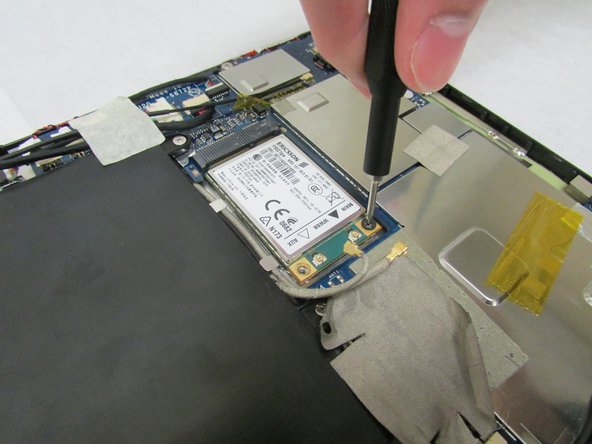
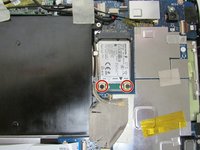
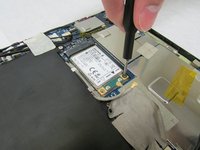
    • Use a Phillips #1 screwdriver to remove the two 3.0 mm Philips head screws holding the adapter down.

    Ask FixBot

    Add Comment

  7. Acer Iconia Tab A501 Wireless Adapter Replacement: step 7, image 1 of 2 Acer Iconia Tab A501 Wireless Adapter Replacement: step 7, image 2 of 2
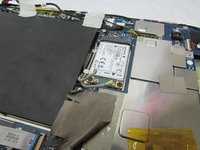
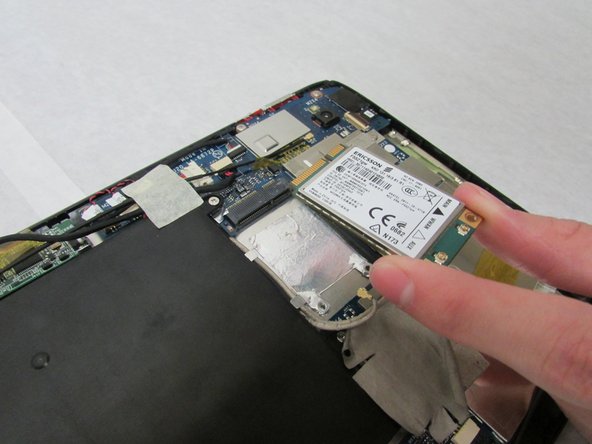
    • Carefully slide the adapter out to remove it.

    Ask FixBot

    Add Comment

Conclusion

To reassemble your device, follow these instructions in reverse order.

Cancel: I did not complete this guide.

0 Guide Comments

Add Comment

View Statistics:

Past 24 Hours: 0

Past 7 Days: 2

Past 30 Days: 25

All Time: 562