Free Shipping on Domestic Orders $75+

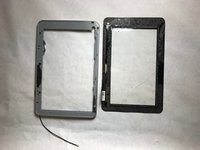
Acer Iconia B1-710 Screen Replacement

What you need

  1. Acer Iconia B1-710 Screen Replacement, Battery: step 1, image 1 of 3 Acer Iconia B1-710 Screen Replacement, Battery: step 1, image 2 of 3 Acer Iconia B1-710 Screen Replacement, Battery: step 1, image 3 of 3
    • Open the back cover by prying the casing off with an opening tool.

    • Be careful to not pull pieces apart aggressively. There is a wire that could break.

    Ask FixBot
    Add Comment

  2. Acer Iconia B1-710 Screen Replacement: step 2, image 1 of 3 Acer Iconia B1-710 Screen Replacement: step 2, image 2 of 3 Acer Iconia B1-710 Screen Replacement: step 2, image 3 of 3
    • Unplug the battery from the motherboard.

    Ask FixBot
    Add Comment

  3. Acer Iconia B1-710 Screen Replacement: step 3, image 1 of 1
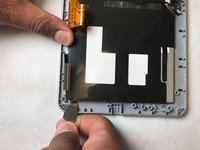
    • Remove the battery.

    • The battery is lightly glued in, so there may be some difficulty getting it out.

    Ask FixBot
    Add Comment

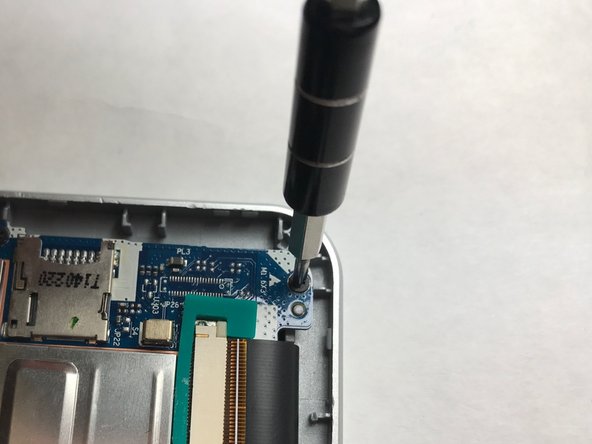
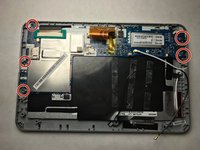
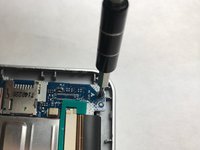
  4. Acer Iconia B1-710 Screen Replacement, Screen: step 4, image 1 of 2 Acer Iconia B1-710 Screen Replacement, Screen: step 4, image 2 of 2
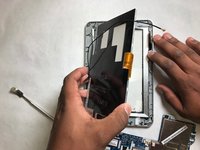
    • Unscrew all five 3 mm #000 Phillips screws.

    Ask FixBot
    Add Comment

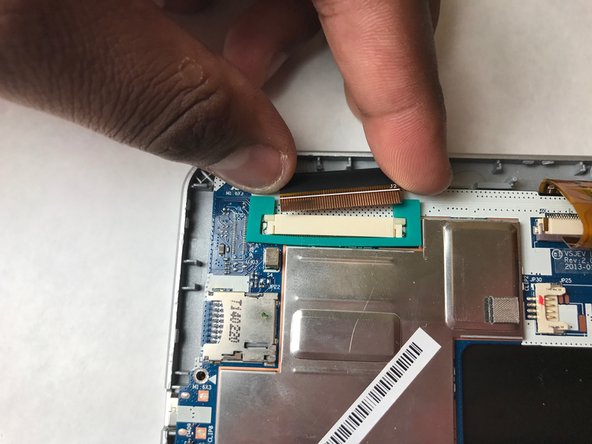
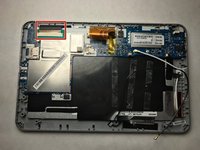
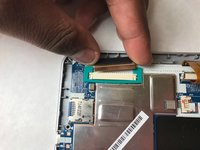
  5. Acer Iconia B1-710 Screen Replacement: step 5, image 1 of 2 Acer Iconia B1-710 Screen Replacement: step 5, image 2 of 2
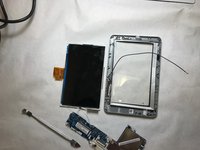
    • Unplug the LCD ribbon.

    Ask FixBot
    Add Comment

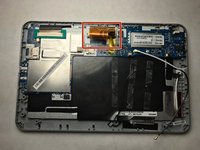
  6. Acer Iconia B1-710 Screen Replacement: step 6, image 1 of 2 Acer Iconia B1-710 Screen Replacement: step 6, image 2 of 2
    • Unplug the orange ribbon.

    Ask FixBot

    Add Comment

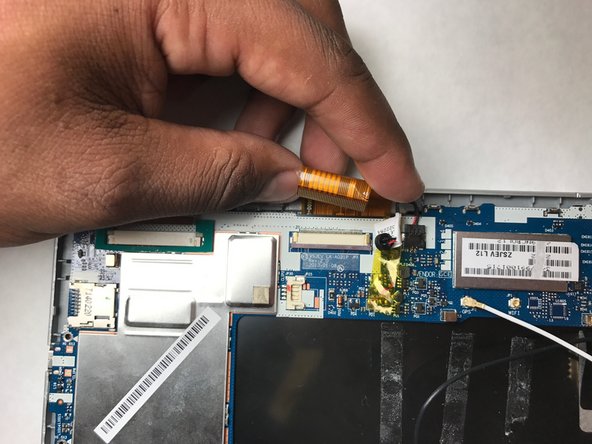
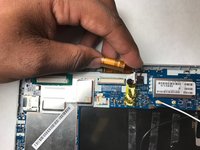
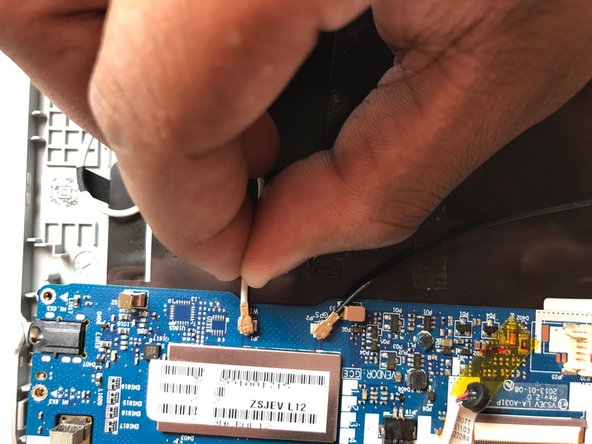
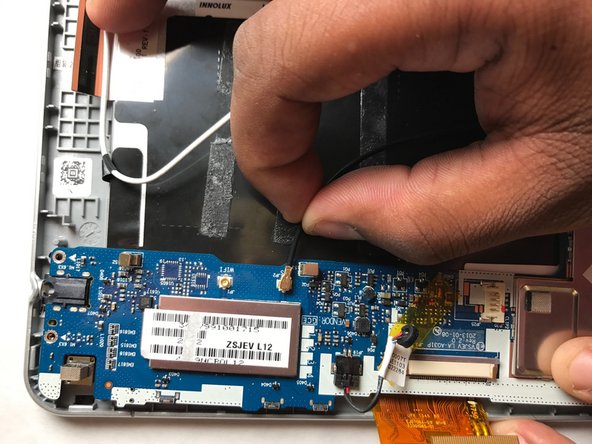
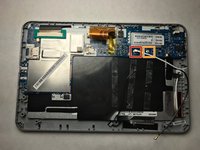
  7. Acer Iconia B1-710 Screen Replacement: step 7, image 1 of 3 Acer Iconia B1-710 Screen Replacement: step 7, image 2 of 3 Acer Iconia B1-710 Screen Replacement: step 7, image 3 of 3
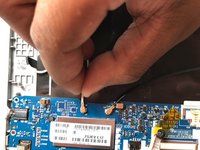
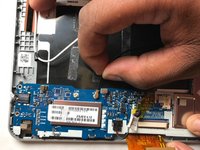
    • Unplug the white wire from the motherboard.

    • Unplug the black wire from the motherboard.

    Ask FixBot

    Add Comment

  8. Acer Iconia B1-710 Screen Replacement: step 8, image 1 of 1
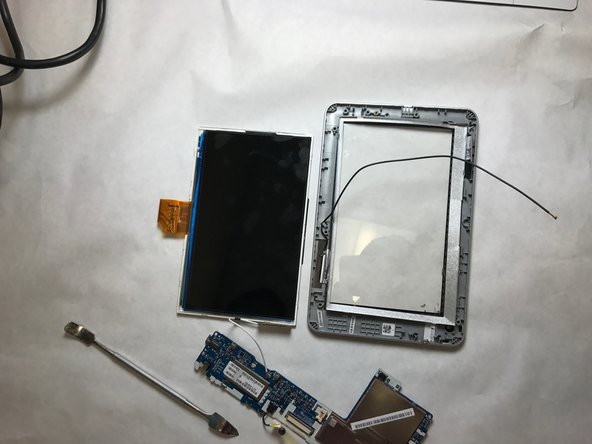
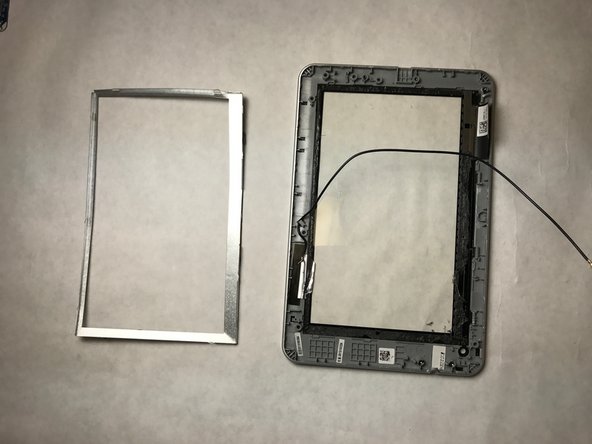
    • Pull the motherboard off of the tablet.

    Ask FixBot
    Add Comment

  9. Acer Iconia B1-710 Screen Replacement: step 9, image 1 of 1
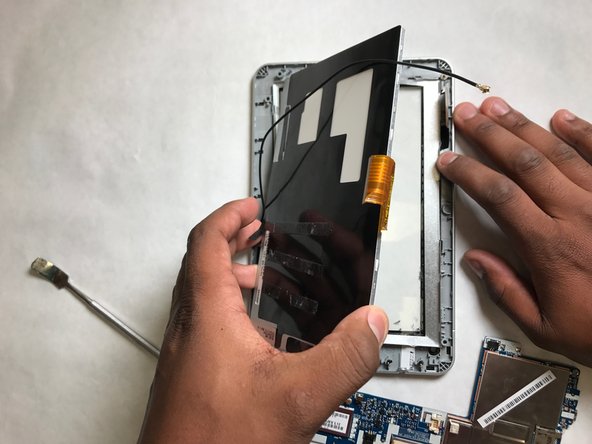
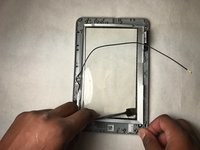
    • Use a blow dryer to melt the glue holding the LCD display in place.

    • Patience is key. It will take a few minutes to melt the glue.

    Ask FixBot
    Add Comment

  10. Acer Iconia B1-710 Screen Replacement: step 10, image 1 of 3 Acer Iconia B1-710 Screen Replacement: step 10, image 2 of 3 Acer Iconia B1-710 Screen Replacement: step 10, image 3 of 3
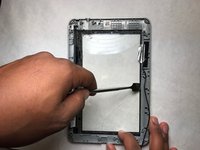
    • Peel the LCD display.

    • This piece is fragile and needs to be peeled with care.

    • Parts may be hot.

    Ask FixBot
    Add Comment

  11. Acer Iconia B1-710 Screen Replacement: step 11, image 1 of 1
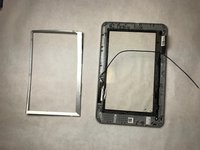
    • Use a blow dryer to melt the glue from the thin metal frame.

    • This piece is metal and will become hot during this process.

    Ask FixBot

    Add Comment

  12. Acer Iconia B1-710 Screen Replacement: step 12, image 1 of 2 Acer Iconia B1-710 Screen Replacement: step 12, image 2 of 2
    • Peel off the thin metal frame.

    • Be careful not to bend the frame as it is very thin.

    Ask FixBot

    Add Comment

  13. Acer Iconia B1-710 Screen Replacement: step 13, image 1 of 1
    • Use a blow dryer to melt the glue between the metal frame and the screen.

    • The frame will get hot.

    Ask FixBot

    Add Comment

  14. Acer Iconia B1-710 Screen Replacement: step 14, image 1 of 2 Acer Iconia B1-710 Screen Replacement: step 14, image 2 of 2
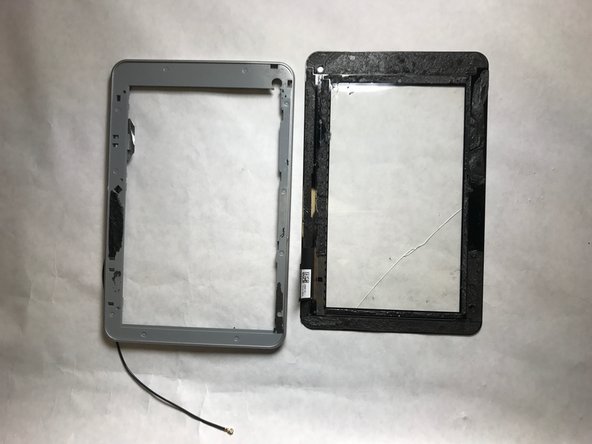
    • Peel the frame from the screen.

    • Be careful when peeling the screen or it may sustain further damage.

    Ask FixBot

    Add Comment

Conclusion

To reassemble your device, follow these instructions in reverse order.

Cancel: I did not complete this guide.

One other person completed this guide.

Ryan Weber

Member since: 03/26/17

358 Reputation

3 Guides authored

Team

IUPUI, Team S3-G5, Baechle Spring 2017 Member of IUPUI, Team S3-G5, Baechle Spring 2017

IUPUI-BAECHLE-S17S3G5

4 Members

3 Guides authored

0 Guide Comments

Add Comment

View Statistics:

Past 24 Hours: 1

Past 7 Days: 5

Past 30 Days: 32

All Time: 1,305