Introduction
This guide demonstrates how to replace the LCD screen in your Acer Chromebook CB315-3HT-C3FQ. You may need to replace the screen if it is damaged. Physical damage can be cracks, holes, and/or black splotches on the display when the screen is powered on.
Make sure the computer is powered off and disconnected from any power source to prevent damage to your device. If the screen is shattered, make sure to protect your hands from shards that may break off the screen during removal. Follow this guide How to Tape Over a Cracked Glass Panel, for additional precaution.
What you need
-
-
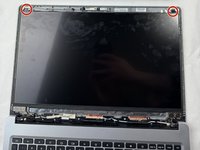
Use a Phillips #1 screwdriver to remove ten screws securing the LCD screen to the display.
-
-
-
-
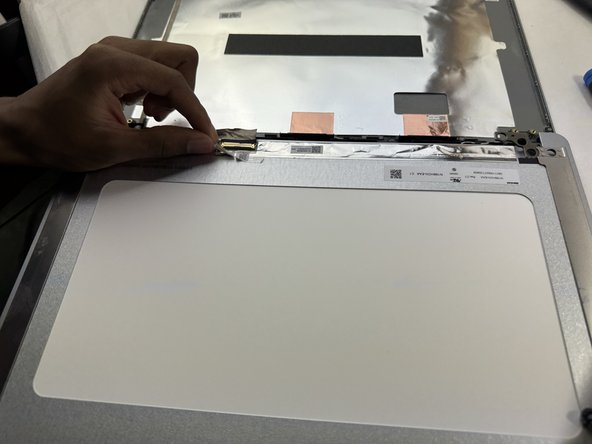
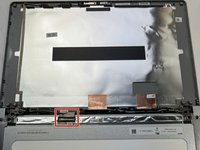
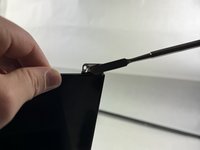
Pull out the double-sided tape that is attaching the LCD screen to the frame of the Acer Chromebook by grabbing the tip of the tape (it should be poking out above the LCD screen) and pulling away from the frame.
-
-
-
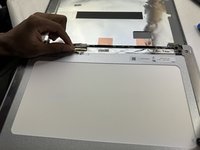
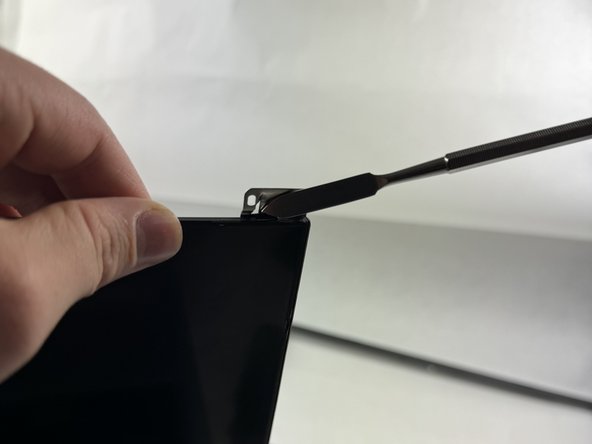
After pulling out the double-sided tape, remove the LCD screen by simply popping it out of the frame.
-
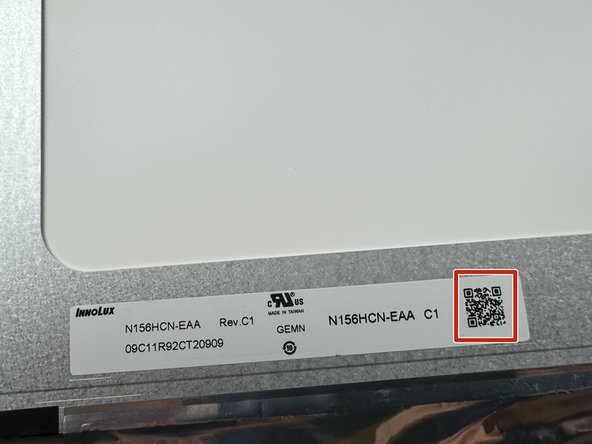
At the bottom of the LCD screen, there will be a QR code that can be scanned on your phone. The QR code will take you to different websites that sell the designated LCD screen for the Acer Chromebook 315.
-

 Ask FixBot



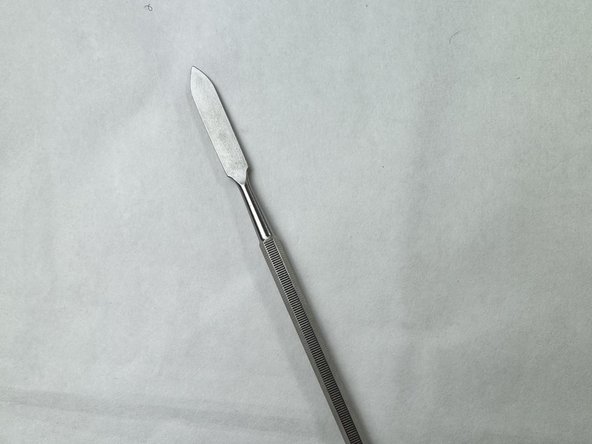

To reassemble your device, follow these instructions in reverse order. Take your e-waste to an R2 or e-Stewards certified recycler.
Cancel: I did not complete this guide.
One other person completed this guide.

Team

UMass Dartmouth, Team 1-5, Santin Spring 2024 Member of UMass Dartmouth, Team 1-5, Santin Spring 2024
UMASSD-SANTIN-S24S1G5
3 Members
7 Guides authored
