Introduction
Most hardware replacement guides for your Acer Chromebook CB315-3HT-C3FQ will require you to open your laptop up and view the internals. So, if you need to work with your Chromebook’s hardware, use the following guide to access them.
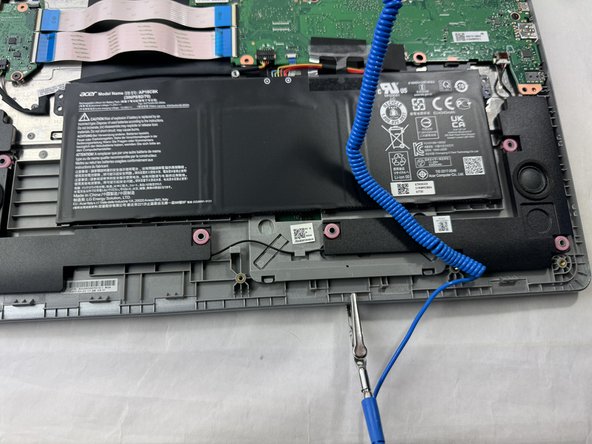
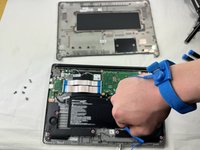
Before beginning this guide, turn off your laptop and wait 10-15 minutes before you open it up. This way, your laptop is completely cooled down before you open it.
What you need
-
-
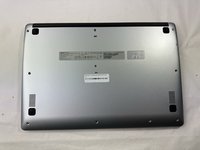
Remove all 10 screws that hold the bottom panel in place using a Phillips #1 screwdriver.
-
-
-
-
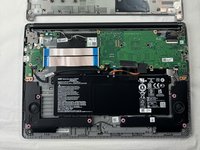
Use an iFixit opening tool to pry the bottom panel up and detach it from the rest of the Chromebook.
-

 Ask FixBot



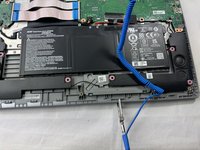
To reassemble your device, follow these instructions in reverse order.
Cancel: I did not complete this guide.
One other person completed this guide.

Team

UMass Dartmouth, Team 1-5, Santin Spring 2024 Member of UMass Dartmouth, Team 1-5, Santin Spring 2024
UMASSD-SANTIN-S24S1G5
3 Members
7 Guides authored
