Introduction
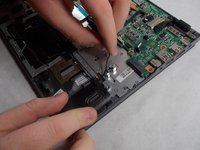
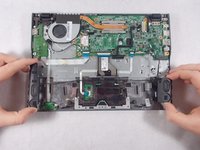
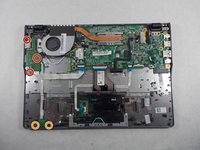
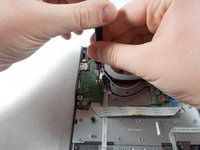
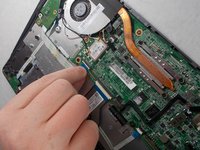
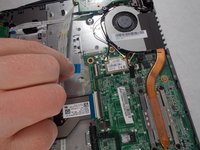
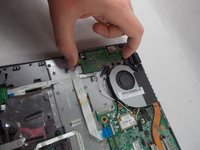
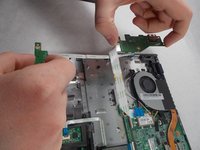
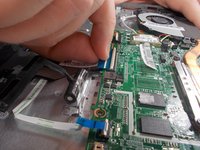
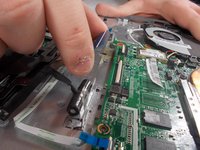
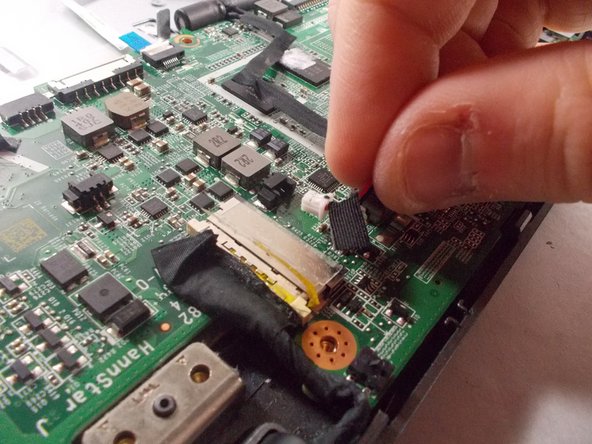
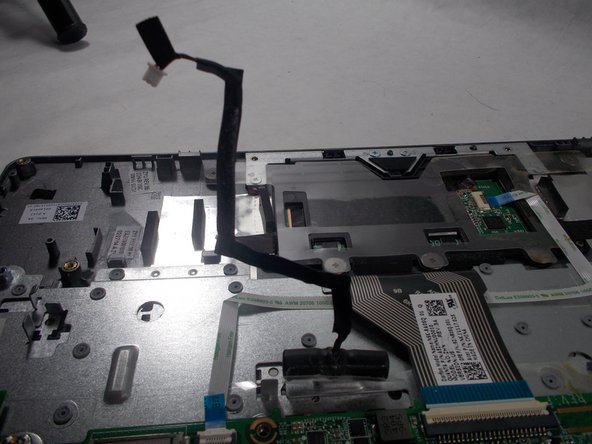
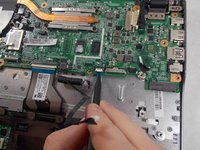
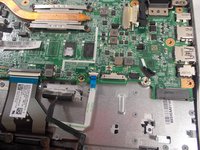
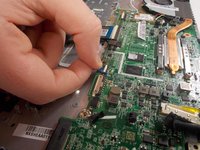
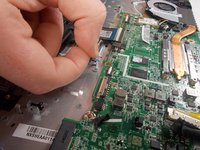
Use this guide to replace the keyboard on your Acer Chromebook C720-2827. The keyboard is essentially built into the case, so you aren’t as much removing the keyboard as disassembling your computer and reassembling it around a new keyboard. This guide will require removal of all components, so strap in for a ride.
What you need
-
-
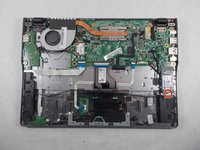
Remove the thirteen 6.0mm screws on the back panel using your Phillips #1 screwdriver.
-
-
-
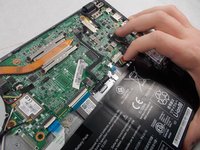
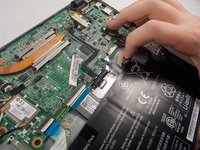
Remove the two 6.0mm screws securing the battery with your Phillips #1 screwdriver.
-
-
-
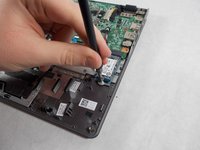
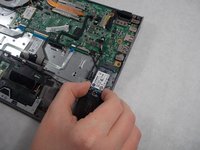
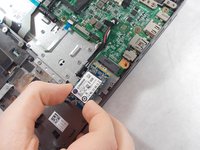
Remove the single 3.0mm screw securing the solid state drive using a Phillips #1 screwdriver.
-
-
-
Remove the three 6.0mm screws using the Phillips #1 screwdriver.
-
Remove the two 3.0mm screws using the Phillips #1 screwdriver.
-
-
-
-
Using the Phillips #1 screwdriver, remove the four 3.0mm screws.
-
Loosen the six 3.0mm CPU screws using the Phillips #1 screwdriver.
-
-
-
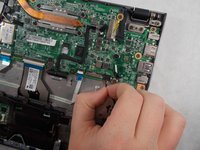
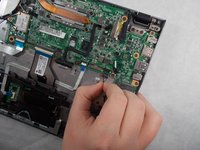
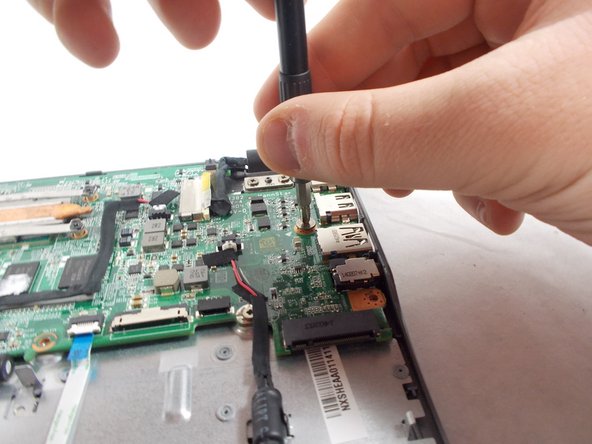
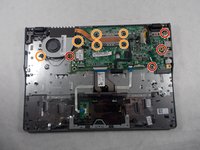
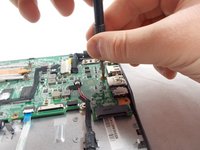
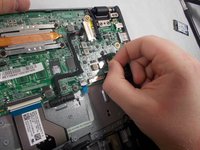
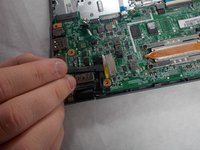
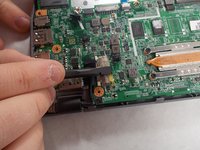
Remove the two 3.7 mm screws with a Phillips #1 screwdriver.
-
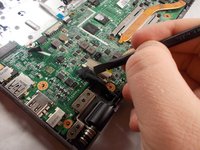
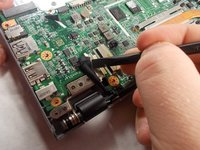
Remove another two 5.7mm screws with a Phillips #1 screwdriver.
-












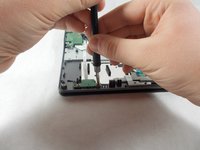

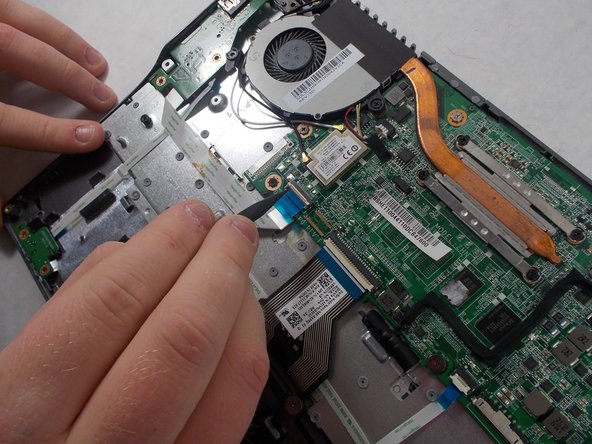






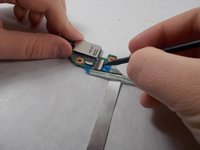
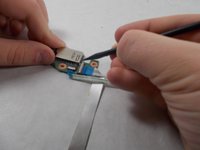


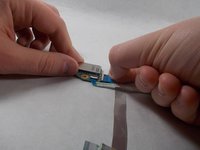
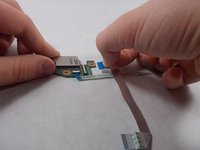



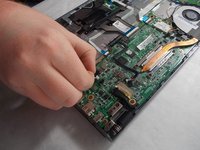

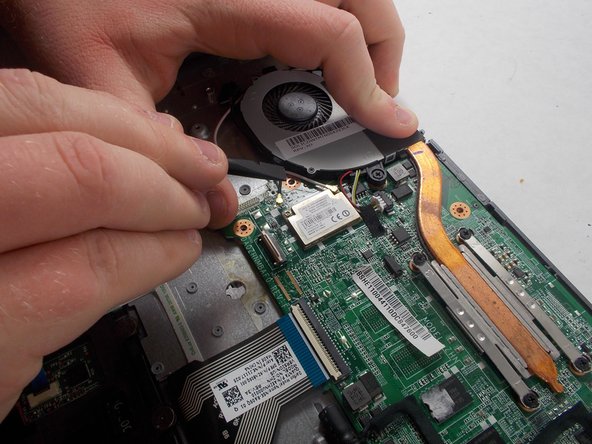


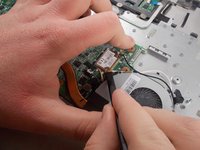
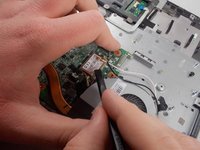


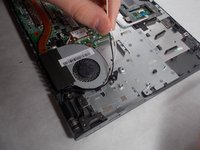
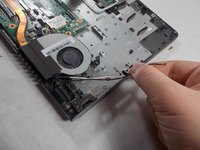


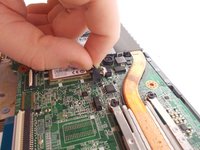
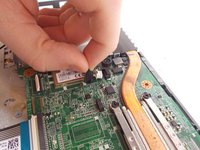


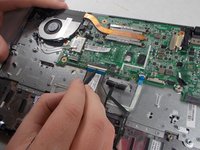
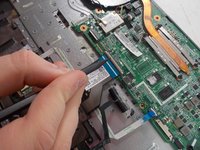



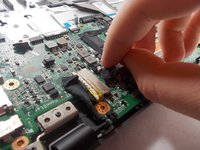
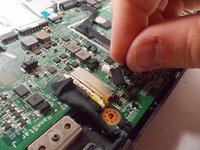
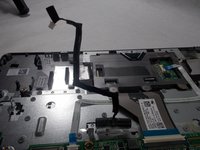

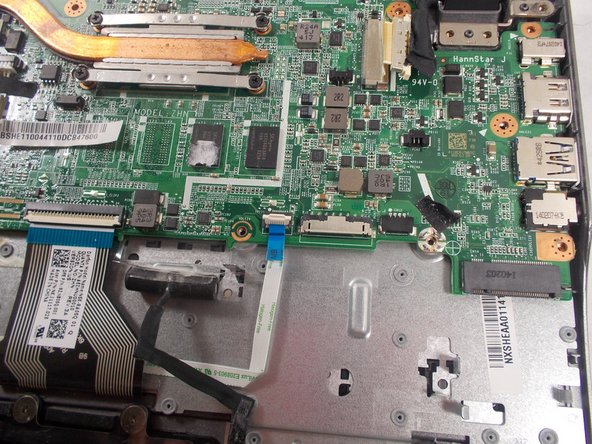







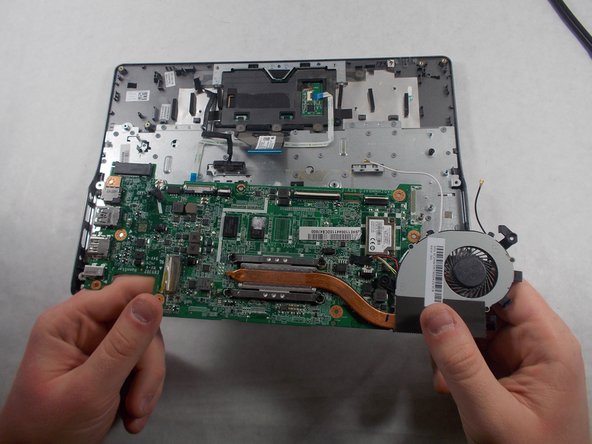


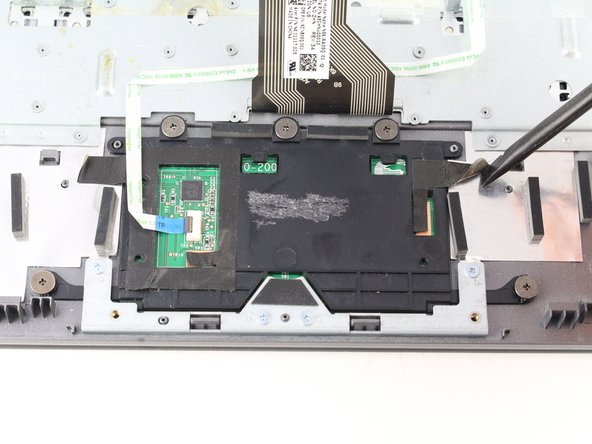


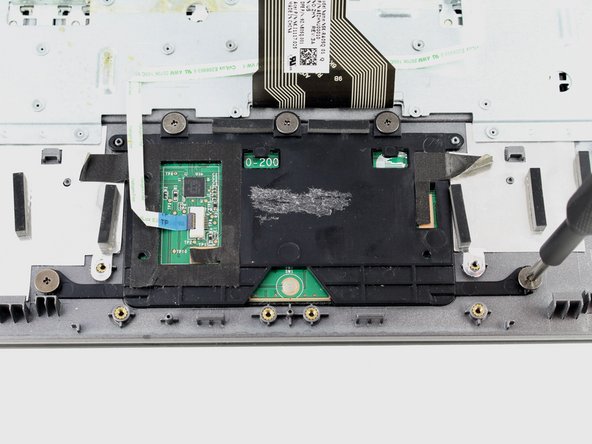
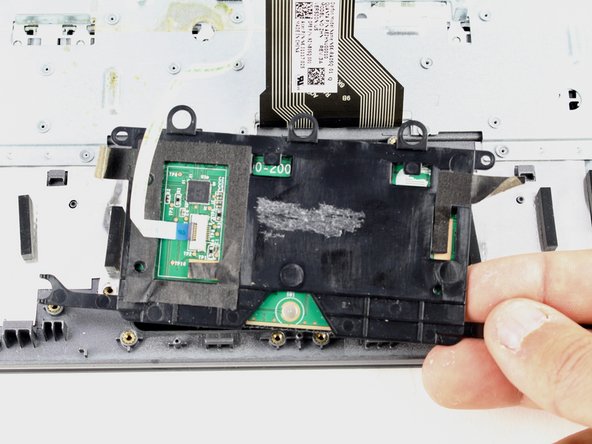


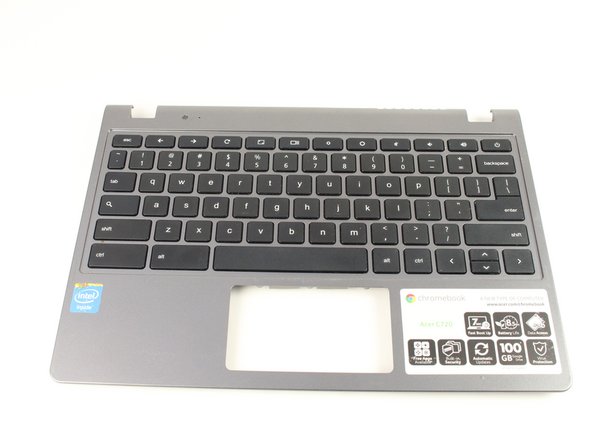


To reassemble your device, follow these instructions in reverse order. Be sure to reassemble onto your new keyboard!

