Free Shipping on Domestic Orders $75+

Acer Aspire One 751h-1948 Network Card Replacement

What you need

    1. Acer Aspire One 751h-1948 Network Card Replacement, Battery: step 1, image 1 of 1
      • Close the laptop and flip it over to view the back of the laptop.

      Ask FixBot

      Add Comment

    2. Acer Aspire One 751h-1948 Network Card Replacement: step 2, image 1 of 3 Acer Aspire One 751h-1948 Network Card Replacement: step 2, image 2 of 3 Acer Aspire One 751h-1948 Network Card Replacement: step 2, image 3 of 3
      • Unlock the right side of the battery by sliding the battery lock to the right. Then slide the left lock to the left and remove the battery.

      Ask FixBot

      Add Comment

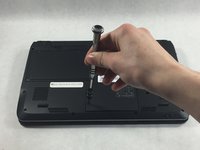
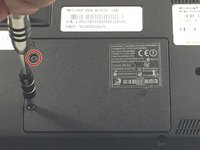
    1. Acer Aspire One 751h-1948 Network Card Replacement, Network Card: step 3, image 1 of 2 Acer Aspire One 751h-1948 Network Card Replacement, Network Card: step 3, image 2 of 2
      • Unscrew the two Phillips #0 (M2-L2.5 mm) holding down the network card panel.

      • These screws don't come all the way out.

      Ask FixBot

      Add Comment

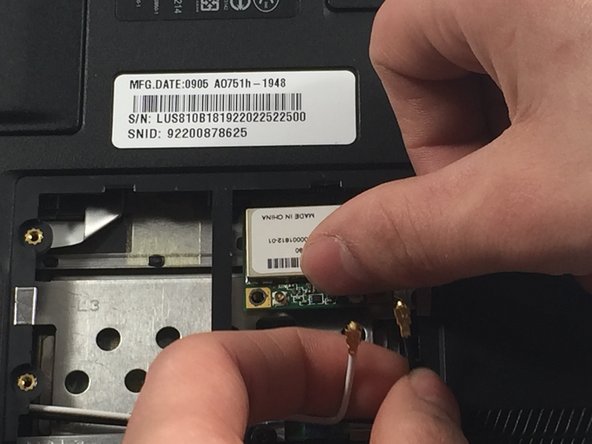
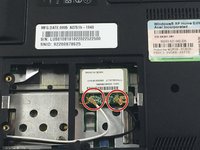
    2. Acer Aspire One 751h-1948 Network Card Replacement: step 4, image 1 of 3 Acer Aspire One 751h-1948 Network Card Replacement: step 4, image 2 of 3 Acer Aspire One 751h-1948 Network Card Replacement: step 4, image 3 of 3
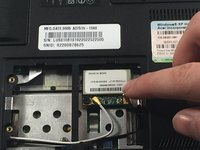
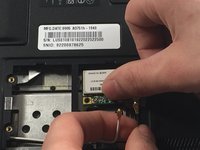
      • Unplug the two connecting cables by lifting them up. They should unclip easily.

      Ask FixBot

      Add Comment

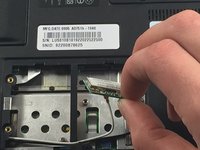
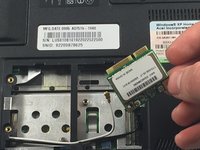
    3. Acer Aspire One 751h-1948 Network Card Replacement: step 5, image 1 of 3 Acer Aspire One 751h-1948 Network Card Replacement: step 5, image 2 of 3 Acer Aspire One 751h-1948 Network Card Replacement: step 5, image 3 of 3
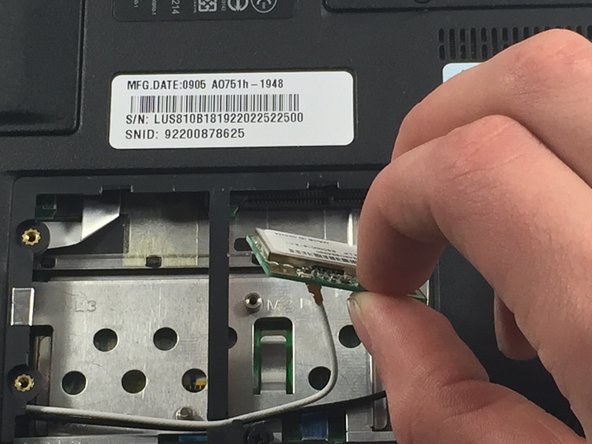
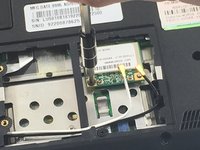
      • Remove the screw Phillips #0 (M2-L3 mm) holding down the network card. Pull out the card.

      Ask FixBot

      Add Comment

Conclusion

To reassemble your device, follow these instructions in reverse order.

Cancel: I did not complete this guide.

0 Guide Comments

Add Comment

View Statistics:

Past 24 Hours: 0

Past 7 Days: 4

Past 30 Days: 19

All Time: 415