Free Shipping on Domestic Orders $75+

Acer Aspire E1-510P-4637 RAM Replacement

What you need

    1. Acer Aspire E1-510P-4637 RAM Replacement, Battery: step 1, image 1 of 1
      • To release the battery, depress the battery release with a nylon spudger. Hold the latch down and slide it over.

      Ask FixBot

      Add Comment

    2. Acer Aspire E1-510P-4637 RAM Replacement: step 2, image 1 of 1
      • Firmly grab hold of the battery and slide it out of the laptop.

      Ask FixBot

      Add Comment

    1. Acer Aspire E1-510P-4637 RAM Replacement, RAM: step 3, image 1 of 1
      • Remove the M2.5x8 screw with a PH1 screwdriver.

      Ask FixBot

      Add Comment

    2. Acer Aspire E1-510P-4637 RAM Replacement: step 4, image 1 of 1
      • Use the plastic opening tool to pop up off the back cover.

      Ask FixBot

      Add Comment

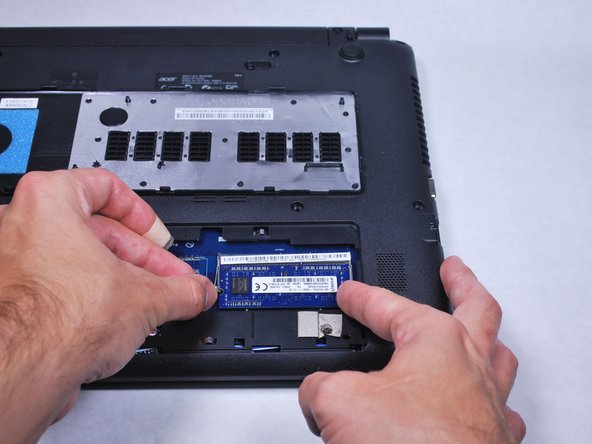
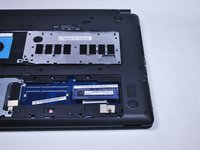
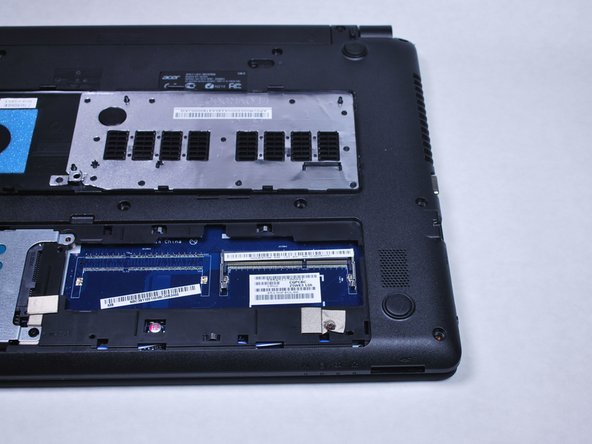
    3. Acer Aspire E1-510P-4637 RAM Replacement: step 5, image 1 of 3 Acer Aspire E1-510P-4637 RAM Replacement: step 5, image 2 of 3 Acer Aspire E1-510P-4637 RAM Replacement: step 5, image 3 of 3
      • Use your fingers to pinch the retaining latch. This will free the RAM.

      Ask FixBot

      Add Comment

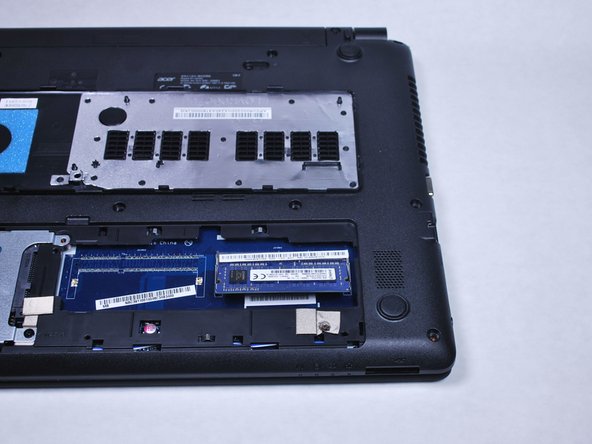
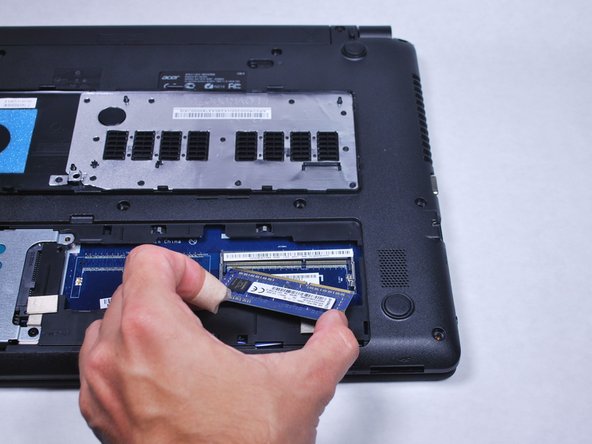
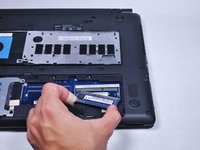
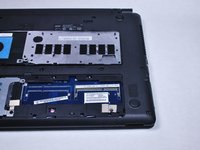
    4. Acer Aspire E1-510P-4637 RAM Replacement: step 6, image 1 of 3 Acer Aspire E1-510P-4637 RAM Replacement: step 6, image 2 of 3 Acer Aspire E1-510P-4637 RAM Replacement: step 6, image 3 of 3
      • Rotate the RAM sticks up and slide the RAM out.

      Ask FixBot

      Add Comment

Conclusion

To reassemble your device, follow these instructions in reverse order.

Cancel: I did not complete this guide.

One other person completed this guide.

Caleb lindsay

Member since: 04/11/16

814 Reputation

6 Guides authored

Team

Cal Poly, Team 34-15, Maness Spring 2016 Member of Cal Poly, Team 34-15, Maness Spring 2016

CPSU-MANESS-S16S34G15

4 Members

72 Guides authored

0 Guide Comments

Add Comment

View Statistics:

Past 24 Hours: 0

Past 7 Days: 9

Past 30 Days: 29

All Time: 631