Free Shipping on Domestic Orders $75+

Acer Aspire 7736Z-4809 Wireless Module Replacement

What you need

  1. Acer Aspire 7736Z-4809 Wireless Module Replacement, Acer Aspire 7736Z-4809 Repair Preparation: step 1, image 1 of 1
    • Unplug and power off the laptop.

    • If the battery is still connected to the laptop, remove the battery.

    Ask FixBot
    Add Comment

  2. Acer Aspire 7736Z-4809 Wireless Module Replacement: step 2, image 1 of 1
    • Flip over the laptop so that the back panel of the laptop is facing up.

    Ask FixBot

    Add Comment

  3. Acer Aspire 7736Z-4809 Wireless Module Replacement, Back Panel: step 3, image 1 of 2 Acer Aspire 7736Z-4809 Wireless Module Replacement, Back Panel: step 3, image 2 of 2
    • Use the Phillips #1 screwdriver to remove the eight 6.5 mm Phillips #1 screws.

    • Only the four screws in the center are removable, the four along the edges are held in by rivets but can be loosened.

    Ask FixBot

    Add Comment

  4. Acer Aspire 7736Z-4809 Wireless Module Replacement: step 4, image 1 of 3 Acer Aspire 7736Z-4809 Wireless Module Replacement: step 4, image 2 of 3 Acer Aspire 7736Z-4809 Wireless Module Replacement: step 4, image 3 of 3
    • Remove the back panel of the laptop.

    Ask FixBot
    Add Comment

  5. Acer Aspire 7736Z-4809 Wireless Module Replacement: step 5, image 1 of 1
    • Connect a grounding cord to a metal interface on the laptop.

    • Ground the laptop to prevent static electricity from damaging the electrical components inside the laptop.

    Ask FixBot
    Add Comment

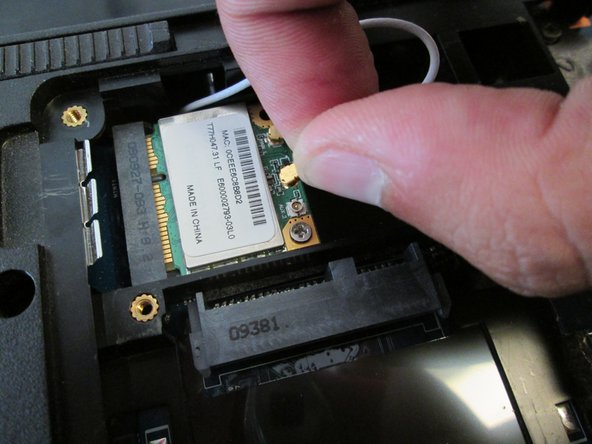
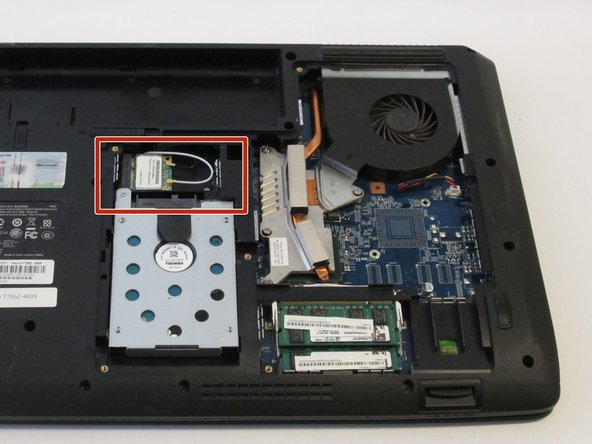
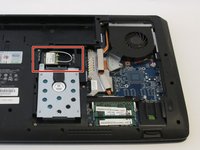
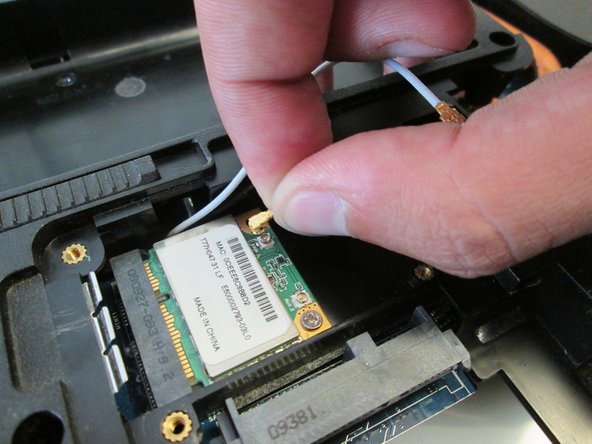
  6. Acer Aspire 7736Z-4809 Wireless Module Replacement, Wireless Module: step 6, image 1 of 3 Acer Aspire 7736Z-4809 Wireless Module Replacement, Wireless Module: step 6, image 2 of 3 Acer Aspire 7736Z-4809 Wireless Module Replacement, Wireless Module: step 6, image 3 of 3
    Tool used on this step:
    Tweezers
    $4.99
    Buy
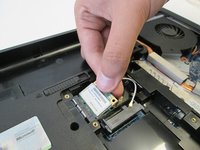
    • Remove the white antenna of the wireless module.

    • Use tweezers if you do not prefer using hands.

    Ask FixBot

    Add Comment

  7. Acer Aspire 7736Z-4809 Wireless Module Replacement: step 7, image 1 of 2 Acer Aspire 7736Z-4809 Wireless Module Replacement: step 7, image 2 of 2
    • Remove the black antenna of the wireless module.

    • Use tweezers if you do not prefer using hands.

    Ask FixBot

    Add Comment

  8. Acer Aspire 7736Z-4809 Wireless Module Replacement: step 8, image 1 of 3 Acer Aspire 7736Z-4809 Wireless Module Replacement: step 8, image 2 of 3 Acer Aspire 7736Z-4809 Wireless Module Replacement: step 8, image 3 of 3
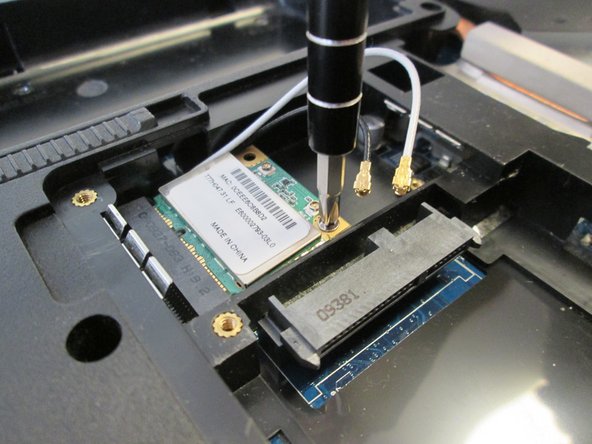
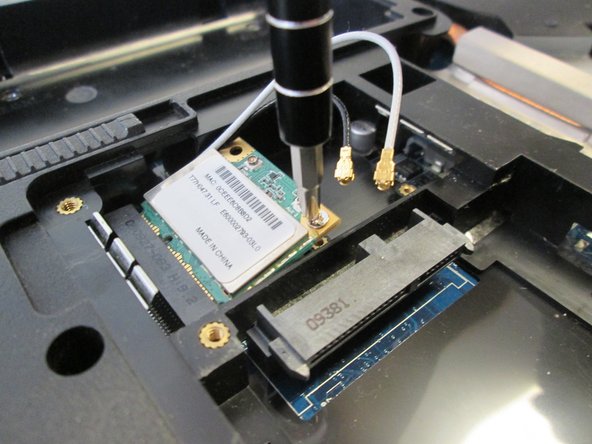
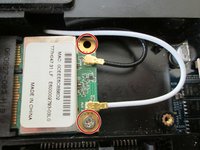
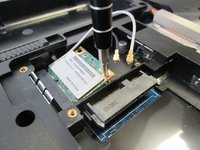
    • Use the Phillips #1 screwdriver to remove the two 4.8mm Phillips #1 screws.

    Ask FixBot

    Add Comment

  9. Acer Aspire 7736Z-4809 Wireless Module Replacement: step 9, image 1 of 2 Acer Aspire 7736Z-4809 Wireless Module Replacement: step 9, image 2 of 2
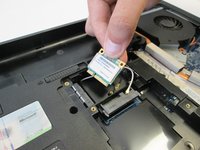
    • Remove the wireless module from the laptop.

    Ask FixBot

    Add Comment

Conclusion

To reassemble your device, follow these instructions in reverse order.

Cancel: I did not complete this guide.

Pnithan Jantarakolica

Member since: 09/22/16

1,153 Reputation

10 Guides authored

Team

UC Davis, Team 2-4, Oliver Fall 2016 Member of UC Davis, Team 2-4, Oliver Fall 2016

UCD-OLIVER-F16S2G4

5 Members

10 Guides authored

0 Guide Comments

Add Comment

View Statistics:

Past 24 Hours: 1

Past 7 Days: 8

Past 30 Days: 22

All Time: 605