Introduction
Before replacing the LCD module, make sure to back up your laptop.
What you need
-
-
-
-
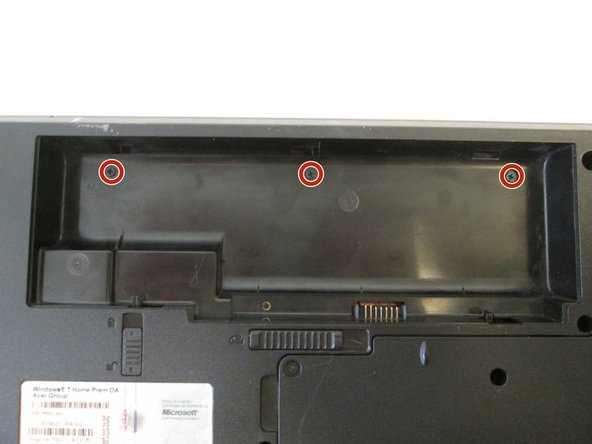
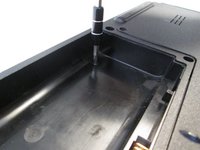
Use the Phillips #1 screwdriver to remove the eight 6.5 mm Phillips #1 screws.
-
-
-
-
Tool used on this step:Tweezers$4.99
-
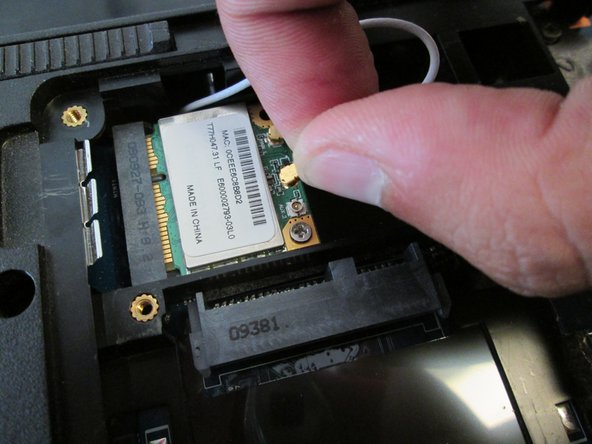
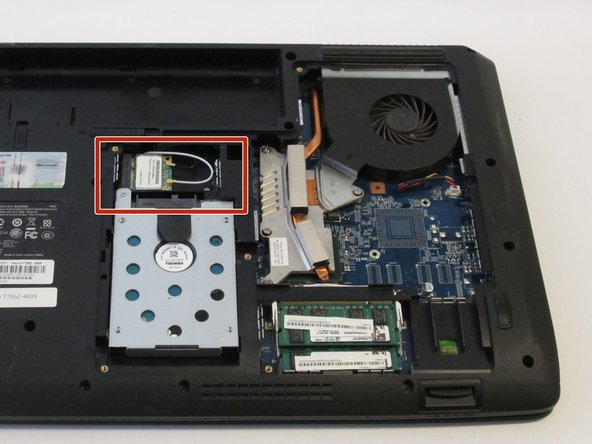
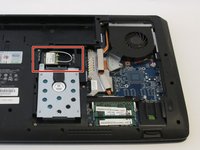
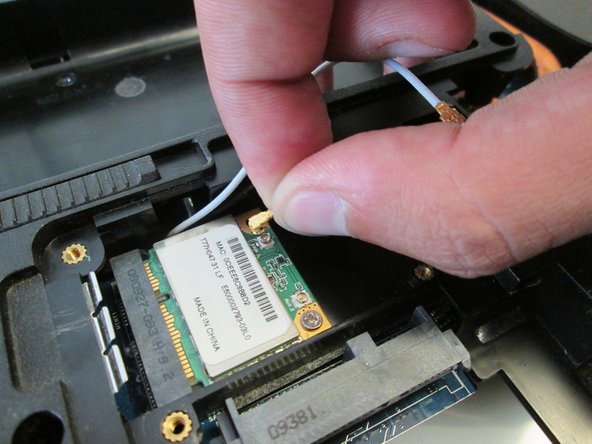
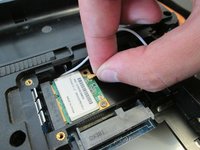
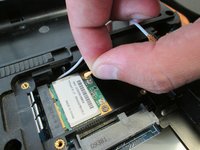
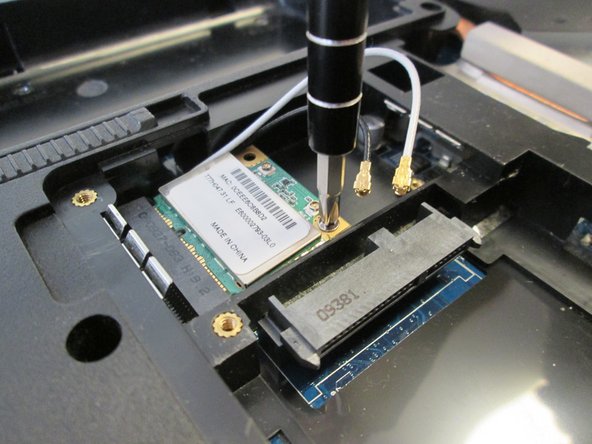
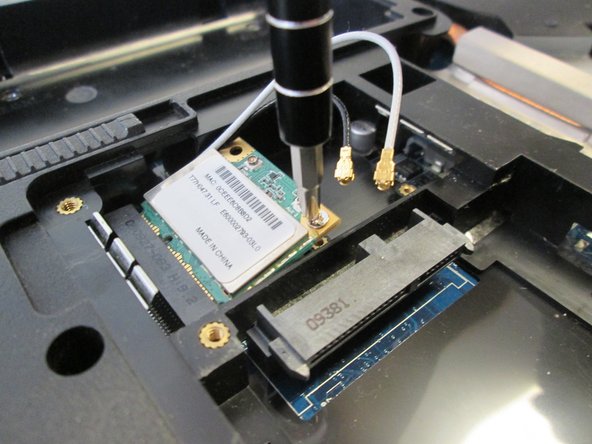
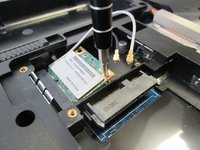
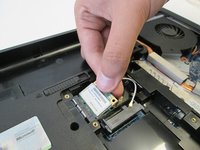
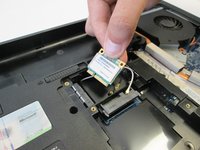
Remove the white antenna of the wireless module.
-
-
-
-
-
-
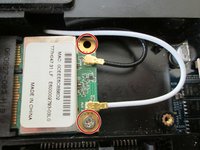
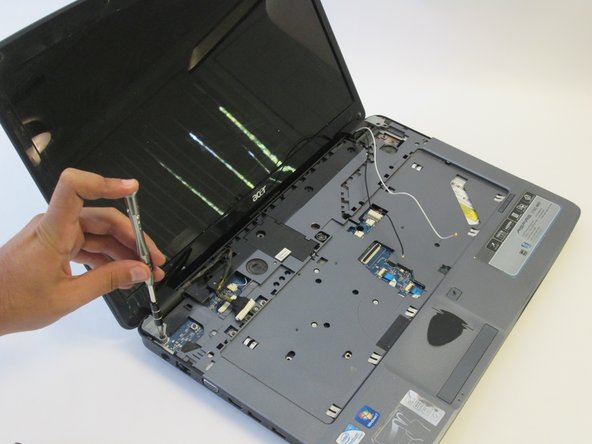
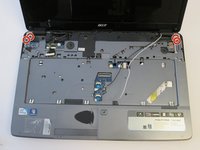
Use the Phillips #1 screwdriver to remove the two 6.5mm Phillips #1 screws.
-
-
-
-
-
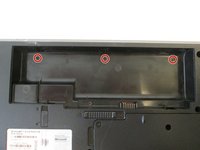
Use the Phillips #1 screwdriver to remove the three 4.5mm Phillips #1 screws.
-
-
-
Orient the laptop so that the hinges between the LCD module and the laptop's bottom base are visible.
-
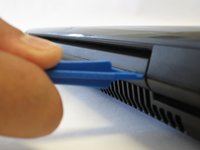
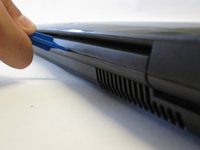
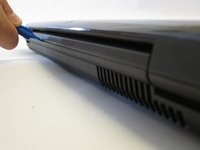
Use the plastic opening tools to separate the speaker panel from the laptop.
-
-
-
Flip over the LCD module of the laptop.
-
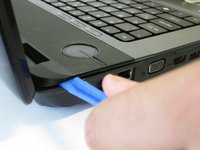
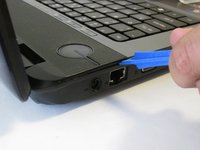
Use the plastic opening tools to separate the speaker panel from the laptop.
-
Repeat this step with the other side of the laptop.
-
-
-
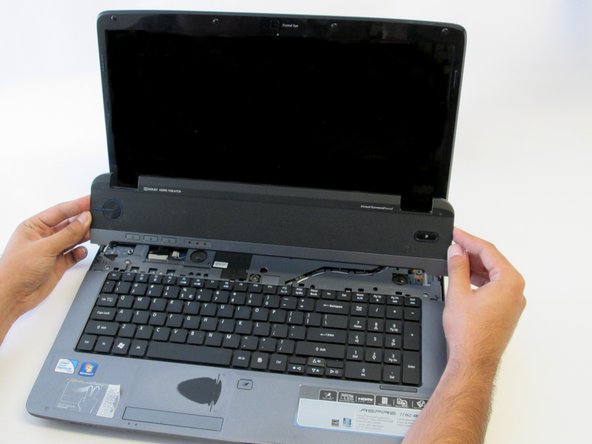
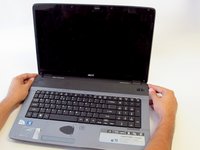
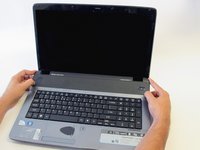
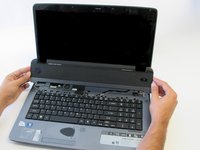
Gently hold the speaker panel by the sides and pull upwards to release the panel.
-
-
-
Use the flat end of the medium sized metal spudger tool to release the two tabs at the top of the keyboard.
-
-
-
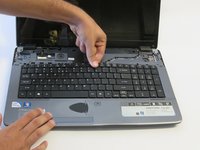
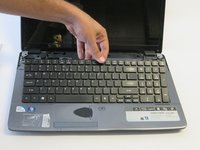
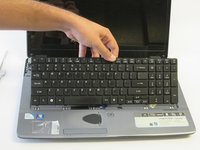
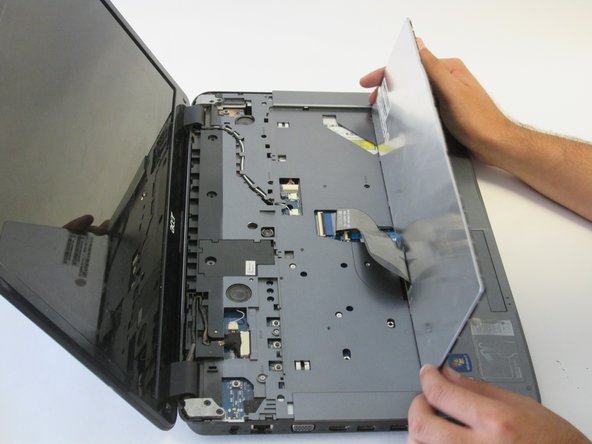
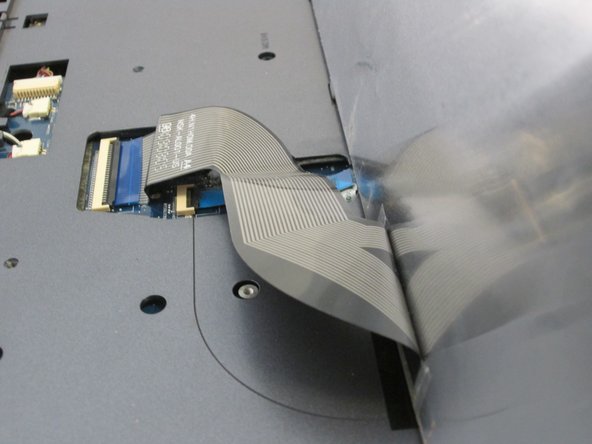
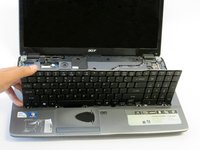
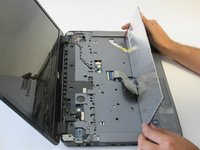
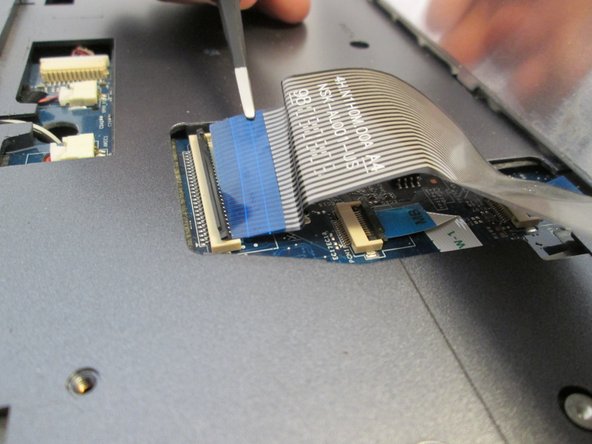
Insert a finger into the opening above the F11 key and pry the keyboard until it is released from the casing.
-
-
-
-
Tool used on this step:Tweezers$4.99
-
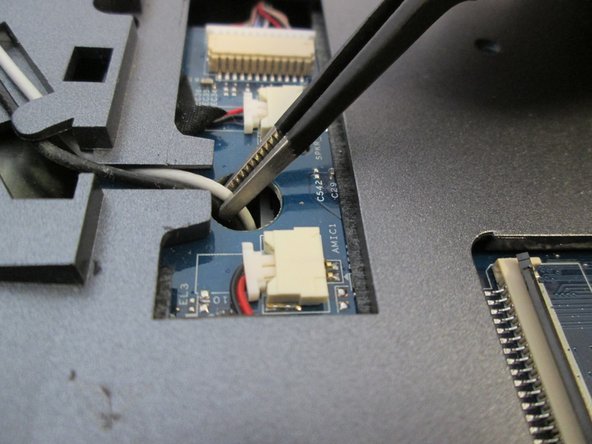
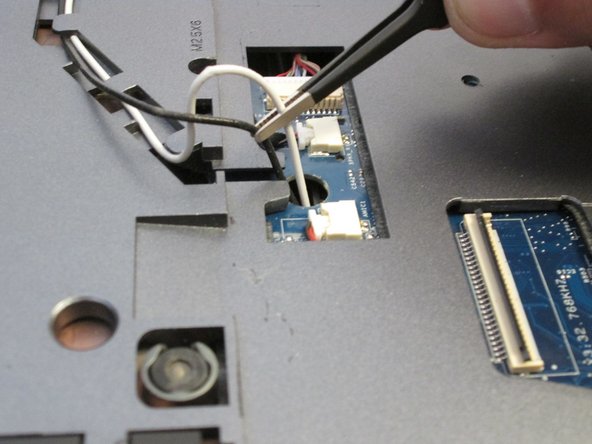
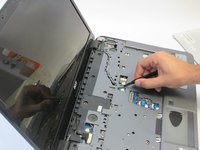
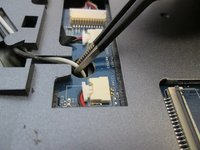
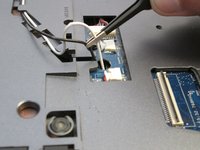
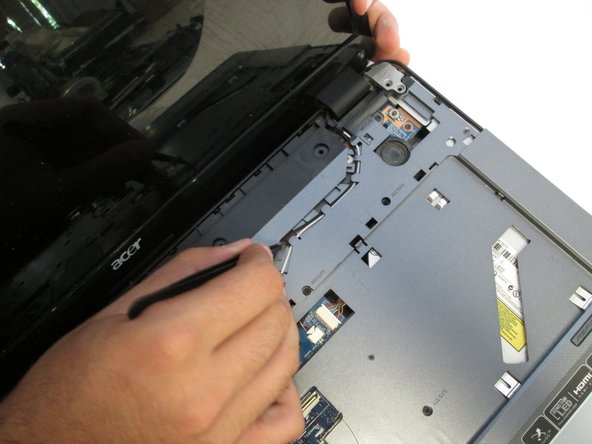
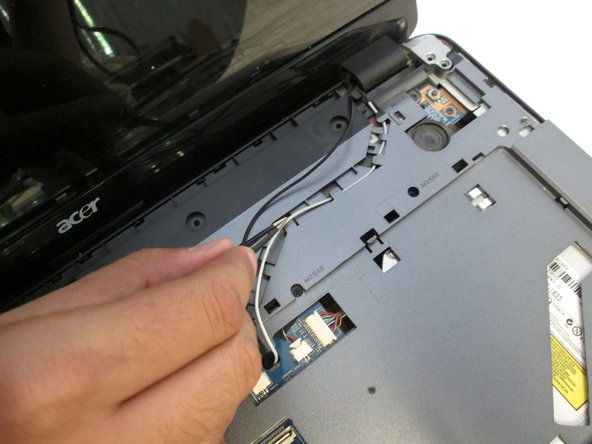
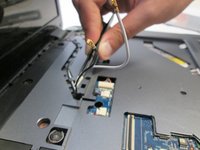
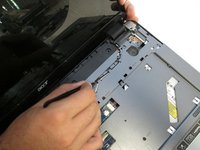
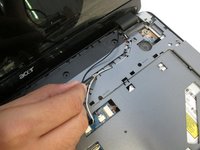
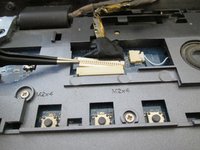
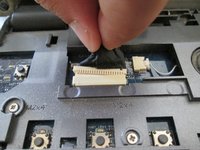
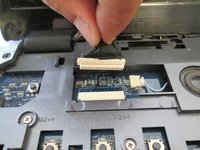
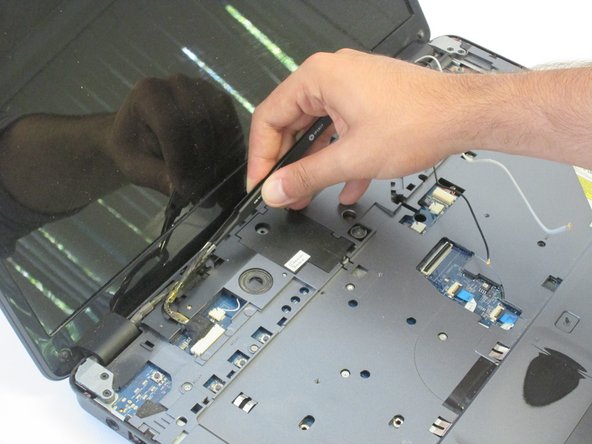
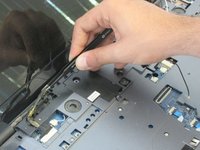
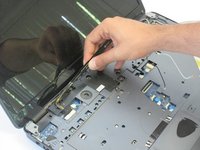
Use tweezers to pull the black and white antennas out of the hole.
-
-

 Ask FixBot



















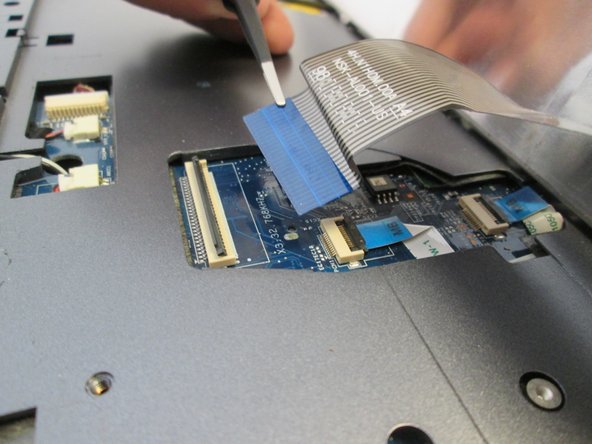




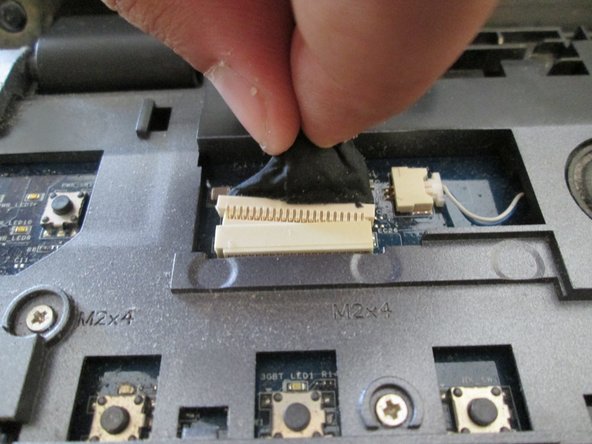
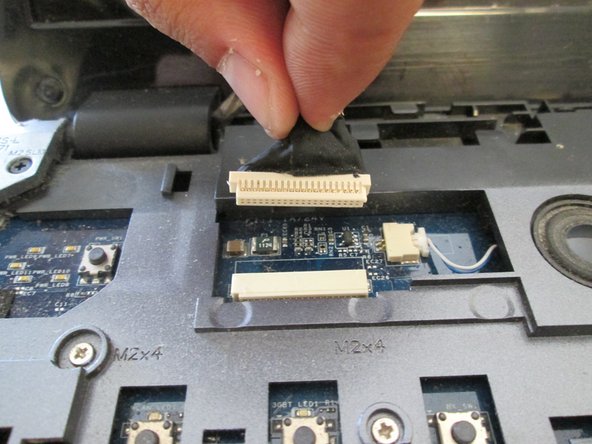


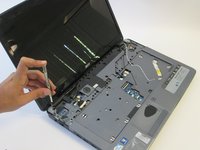

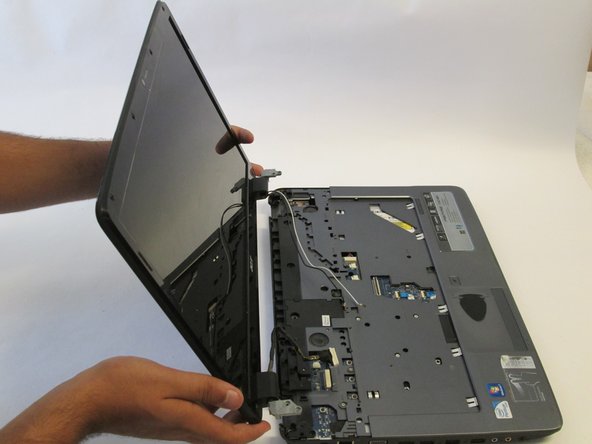
To reassemble your device, follow these instructions in reverse order.
Cancel: I did not complete this guide.
One other person completed this guide.

Team

UC Davis, Team 2-4, Oliver Fall 2016 Member of UC Davis, Team 2-4, Oliver Fall 2016
UCD-OLIVER-F16S2G4
5 Members
120 Guides authored
