Free Shipping on Domestic Orders $75+

Acer Aspire 5517-1127 Keyboard Replacement

What you need

    1. Acer Aspire 5517-1127 Keyboard Replacement, Keyboard: step 1, image 1 of 1
      • Orient the device with the keyboard facing towards you.

      Ask FixBot

      Add Comment

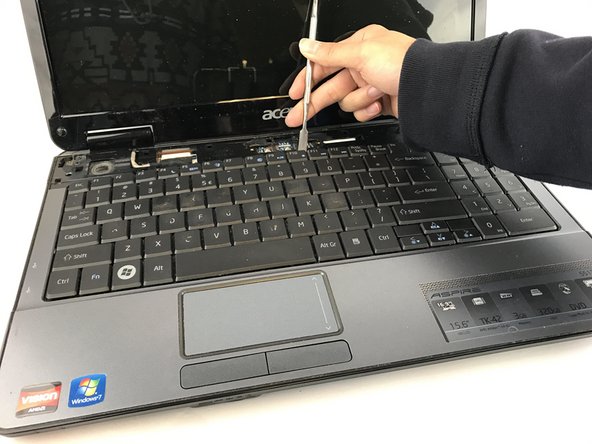
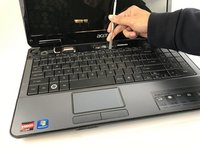
    2. Acer Aspire 5517-1127 Keyboard Replacement: step 2, image 1 of 2 Acer Aspire 5517-1127 Keyboard Replacement: step 2, image 2 of 2
      • Using a metal spudger, pry open the top panel of the device as shown.

      Ask FixBot

      Add Comment

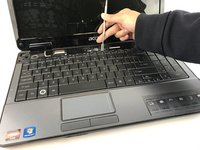
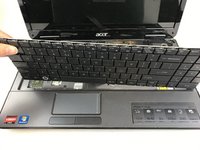
    3. Acer Aspire 5517-1127 Keyboard Replacement: step 3, image 1 of 3 Acer Aspire 5517-1127 Keyboard Replacement: step 3, image 2 of 3 Acer Aspire 5517-1127 Keyboard Replacement: step 3, image 3 of 3
      • With the top panel remove, use the spudger to lift the keyboard out of the device as shown.

      Ask FixBot

      Add Comment

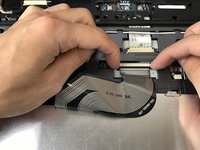
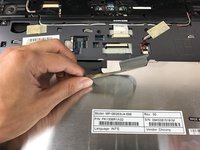
    4. Acer Aspire 5517-1127 Keyboard Replacement: step 4, image 1 of 3 Acer Aspire 5517-1127 Keyboard Replacement: step 4, image 2 of 3 Acer Aspire 5517-1127 Keyboard Replacement: step 4, image 3 of 3
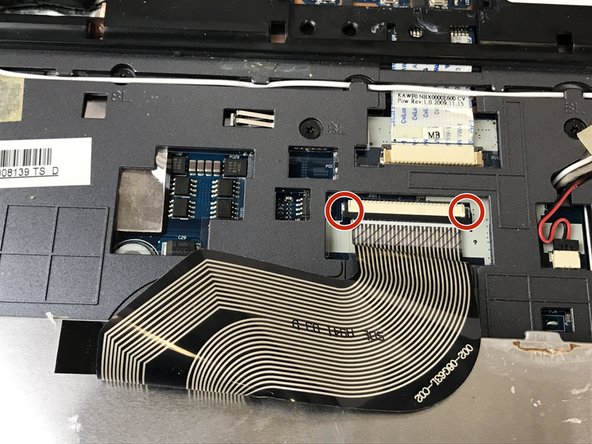
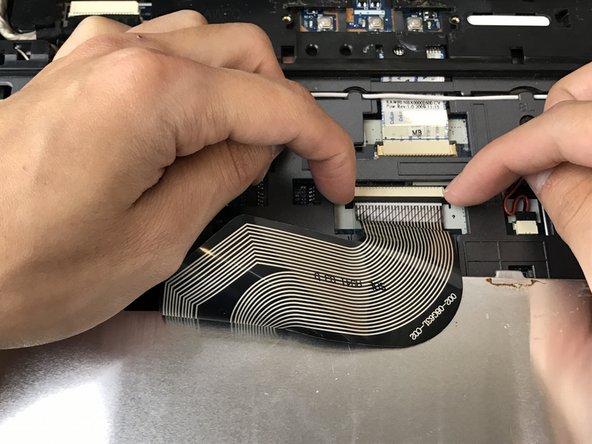
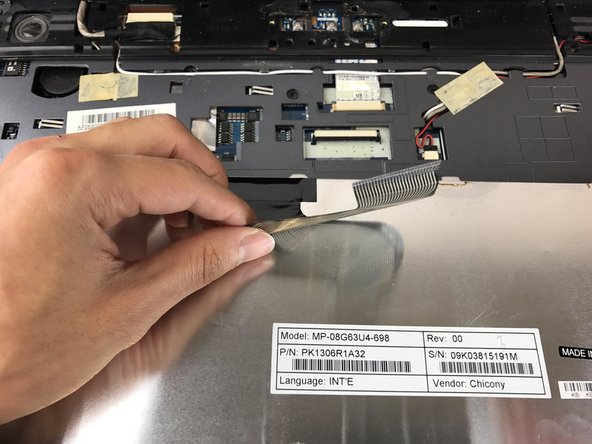
      • The keyboard ribbon is shown after removing the keyboard. There are two tabs holding the ribbon in place as shown.

      • Using your fingers, pull the tabs towards you to release the ribbon from its casing.

      Ask FixBot

      Add Comment

Conclusion

To reassemble your device, follow these instructions in reverse order.

Cancel: I did not complete this guide.

Christopher Newkirk

Member since: 02/02/17

509 Reputation

4 Guides authored

Team

USF Tampa, Team 17-1, Blackwell Spring 2017 Member of USF Tampa, Team 17-1, Blackwell Spring 2017

USFT-BLACKWELL-S17S17G1

4 Members

60 Guides authored

0 Guide Comments

Add Comment

View Statistics:

Past 24 Hours: 2

Past 7 Days: 5

Past 30 Days: 29

All Time: 1,178