Introduction
This guide will show you how to remove a hard disk drive and install a new one for a Acer Aspire 5100 laptop.
What you need
-
-
-
Place laptop upside down.
-
To get to the hard drive, remove the two screws located on the panel to the right of the battery.
-
Although the battery is missing in this photo, it is not necessary to remove.
 Ask FixBot
-
-
-
-
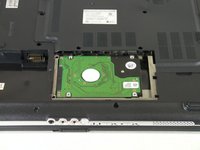
Hard disk drive should now be visible.
-
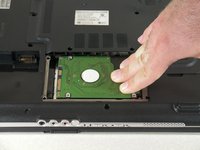
Slide the hard disk drive to the right to disconnect it from the laptop.
-
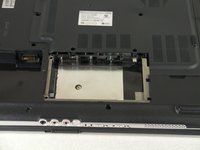
Lift up and remove the hard disk drive.
-
Slide in the new hard disk drive.
-
-


To reassemble your device, follow these instructions in reverse order.
Cancel: I did not complete this guide.
6 other people completed this guide.

Team

Cal Poly, Team 14-39, Forte Fall 2010 Member of Cal Poly, Team 14-39, Forte Fall 2010
CPSU-FORTE-F10S14G39
5 Members
96 Guides authored
