Introduction
If your Acer Aspire 3 A315-24PT-R288 is overheating or making loud noises, use this guide to replace the laptop's fan.
A laptop fan cools down the internal pieces of the laptop to prevent overheating. Without a working fan, overheating can cause damage to a computer's hardware, degrade the battery, or affect the performance of a laptop.
Before replacing your laptop fan, check for dirt or debris. Dust can build up on your laptop fan and block the airflow.
What you need
-
-
-
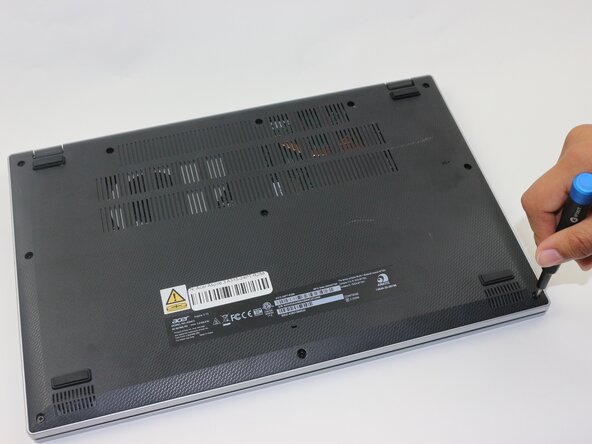
Use a Phillips screwdriver to remove the eleven 2 mm screws that secure the lower case.
 Ask FixBot
-
-
-
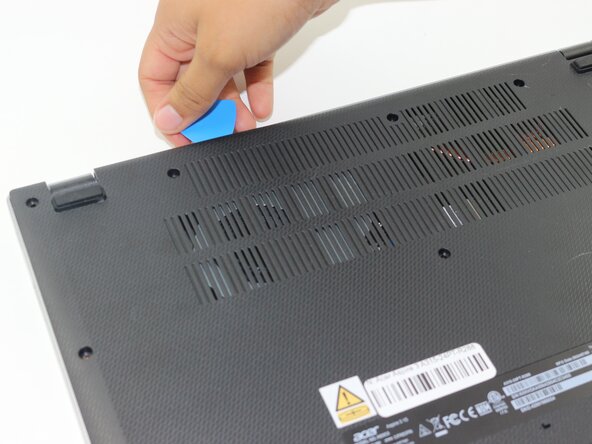
Insert an opening pick in the seam between the chassis and the lower case.
-
Slide the opening pick around the entire perimeter, prying every couple of centimeters, to release all of the retaining clips that secure the lower case.
-
Remove the lower case.
-
-
-
-
-
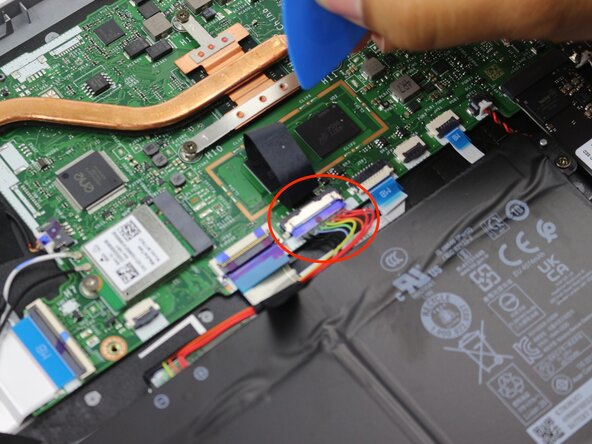
Remove the tape on the battery connector using tweezers or your fingers.
-
-
-
-
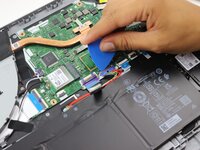
Use an opening pick or the flat end of a spudger to gently push the battery connector out of its motherboard socket.
-
-
-
-
-
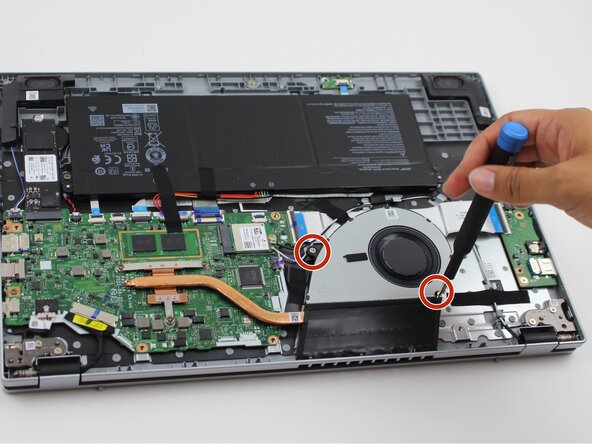
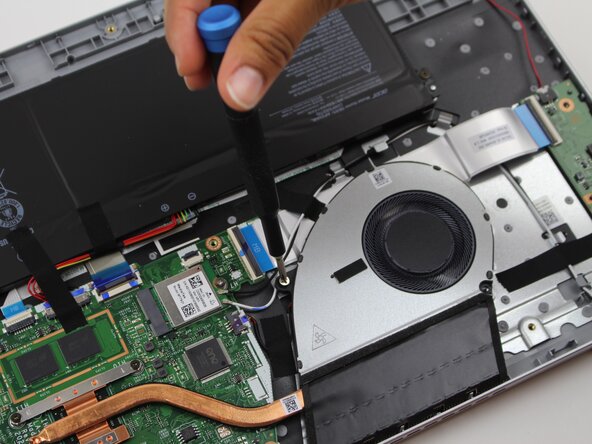
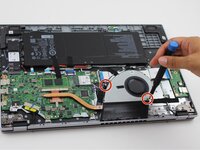
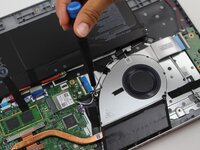
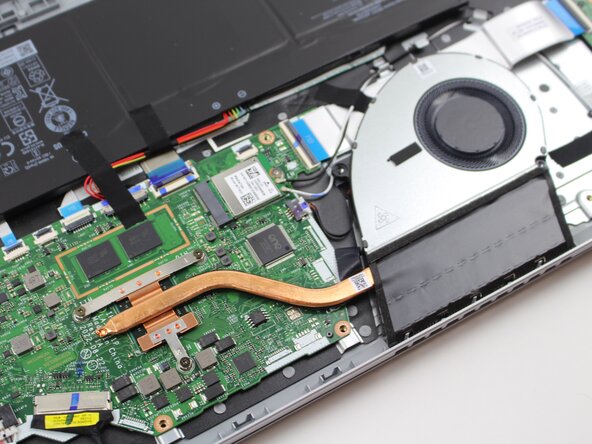
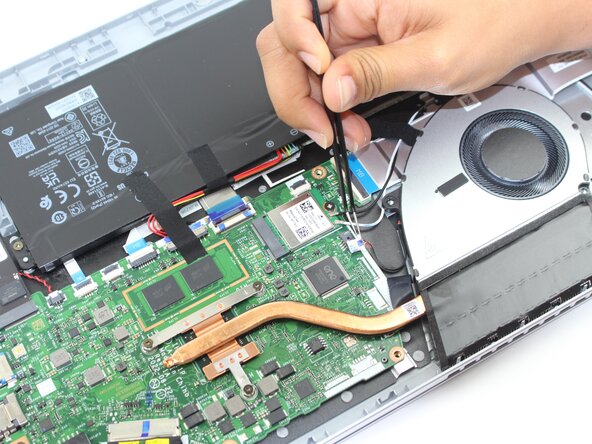
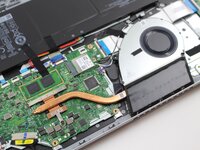
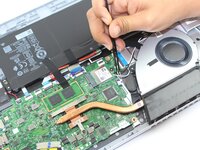
Remove the black tape that secures the fan cable.
-
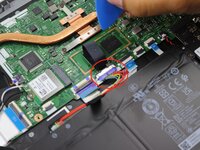
Use tweezers remove the white fan connector from its socket.
-









To reassemble your device, follow the above steps in reverse order.
Take your e-waste to an R2 or e-Stewards certified recycler.
Repair didn’t go as planned? Try some basic troubleshooting or ask our Answers community for help.
Cancel: I did not complete this guide.
One other person completed this guide.

Team

Sam Houston State, Team 17-5, Thornton Spring 2025 Member of Sam Houston State, Team 17-5, Thornton Spring 2025
SHSU-THORNTON-S25S17G5
3 Members
55 Guides authored
