Introduction
One of the greatest features of the Abask A8 Dash Cam is its audio recording feature, which captures surrounding sounds alongside the crisp visual footage. The speaker plays a key role in converting electromagnetic waves into sound waves, allowing the user to hear clean audio from their recordings.
If the auditory feedback from your dash cam is distorted, muffled, or silent while sound plays correctly from the Abask mobile application, it may be time to replace the speaker.
Before you continue, please unplug the Abask A8 from its power source and hold the power button down for 10 seconds to avoid dispelling leftover energy. You may also wear an Anti-Static Wrist Strap to prevent electrostatic discharge.
While using this guide, please take caution when removing each component. There are thin ribbon cables and multi-colored wires throughout the camera that are fragile and should be handled with care. To identify the ribbon cable, look for a thin silver ribbon that looks like duct-tape.
This guide requires soldering. If you're unfamiliar with soldering, review the How to Solder and Desolder Connections guide and take appropriate precautions before beginning.
What you need
-
-
Use a Phillips #00 screwdriver to remove the four 1.6 mm screws on the front plate.
-
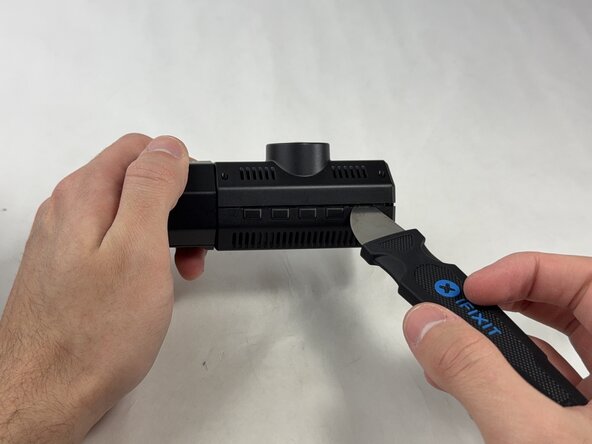
Gently insert a pry between the front panel and the main body, working around the edges to pop it off.
-
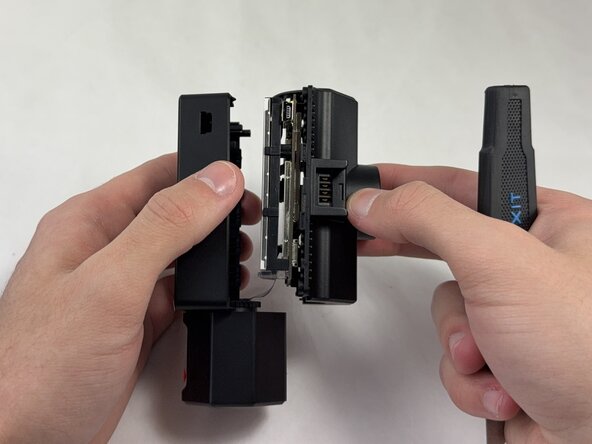
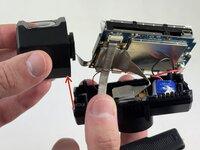
Pull the main body from the shell.
 Ask FixBot
-
-
-
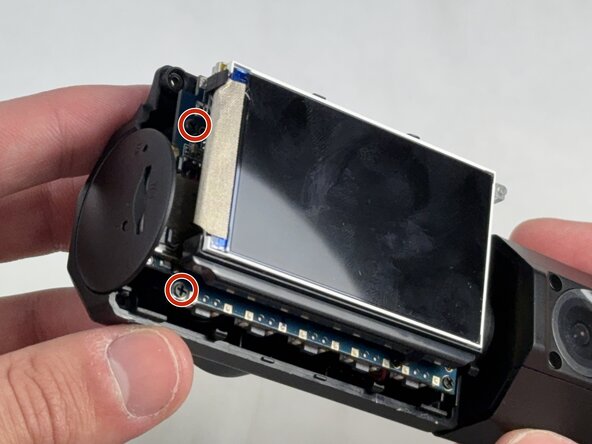
Use a Phillips #00 screwdriver to remove the four 1.6 mm screws that secure the screen.
-
-
-
Remove the internal facing camera with care not to strain the connected ribbon cable.
-
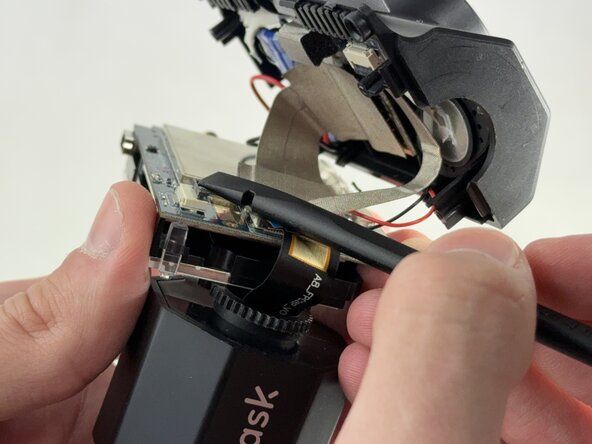
Lift up the black ZIF locking flap and disconnect the ribbon cable.
-
-
-
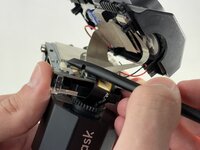
Lift the camera connector ZIF locking flap.
-
Gently remove the ribbon cable from the connector and fully remove the camera.
-
-
-
-
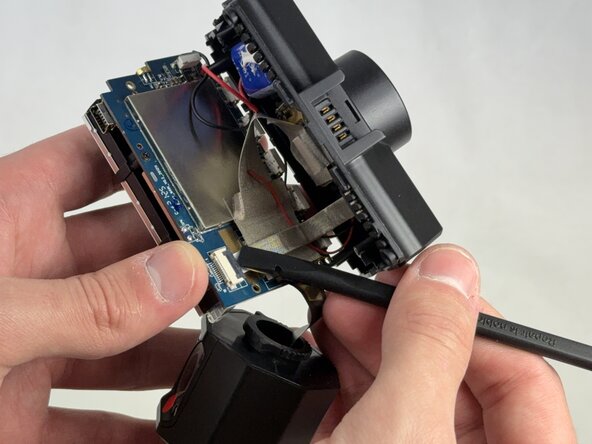
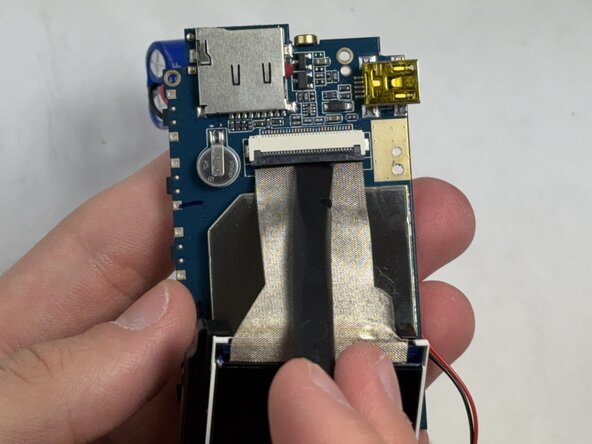
Lift the ZIF locking flap that is securing the ribbon cable connecting the motherboard to the shell.
-
-
-
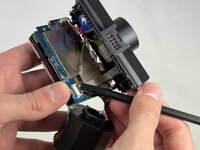
Gently lift the ribbon cable locking flap and disconnect the ribbon cable from the motherboard.
-
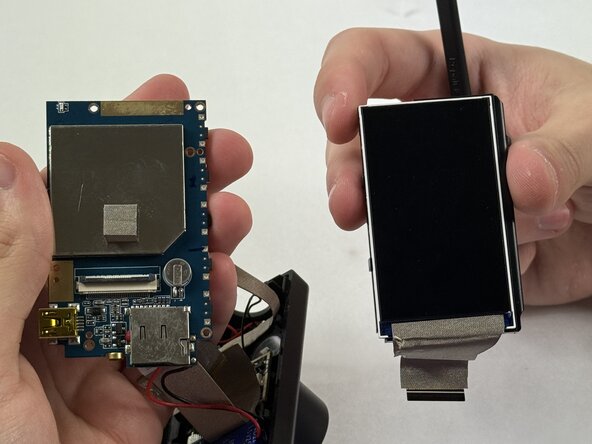
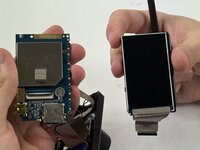
Carefully separate the motherboard from the screen.
-
-
-
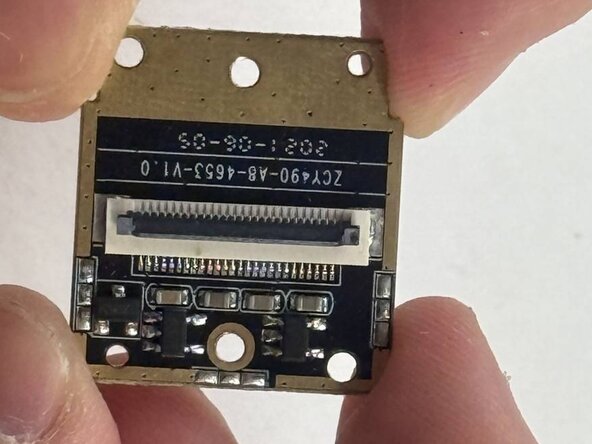
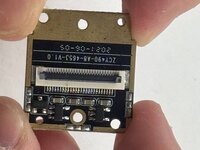
Gently release the silver locking flap that is holding the ribbon cable connecting the photodiode to the motherboard.
-
Carefully pull the flat ribbon cable out of the connector.
-
-
-
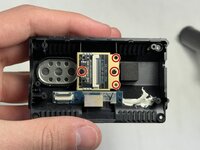
Use a Phillips #00 screwdriver to remove the four 1.6 mm screws that secure the photodiode.
-
Carefully lift the old photodiode out of its base.
-
-
-
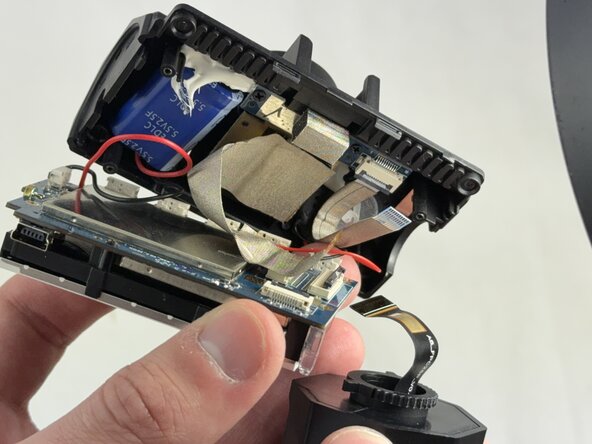
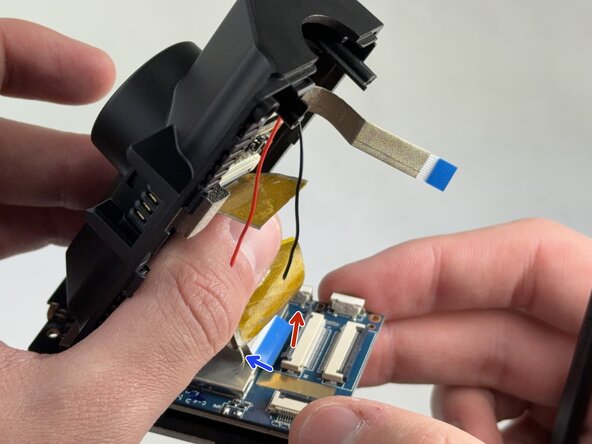
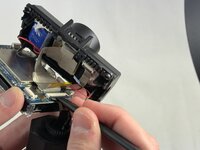
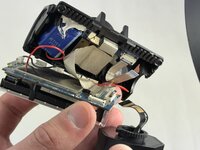
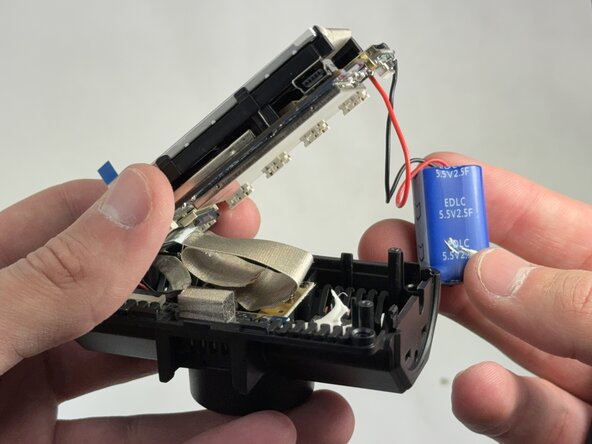
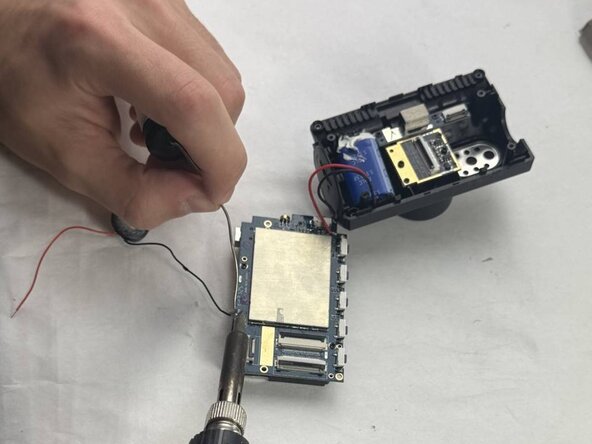
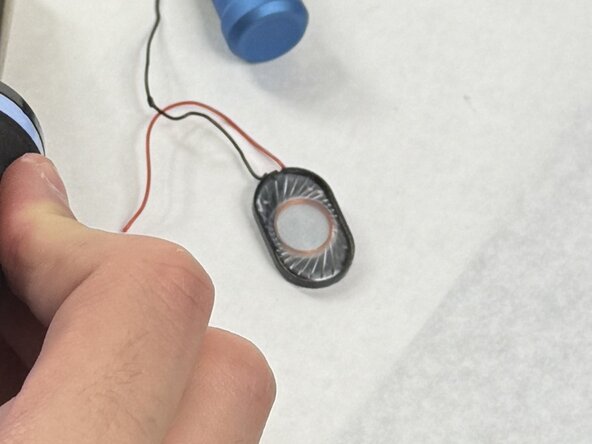
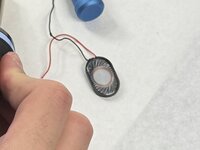
Using a soldering iron, desolder the speaker connections from the motherboard.
-













To reassemble your device, follow the above steps in reverse order.
Take your e-waste to an R2 or e-Stewards certified recycler.
Repair didn’t go as planned? Try some basic troubleshooting or ask our Answers community for help.

Team

UMass Dartmouth, Team 4-4, Konn Spring 2025 Member of UMass Dartmouth, Team 4-4, Konn Spring 2025
UMASSD-KONN-S25S4G4
4 Members
4 Guides authored
