
Abask A8 Motherboard Replacement

Lindsey Fennell and one other contributor
Last updated on Jun 30, 2025
Views: 384
View statistics:
- Past 24 Hours:
- 2
- Past 7 Days:
- 12
- Past 30 Days:
- 59
- All Time:
- 384
Comments: 0
No one has left comments on this guide. Will you be first?
Go to guide commentsCompleted: 0 1
No one has marked this guide "completed." Will you be the first?
1 person has marked this guide "completed." It's you — great job!
Favorites: 0 1
No one has favorited (and subscribed to) this guide. Will you be the first?
1 person has favorited (and subscribed to) this guide — and that's you!
Introduction
Go to step 1 ↓If your Abask A8 Dash Cam is not functioning properly and all other possible causes have been ruled out, it may be time to replace the motherboard. The motherboard connects the most important internal components of the dash cam and allows them to communicate with each other.
If a motherboard needs replacing, your dash cam will likely not work at all, failing to power on altogether. Follow this step-by-step guide to replace the motherboard and get the Abask A8 working like new.
Before you continue, please unplug the camera from its power source and hold the power button down for 10 seconds to avoid dispelling leftover energy. You may also wear an Anti-Static Wrist Strap to prevent electrostatic discharge.
What you need
Tools
-
-
Spudger4.9
-
-


-
-
-
Use a Phillips #00 screwdriver to remove the four 1.6 mm screws on the front plate.
-
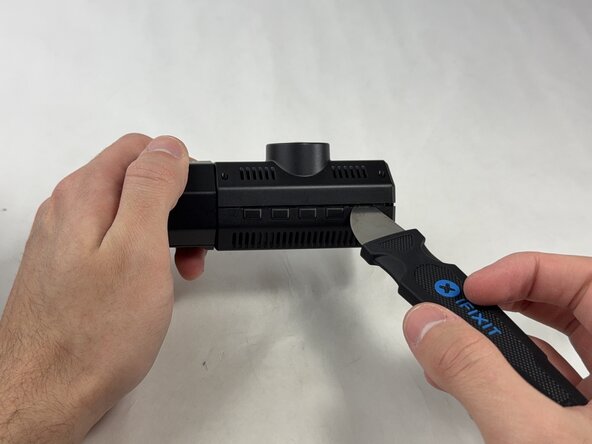
Gently insert a pry between the front panel and the main body, working around the edges to pop it off.
-
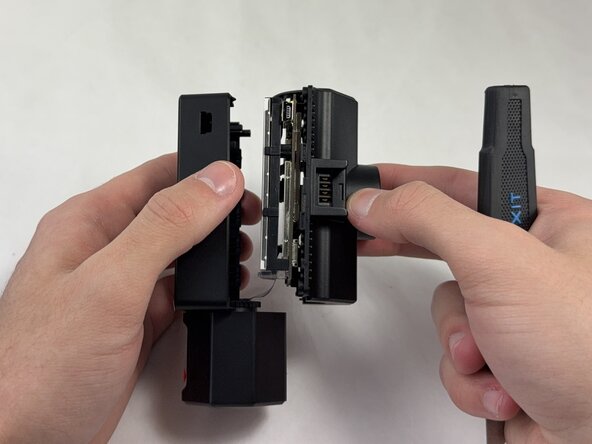
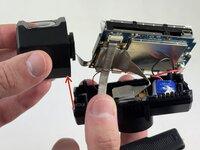
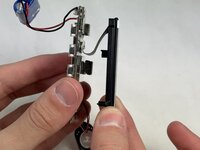
Pull the main body from the shell.
 Ask FixBot
-
-
-
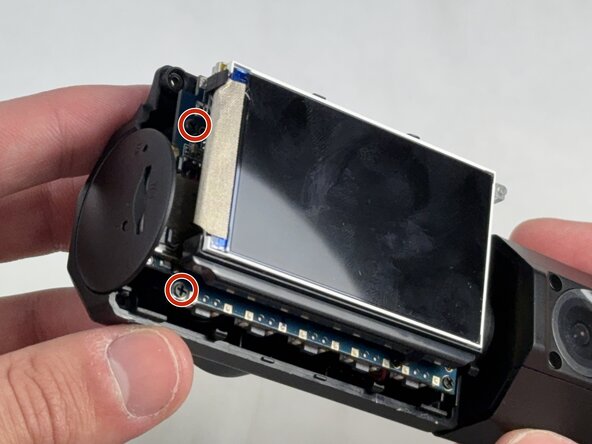
Use a Phillips #00 screwdriver to remove the four 1.6 mm screws that secure the screen.
-
-
-
Remove the internal facing camera with care not to strain the connected ribbon cable.
-
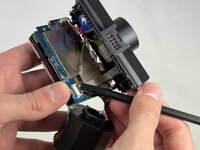
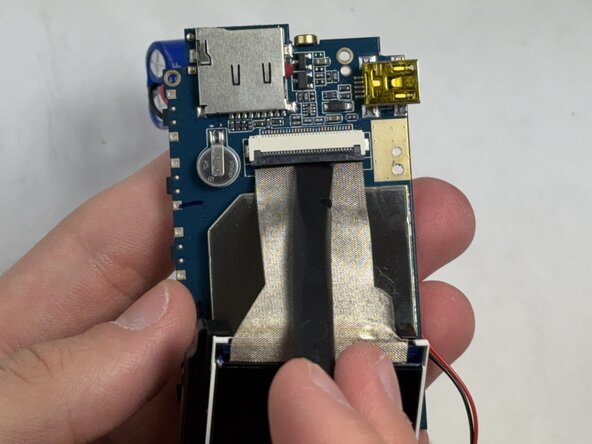
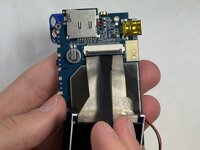
Lift up the black ZIF locking flap and disconnect the ribbon cable.
-
-
-
-
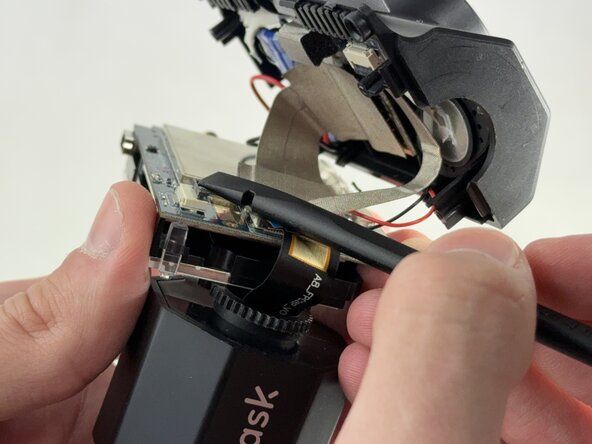
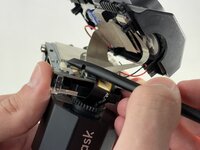
Lift the camera connector ZIF locking flap.
-
Gently remove the ribbon cable from the connector and fully remove the camera.
-
-
-
-
-
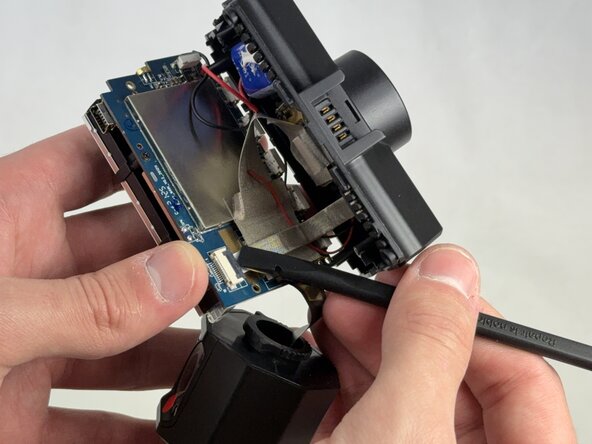
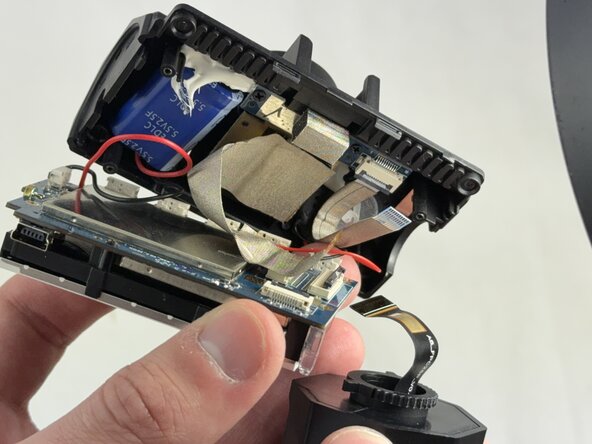
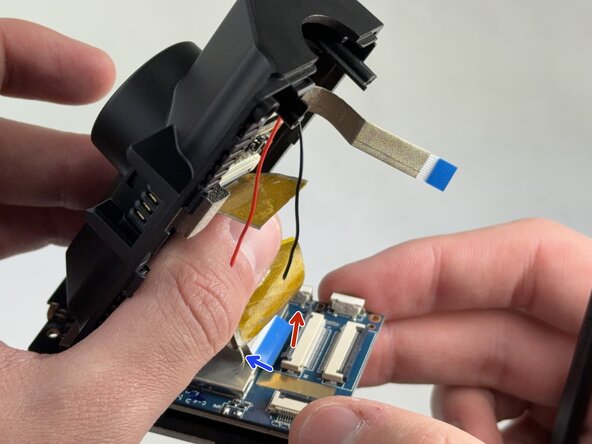
Lift the ZIF locking flap that is securing the ribbon cable connecting the motherboard to the shell.
-
-
-
Gently lift the ribbon cable locking flap and disconnect the ribbon cable from the motherboard.
-
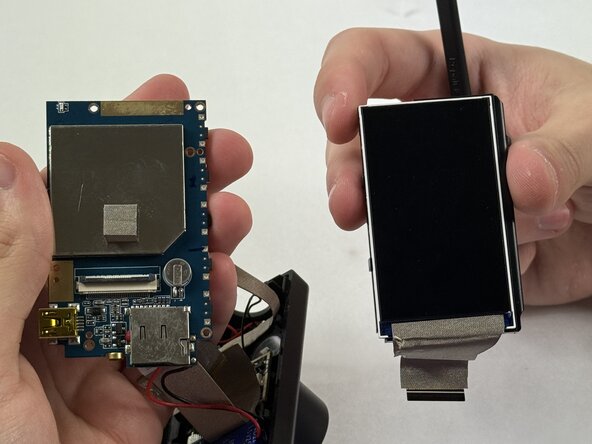
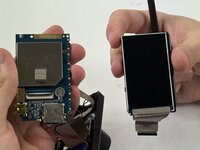
Carefully separate the motherboard from the screen.
-
-






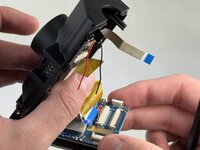

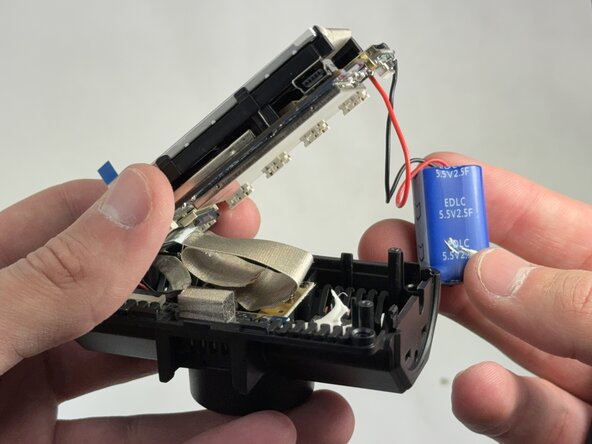
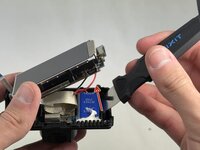
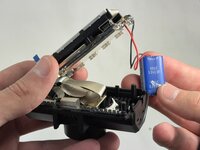



To reassemble your device, follow the above steps in reverse order.
Take your e-waste to an R2 or e-Stewards certified recycler.
Repair didn’t go as planned? Try some basic troubleshooting or ask our Answers community for help.

Team

UMass Dartmouth, Team 4-4, Konn Spring 2025 Member of UMass Dartmouth, Team 4-4, Konn Spring 2025
UMASSD-KONN-S25S4G4
4 Members
48 Guides authored
