
ATT EL52300 Motherboard Replacement

Nam Mai and 3 other contributors
Last updated on Mar 7, 2024
Views: 1.2K
View statistics:
- Past 24 Hours:
- 4
- Past 7 Days:
- 22
- Past 30 Days:
- 81
- All Time:
- 1,191
Comments: 0
No one has left comments on this guide. Will you be first?
Go to guide commentsCompleted: 1 2
1 person has marked this guide "completed." Will you be next?
2 people have marked this guide "completed." Including you — great job!
Favorites: 0 1
No one has favorited (and subscribed to) this guide. Will you be the first?
1 person has favorited (and subscribed to) this guide — and that's you!
Introduction
Go to step 1 ↓If your handset is encountering difficulties, replacing the motherboard may resolve it. Use the anti-static wrist strap as a precautionary measure to prevent damage to the motherboard.
What you need
Tools


-
-
-
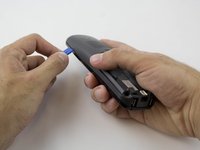
Find the bump where the battery cover meets the phone. Put your thumb here, and push and slide the cover down.
 Ask FixBot
-
-
-
Unplug the battery by squeezing your hands on the small white plug and lifting it up.
-
The battery is now detached and ready to be removed by lifting it out.
-
-
-
-
-
Tool used on this step:Anti-Static Wrist Strap$7.95
-
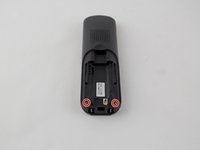
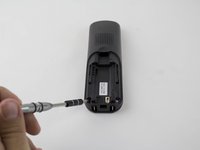
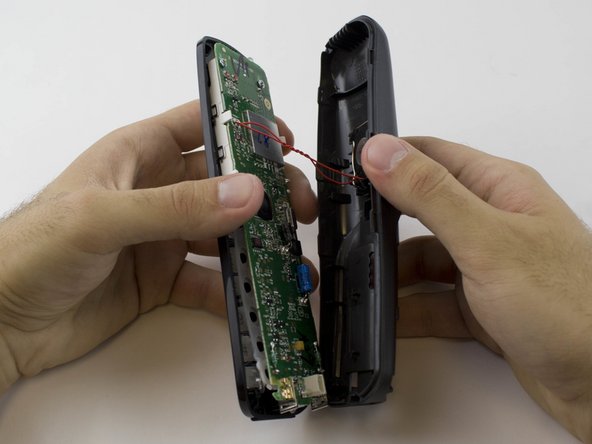
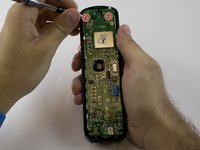
Remove the two 3.65 mm screws on the motherboard with a PH1 screwdriver.
-



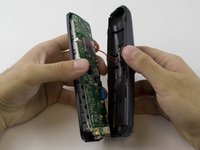

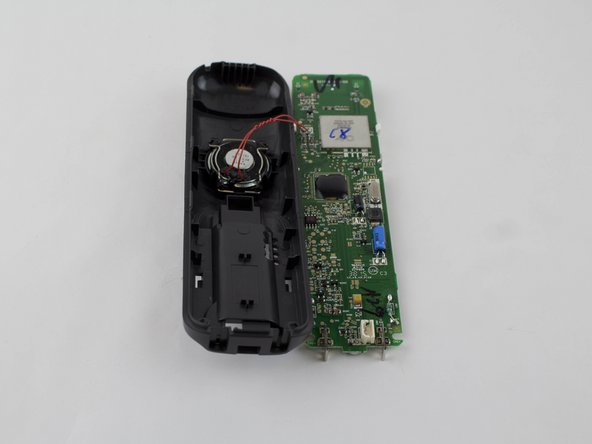
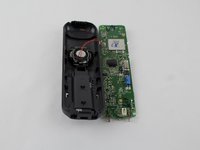
To reassemble your device, follow these instructions in reverse order.
Cancel: I did not complete this guide.
One other person completed this guide.

Team

USF Tampa, Team 1-1, Sullivan Spring 2016 Member of USF Tampa, Team 1-1, Sullivan Spring 2016
USFT-SULLIVAN-S16S1G1
4 Members
60 Guides authored
