
ASUS X552LAV-BBI5N08 CD Drive Replacement

Jason Vo and 3 other contributors
Last updated on May 21, 2018
Views: 709
View statistics:
- Past 24 Hours:
- 2
- Past 7 Days:
- 15
- Past 30 Days:
- 71
- All Time:
- 709
Comments: 0
No one has left comments on this guide. Will you be first?
Go to guide commentsCompleted: 0 1
No one has marked this guide "completed." Will you be the first?
1 person has marked this guide "completed." It's you — great job!
Favorites: 0 1
No one has favorited (and subscribed to) this guide. Will you be the first?
1 person has favorited (and subscribed to) this guide — and that's you!
Introduction
Go to step 1 ↓This guide will show you how to replace the CD drive for a ASUS X552LAV-BBI5N08 laptop.
What you need
Tools


-
-
-
Slide the right button to the left.
-
Hold the left button to the right.
-
While you hold the left button in position, slide the battery out by pushing it away from you.
-
-
-
-
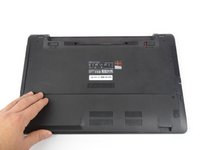
Locate the bottom panel. It is at the opposite end of the battery.
-
Remove the two 12mm screws at the bottom panel with a Tri-wing Y1 screwdriver.
-
-
-
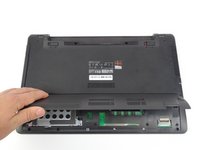
Remove bottom panel by lifting it up.
-
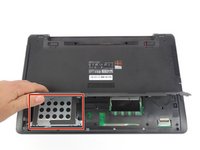
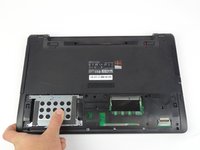
Locate the hard drive.
-
It is located in the bottom left corner.
-
-
-
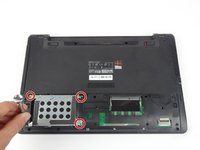
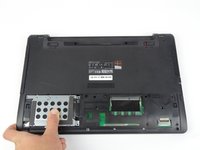
Remove the four 5.5mm screws located on the hard drive case using a Tri-wing Y1 screwdriver.
-
Slide the hard drive out to the left.
-
-
-
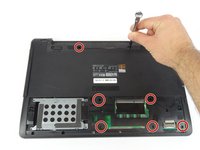
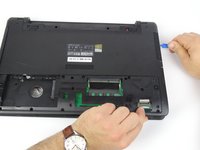
Use Tri-wing Y1 screwdriver to remove seven 4mm screws from battery area.
-
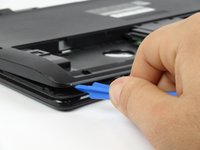
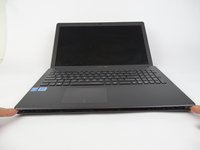
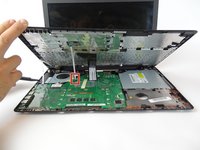
Use opening tool to split keyboard from base of the laptop.
-
Make sure to start from one end and go around the edges.
-
-
-
-
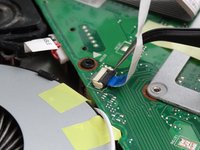
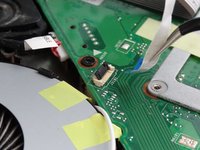
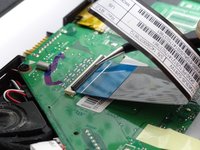
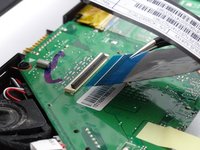
Flip up the small locking flap for the two ZIF connectors.
-
Unplug the connectors that are keeping the keyboard connected.
-
-
-
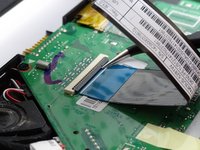
Flip up the locking flap for the ZIF connector.
-
Unplug the connector that is keeping the keyboard connected.
-
-
-
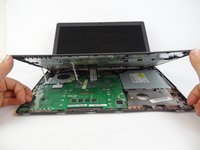
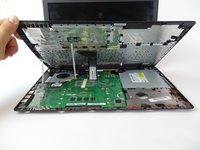
Remove keyboard from laptop.
-
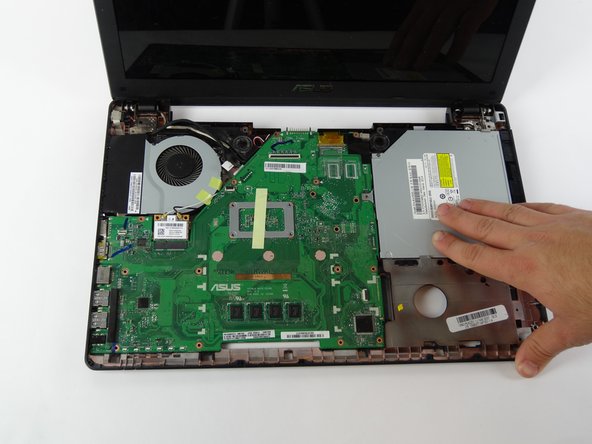
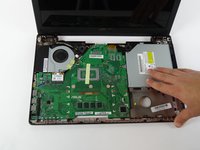
Remove two 4mm screws around CD drive
-
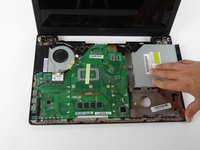
Slide the CD drive out to the right to remove it.
-
-

 Ask FixBot














To reassemble your device, follow these instructions in reverse order.

Team

USF Tampa, Team S17-G1, Boczar Spring 2018 Member of USF Tampa, Team S17-G1, Boczar Spring 2018
USFT-BOCZAR-S18S17G1
4 Members
60 Guides authored
