Introduction
The battery stores the power needed to run the device. Batteries can age over time, decreasing in capacity, or even fail outright. Replacing the battery with a new one can solve this issue. This guide will walk you through the process of replacing the battery of the ASUS VivoBook Flip TP501U.
What you need
-
-
-
Open the laptop until it is flat and lay it screen down.
-
Remove eight 9.6mm Phillips #00 screws from the bottom of the laptop.
-
Remove two 4.8mm Phillips from the corners of the device.
 Ask FixBot
-
-
-
Turn the device face up.
-
Use the plastic Opening Pick to separate the keyboard panel from the chassis that was just unscrewed.
-
-
-
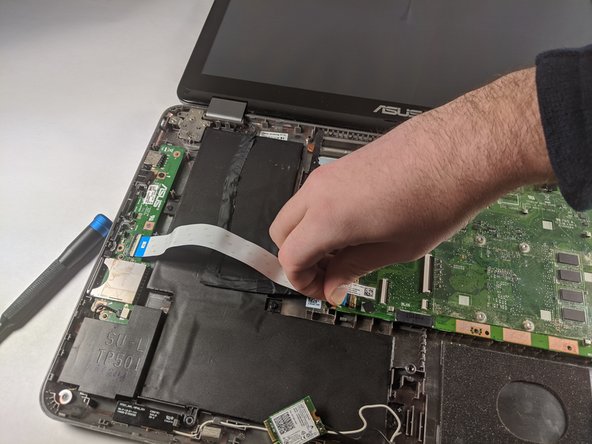
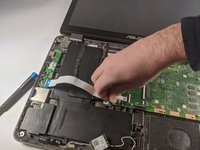
With the keyboard panel pulled up, detach the two ribbon cables from the motherboard using the blue tabs on the cables.
-
Remove the keyboard panel completely.
-
-
-
-
-
-
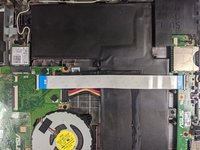
Remove the black cable found beneath the white ribbon cable that you just removed.
-
-
-
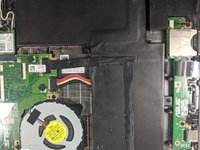
Disconnect the battery from the motherboard by unplugging the wire bundle shown.
-
-
-
Unscrew the 3/16 inch long screw that holds the battery to the chassis using a #00 Phillips Screwdriver.
-
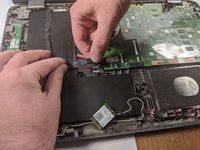
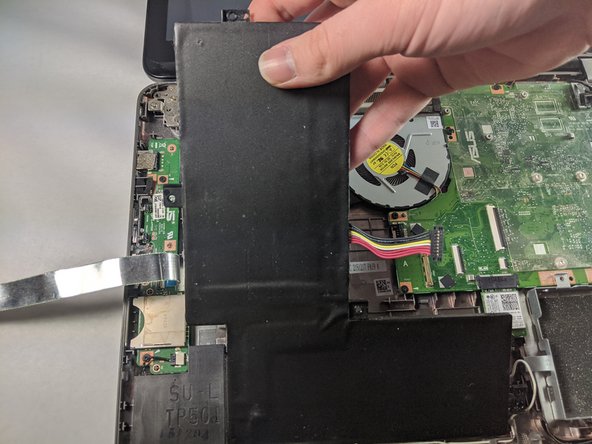
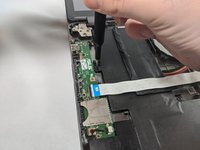
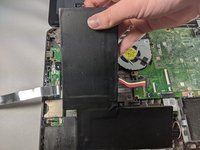
Lift the battery from the chassis.
-






To reassemble your device, follow these instructions in reverse order.

Team

Embry-Riddle Aeronautical University, Team S1-G1, Cromer Twal Spring 2020 Member of Embry-Riddle Aeronautical University, Team S1-G1, Cromer Twal Spring 2020
ERAU-CROMER TWAL-S20S1G1
4 Members
72 Guides authored
