
ASUS ROG Raikiri Pro RGB Light Replacement

Zoe Ewing and 2 other contributors
Last updated on Jun 23, 2025
Views: 430
View statistics:
- Past 24 Hours:
- 1
- Past 7 Days:
- 13
- Past 30 Days:
- 55
- All Time:
- 430
Comments: 0
No one has left comments on this guide. Will you be first?
Go to guide commentsCompleted: 0 1
No one has marked this guide "completed." Will you be the first?
1 person has marked this guide "completed." It's you — great job!
Favorites: 0 1
No one has favorited (and subscribed to) this guide. Will you be the first?
1 person has favorited (and subscribed to) this guide — and that's you!
Introduction
Go to step 1 ↓This guide shows how to replace the RGB lights in a ASUS ROG Raikiri Pro controller. This controller does come with a customizable LED display, but it does not necessarily affect anything directly to how well the controller works. If you were to leave your controller on or somehow broke it and the lights were not coming on, replacing the RGB lights is your best option.
Since this guide will include the removal of the controller battery and if you realize that you have a swollen battery, please handle it accordingly before moving forward.
Before you begin the repair, make sure the controller is off and disconnected from the charging cord.
What you need
Tools
-
-
Spudger4.9
-


-
-
-
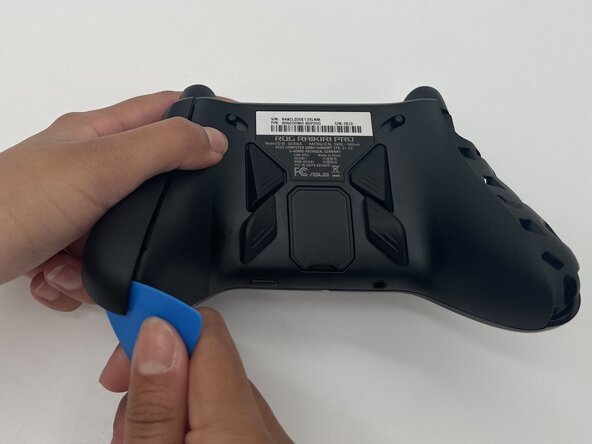
Insert the tip of an opening pick into the seam of the top left handle cover.
-
Slide it down to release the clips connecting the handle cover to the controller.
-
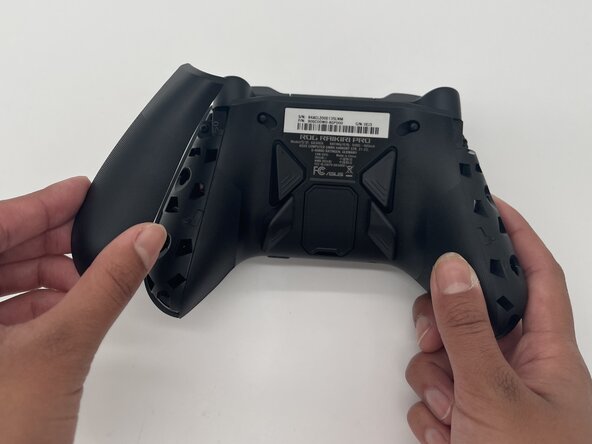
Remove the left handle-cover.
-
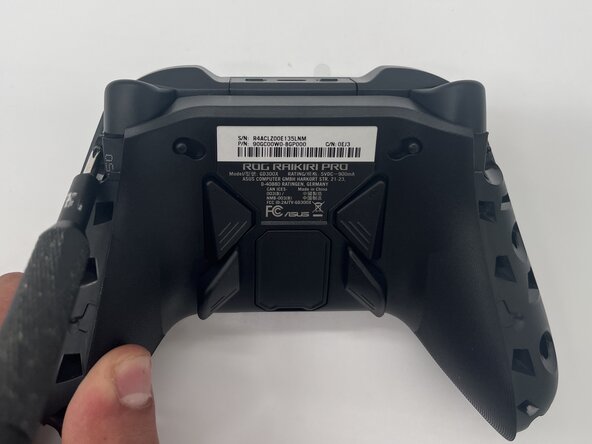
Repeat the steps to remove the right handle cover.
 Ask FixBot
-
-
-
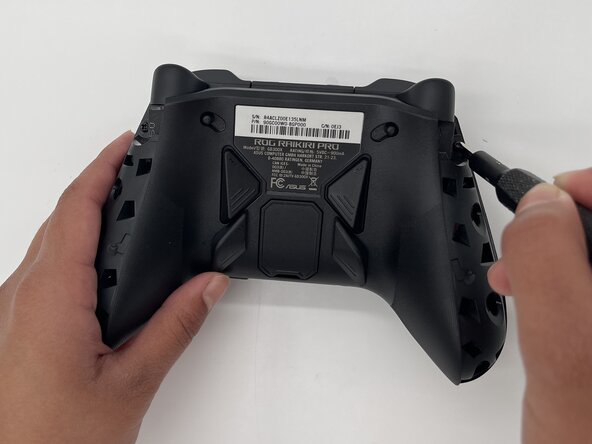
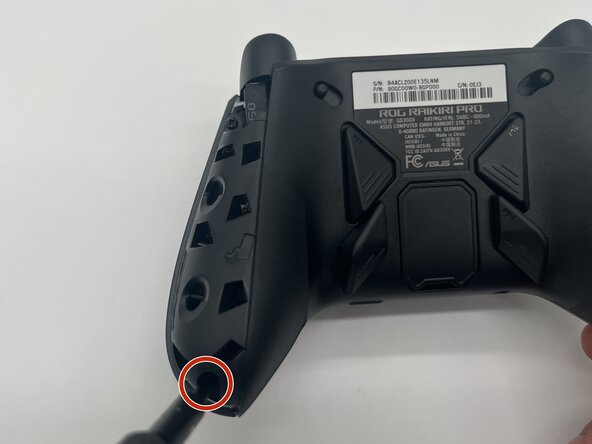
Use a Phillips #1 screwdriver to remove an 11 mm screw from the top of each handle.
-
-
-
Use a Phillips #1 screwdriver to remove an 11 mm screw from the bottom corner of each handle.
-
-
-
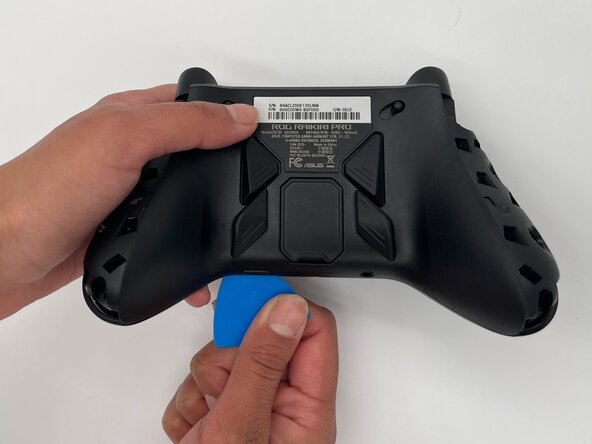
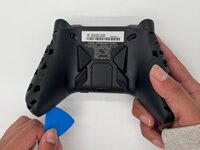
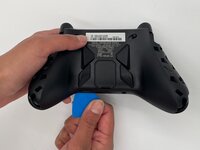
Place the tip of an opening pick or spudger in the seam of the back center panel.
-
Gently slide the pick from left to right along the seam to release the clips connecting the top and bottom of the controller.
-
Separate the top and bottom of the device.
-
-
-
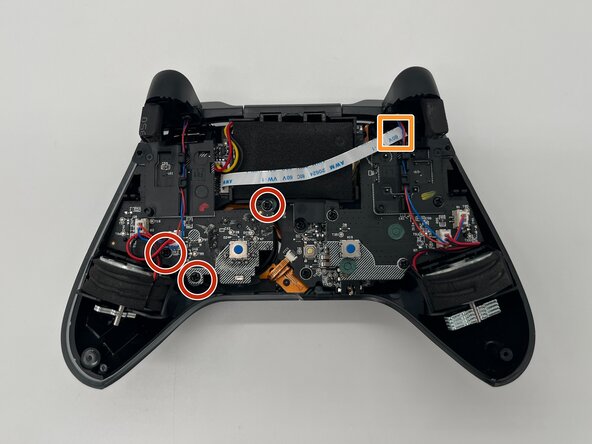
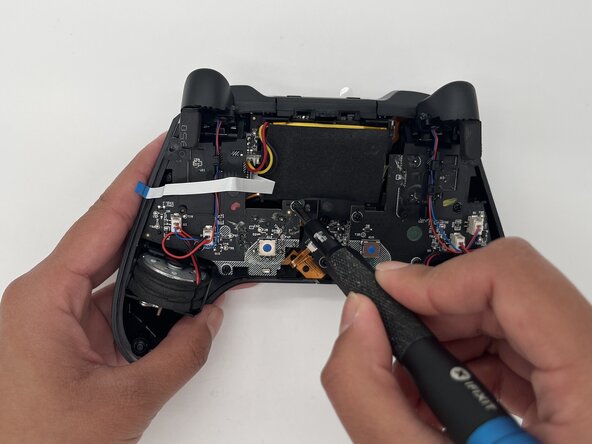
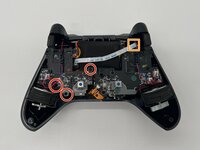
Use a Phillips #1 screwdriver to remove the three 8 mm screws securing the left board.
-
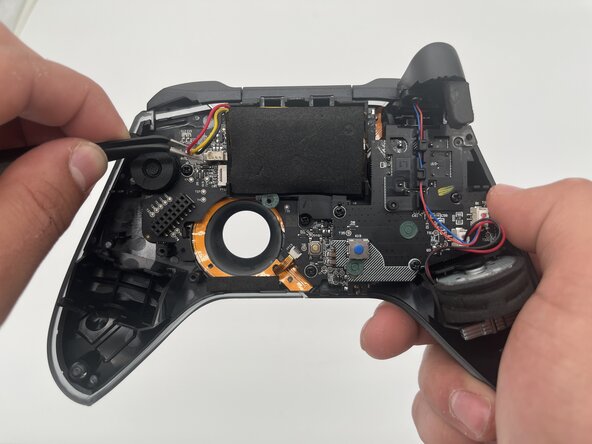
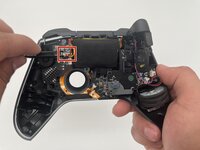
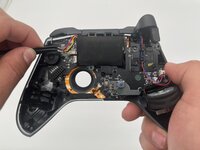
Disconnect the ribbon cable that crosses over the battery.
-
-
-
-
-
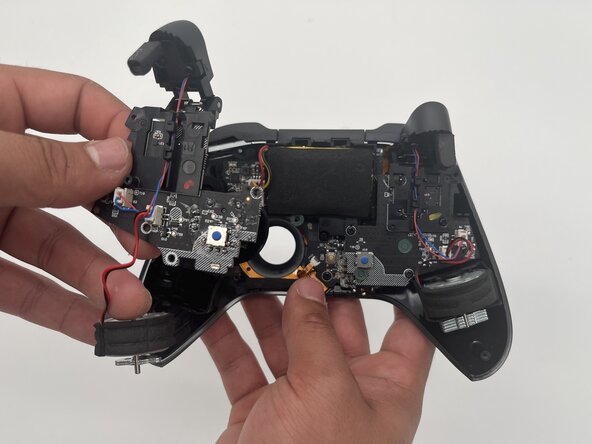
Use a Phillips #1 screwdriver to remove the three 8 mm screws securing the right board.
-
-
-
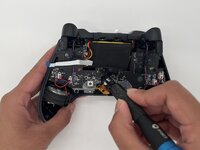
Use a spudger or a clean fingernail to flip up the locking flap of the ZIF connector—this is the unlocked position.
-
Use tweezers or your fingers to gently pull the cable out of its socket.
-
-
-
-
Using a Phillips #1 screwdriver to remove the six 8 mm screws holding the motherboard to the case.
-
-
-
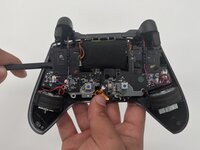
Use tweezers to disconnect the ribbon cable from the top of the motherboard.
-
-
-
-
-
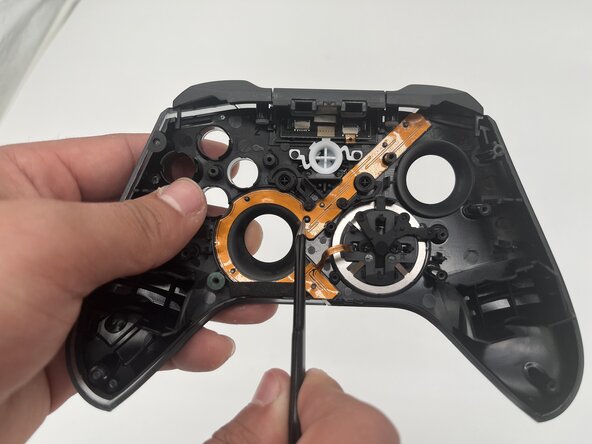
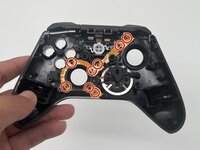
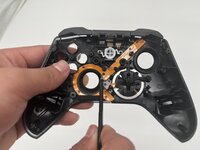
Use tweezers to remove the eight O-rings from the RGB light strip.
-
-







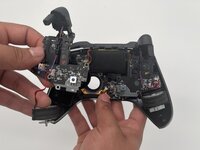




To reassemble your device, follow these instructions in reverse order. Take your e-waste to an R2 or e-Stewards certified recycler.

Team

University of North Texas, Team 1-3, Kilpatrick Spring 2025 Member of University of North Texas, Team 1-3, Kilpatrick Spring 2025
UNT-KILPATRICK-S25S1G3
3 Members
60 Guides authored
