Introduction
This guide will show you how to replace the joystick cover in an ASUS ROG Raikiri Pro controller. If the joystick isn’t responding properly or you're experiencing stick drift, it may be time for a replacement.
A functioning joystick allows you to control movement and actions in games or applications. Over time and with frequent use, the joystick can wear down and lose accuracy or responsiveness.
Before you begin the repair, make sure the controller is powered off and disconnected from the charger.
What you need
-
-
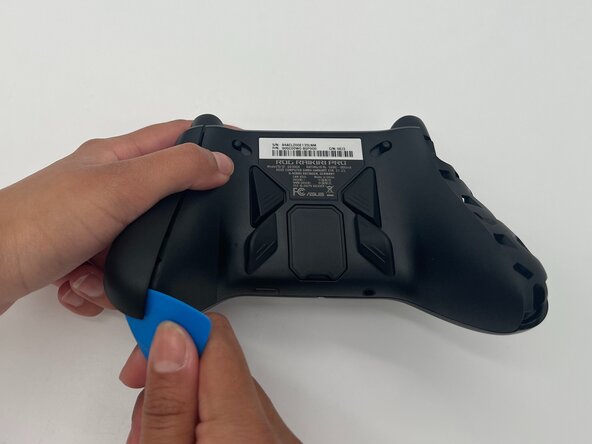
Insert the tip of an opening pick into the seam of the top left handle cover.
-
Slide it down to release the clips connecting the handle cover to the controller.
-
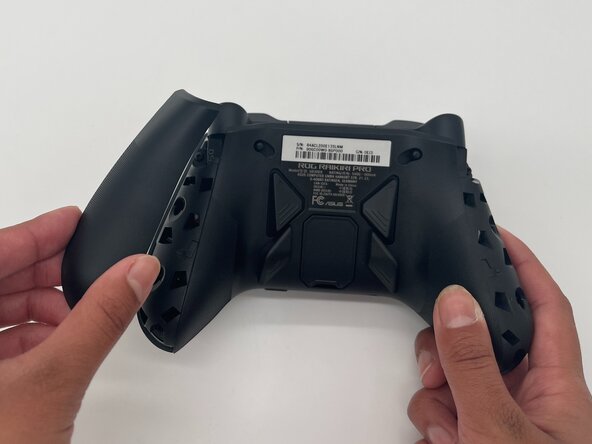
Repeat the steps to remove the right handle cover.
-
Remove the handle covers.
 Ask FixBot
-
-
-
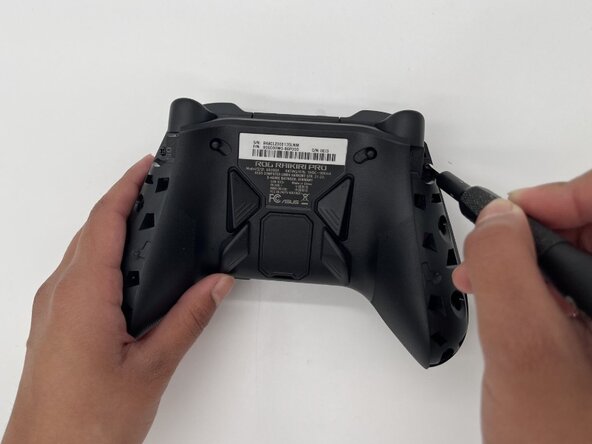
Use a Phillips #1 screwdriver to remove an 11 mm screw from the top of each handle.
-
-
-
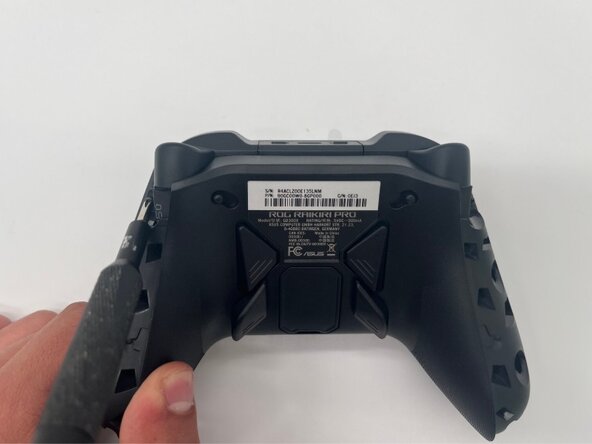
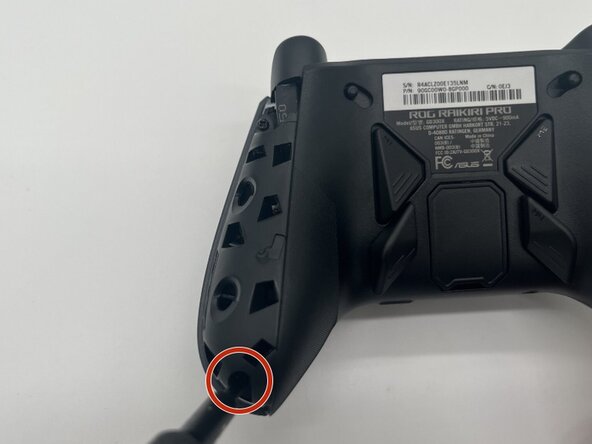
Use a Phillips #1 screwdriver to remove an 11 mm screw from the bottom corner of each handle.
-
-
-
-
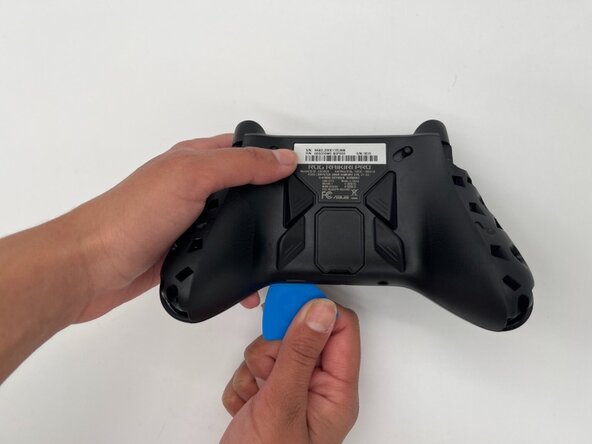
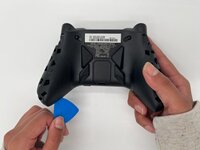
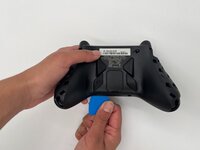
Place the tip of an opening pick or spudger in the seam of the back center panel.
-
Gently slide the pick from left to right along the seam to release the clips connecting the top and bottom of the controller.
-
Separate the top and bottom of the device.
-
-
-
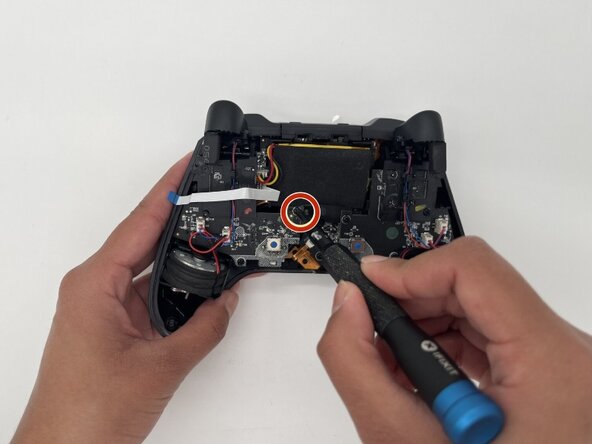
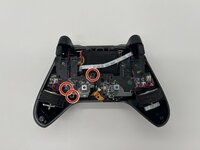
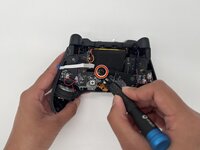
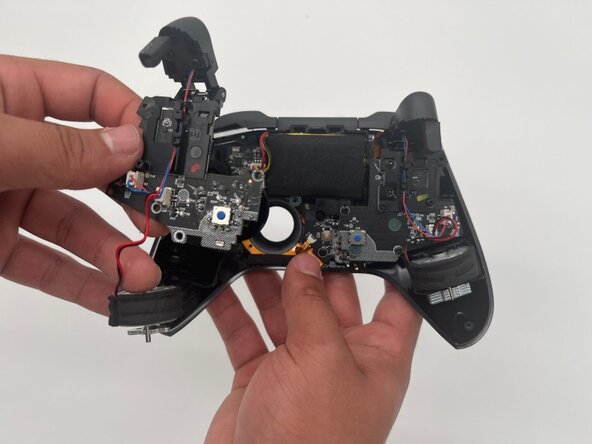
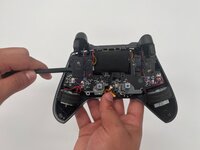
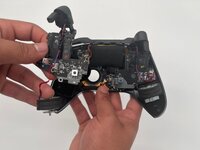
Use a Phillips #1 screwdriver to remove the three 8 mm screws securing the left board.
-









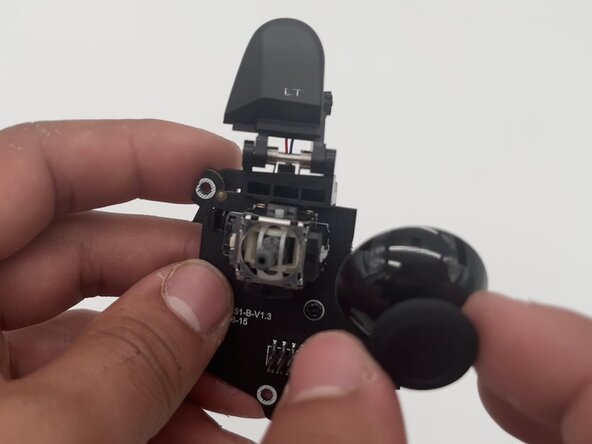
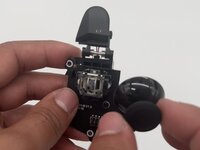
To reassemble your device, follow these instructions in reverse order. Take your e-waste to an R2 or e-Stewards certified recycler.
Cancel: I did not complete this guide.
One other person completed this guide.

Team

University of North Texas, Team 1-3, Kilpatrick Spring 2025 Member of University of North Texas, Team 1-3, Kilpatrick Spring 2025
UNT-KILPATRICK-S25S1G3
3 Members
5 Guides authored
