Introduction
If you have found that your battery needs to be replaced, this guide will show you how to take the old battery out. This guide is very simple and doesn’t require any tools.
-
-
-
-
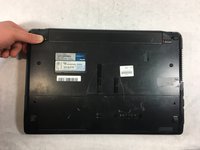
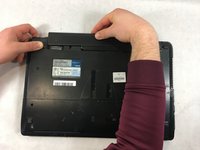
Slide the lock on the right side of the battery to the right. If done correctly the slider will stay in place and there will be a red indicator.
-
-
-
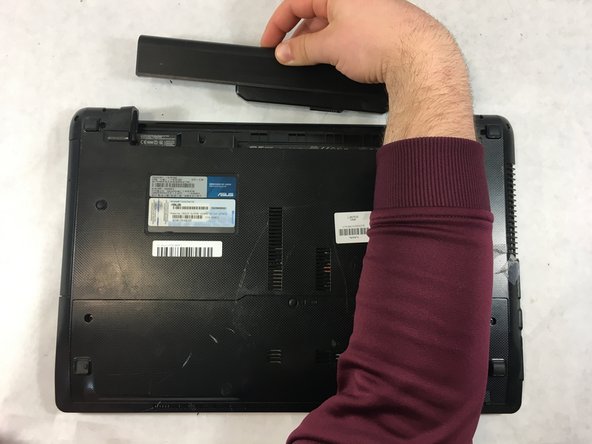
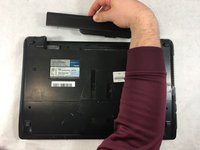
Slide the other sliding lock on the left side of the battery to the left, and with your other hand slide the battery out from the laptop.
-

 Ask FixBot


To reassemble your device, follow these instructions in reverse order.

Team

UMass Dartmouth, Team S6-G4, Peak Spring 2019 Member of UMass Dartmouth, Team S6-G4, Peak Spring 2019
UMASSD-PEAK-S19S6G4
3 Members
48 Guides authored
