Introduction
ASUS k43sv notebook computer is equipped with a mechanical hard disk. As we all know, the transmission speed of the mechanical hard disks is slow. After using it for a period of time, the computer will get stuck and wait for a long time. The solid-state disk has great advantages in storage and transmission efficiency. In this guide, people will be taught how to replace the solid-state drive for Asus k43sv notebook computers.
Replacing the solid-state drive for the laptop is a relatively simple operation, but some details should be paid attention to, otherwise, some interfaces may be permanently damaged due to improper operation. This guide will mark more details and points needing attention. You can intuitively see the positions needing attention in each step, so as to reduce the possibility of misoperation.
Of course, we need to replace the solid-state drive for the laptop. Before the operation, you should prepare a suitable solid-state drive in advance and backup the data. Before the maintenance, you should disconnect the external power supply so that the maintenance can be completed smoothly.
This guide can be more widely used in ASUS K /A series (k43, K53, A43, A53).
What you need
-
-
-
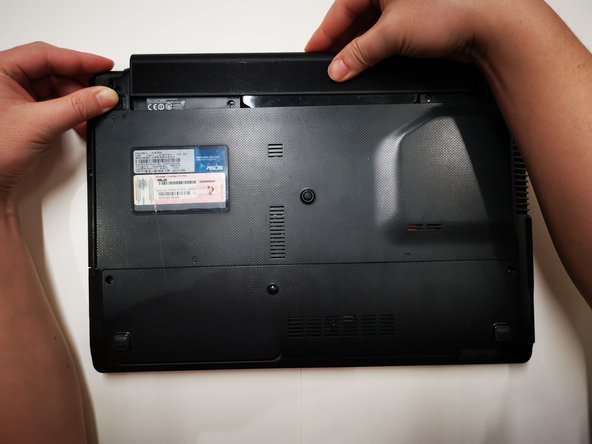
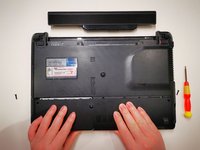
Slide the latch on the right side of the battery on the back of the laptop to the right to the unlocked position.
-
-
-
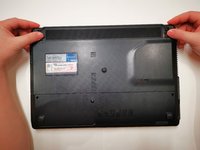
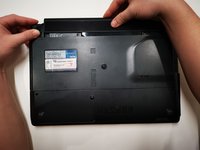
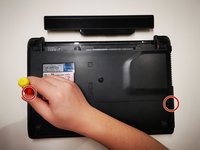
With your left hand, slide the latch on the left side of the battery to the left and hold it.
-
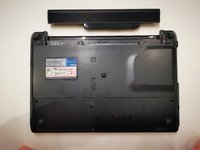
With your right hand, slide the battery out of the battery compartment and place the battery away from the laptop.
-
-
-
-
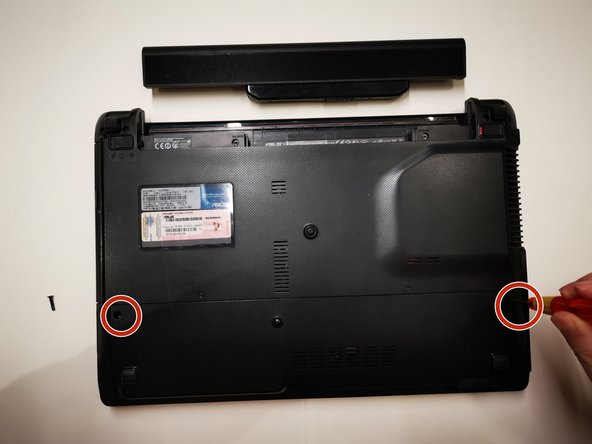
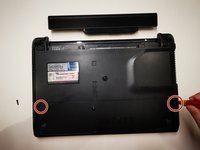
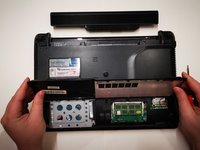
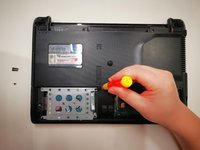
Remove the two screws on the bottom of the laptop using a Phillips #0 screwdriver.
-
-
-
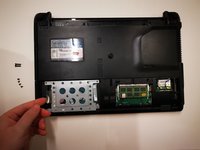
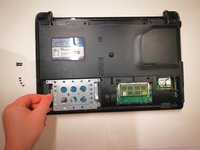
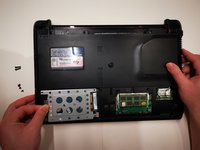
Slide the hard disk compartment cover towards you with both hands and remove it from the laptop.
-
-
-
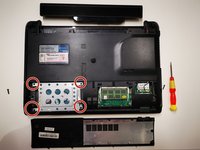
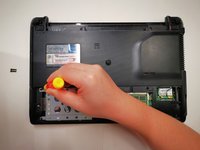
Remove the four screws from the hard drive support arm using a Phillips #0 screwdriver.
-
-
-
Lift the plastic sheet on the left side of the hard drive slightly by hand.
-
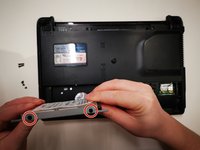
Remove the hard drive and its support from the hard drive compartment.
-
-
-
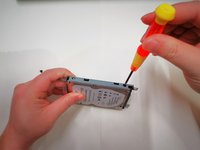
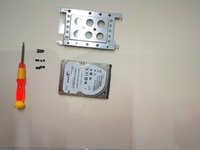
Remove the four screws on the side of the hard disk support using a Phillips #0 screwdriver.
-

 Ask FixBot












To reassemble your device, follow these instructions in reverse order.
Cancel: I did not complete this guide.
4 other people completed this guide.

Team

York University, Team S-14, Woodhouse Winter 2022 Member of York University, Team S-14, Woodhouse Winter 2022
YORK-WOODHOUSE-W22SSG14
1 Member
11 Guides authored
