Free Shipping on Domestic Orders $75+

ASUS FonePad 7 Vetro/Touch Replacement

What you need

    1. ASUS FonePad 7 Vetro/Touch Replacement, Rear Panel: step 1, image 1 of 2 ASUS FonePad 7 Vetro/Touch Replacement, Rear Panel: step 1, image 2 of 2
      • Make sure your device is turned off. Then with a plastic opening tool, carefully remove the back panel by carefully working your way around the perimeter.

      Ask FixBot

      Add Comment

    2. ASUS FonePad 7 Vetro/Touch Replacement, Battery: step 2, image 1 of 2 ASUS FonePad 7 Vetro/Touch Replacement, Battery: step 2, image 2 of 2
      • Remove adesive strips.

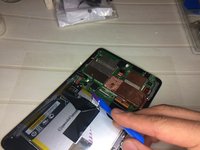
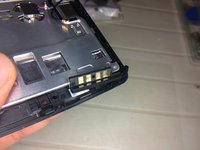
      • Disconnect the battery connectors by carefully pulling down on them using a spudger or plastic opening tool.

      Ask FixBot

      Add Comment

    3. ASUS FonePad 7 Vetro/Touch Replacement, Battery: step 3, image 1 of 3 ASUS FonePad 7 Vetro/Touch Replacement, Battery: step 3, image 2 of 3 ASUS FonePad 7 Vetro/Touch Replacement, Battery: step 3, image 3 of 3
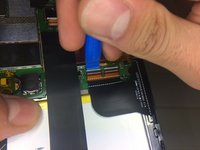
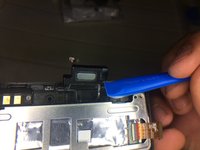
      • Disconnect Touch Connectors using a spudger or plastic opener tool.

      • Disconnect the ZIF connectors holding the battery.

      • You can also use your hand to remove ZIF connectors.

      • ZIF connectors are delicate so be careful when you are removing them.

      Ask FixBot

      Add Comment

    4. ASUS FonePad 7 Vetro/Touch Replacement, Remove Battery: step 4, image 1 of 1
      • Using a plastic opening tool carefully pry the battery loose. The battery is glued to the pad; slight pressure will be needed to remove the battery.

      Ask FixBot

      Add Comment

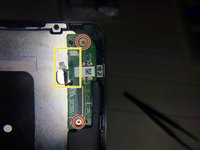
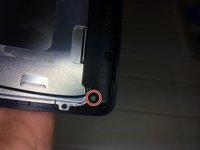
    5. ASUS FonePad 7 Vetro/Touch Replacement, Power Management: step 5, image 1 of 2 ASUS FonePad 7 Vetro/Touch Replacement, Power Management: step 5, image 2 of 2
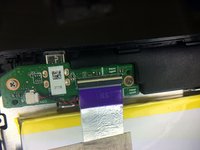
      • Disconnect cable

      • Remove the two Philips #0 screws from the power management board

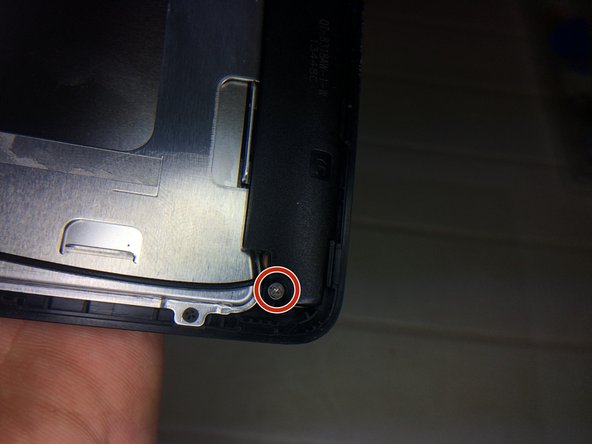
      • Remove Philips #0 screw

      Ask FixBot

      Add Comment

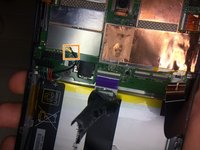
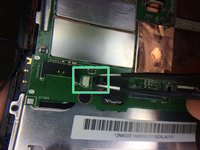
    6. ASUS FonePad 7 Vetro/Touch Replacement, MotherBoard: step 6, image 1 of 2 ASUS FonePad 7 Vetro/Touch Replacement, MotherBoard: step 6, image 2 of 2
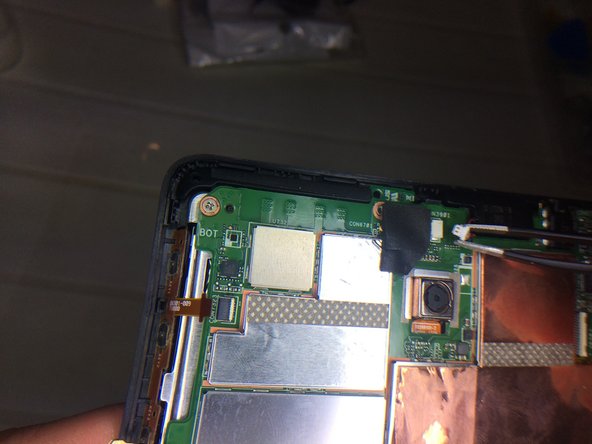
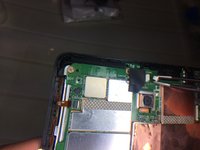
      • Remove GPS antenna with a spudger.

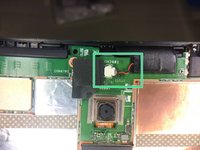
      • Disconnect the connector

      Ask FixBot

      Add Comment

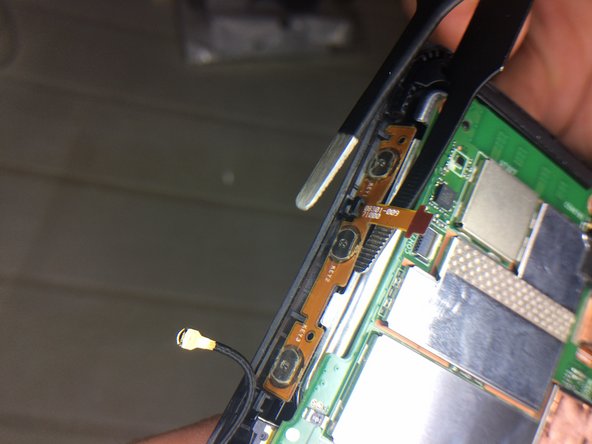
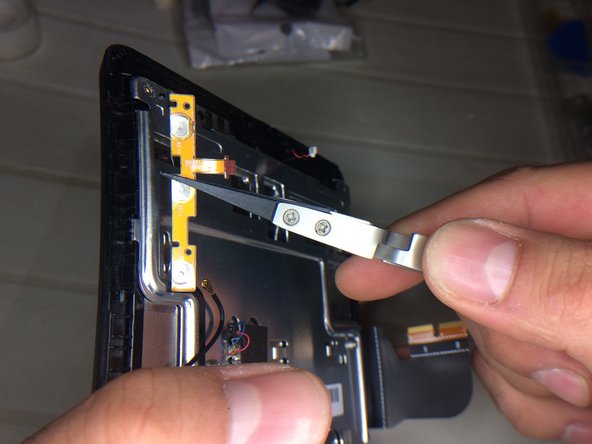
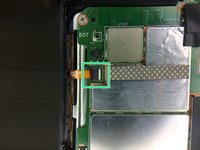
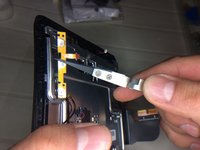
    7. ASUS FonePad 7 Vetro/Touch Replacement, Power and Volume Buttons: step 7, image 1 of 3 ASUS FonePad 7 Vetro/Touch Replacement, Power and Volume Buttons: step 7, image 2 of 3 ASUS FonePad 7 Vetro/Touch Replacement, Power and Volume Buttons: step 7, image 3 of 3
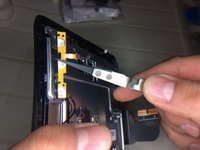
      • Remove the power and volume connector

      Ask FixBot

      Add Comment

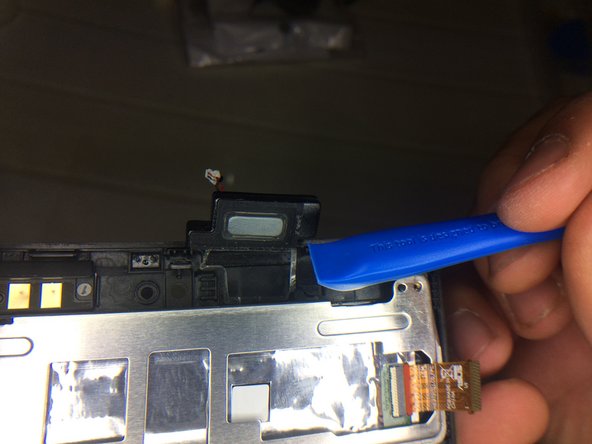
    8. ASUS FonePad 7 Vetro/Touch Replacement, Earpiece: step 8, image 1 of 2 ASUS FonePad 7 Vetro/Touch Replacement, Earpiece: step 8, image 2 of 2
      • Disconnect Earpiece connector

      Ask FixBot

      Add Comment

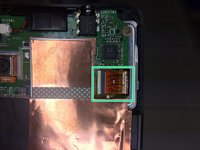
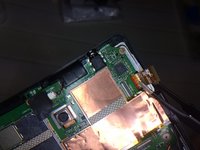
    9. ASUS FonePad 7 Vetro/Touch Replacement, Display Cable: step 9, image 1 of 2 ASUS FonePad 7 Vetro/Touch Replacement, Display Cable: step 9, image 2 of 2
      • Remove the Display connector from motherboard.

      Ask FixBot

      Add Comment

    10. ASUS FonePad 7 Vetro/Touch Replacement, MotherBoard: step 10, image 1 of 1
      • Remove 4screw Philips #0 from motherboard

      Ask FixBot

      Add Comment

    11. ASUS FonePad 7 Vetro/Touch Replacement, Components: step 11, image 1 of 3 ASUS FonePad 7 Vetro/Touch Replacement, Components: step 11, image 2 of 3 ASUS FonePad 7 Vetro/Touch Replacement, Components: step 11, image 3 of 3
      • Remove Components

      Ask FixBot

      Add Comment

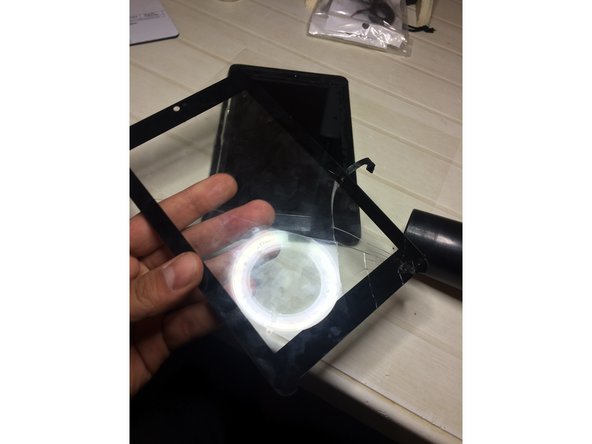
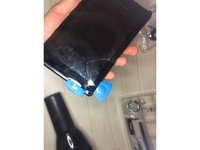
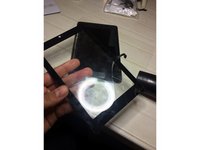
    12. ASUS FonePad 7 Vetro/Touch Replacement, Remove Glass (TouchScreen): step 12, image 1 of 2 ASUS FonePad 7 Vetro/Touch Replacement, Remove Glass (TouchScreen): step 12, image 2 of 2
      • Inserisci qui la competenza.

      Ask FixBot

      Add Comment

    13. ASUS FonePad 7 Vetro/Touch Replacement, Replace with new Glass. Good Job ;): step 13, image 1 of 1
      • Inserisci qui la competenza.

      Ask FixBot

      Add Comment

Conclusion

Per rimontare il dispositivo, segui queste istruzioni in ordine inverso.

Cancel: I did not complete this guide.

4 other people completed this guide.

Andrew

Member since: 02/17/15

141 Reputation

1 Guide authored

0 Guide Comments

Add Comment

View Statistics:

Past 24 Hours: 0

Past 7 Days: 7

Past 30 Days: 33

All Time: 3,852