
ASUS Eee Pad Transformer Buttons Replacement

Joe Payne and 8 other contributors
Last updated on May 24, 2017
Views: 7.3K
View statistics:
- Past 24 Hours:
- 5
- Past 7 Days:
- 24
- Past 30 Days:
- 109
- All Time:
- 7,329
Comments: 1
1 comment on steps.
Completed: 3 4
3 people have marked this guide "completed." Will you be next?
4 people have marked this guide "completed." Including you — great job!
Favorites: 5 6
5 people have favorited (and subscribed to) this guide. Will you be next?
6 people have favorited (and subscribed to) this guide — including you!
Introduction
Go to step 1 ↓Often times the buttons on a device wear out before all other components, buttons get the most use and wear down the fastest. Replacing the buttons can extend the lifetime of the device considerably.
What you need
Parts

Tools


-
-
-
Use T5 Torx Screwdriver to remove two 4.5 millimeter T5 screws on either side of the port on the bottom of the tablet.
 Ask FixBot
-
-
-
Use the Plastic Opening Tool to pry between the main tablet body and the outer rim casing. Remove the outer rim casing by prying all the way around the device and pulling the rim upward.
-
-
-
Remove the four 2 millimeter Phillips #00 screws at the corners of the tablet.
-
-
-
Use a Phillips #00 Screwdriver to remove the three 3 millimeter screws securing the front panel to the back panel found above the camera area, on the top portion of the tablet.
-
-
-
Use a Phillips #00 Screwdriver to remove the three 3 millimeter screws securing the front panel to the back panel found on the bottom portion of the tablet near the port.
-
-
-
-
-
-
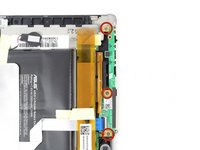
Use a Phillips #00 Screwdriver to remove the three 3 millimeter screws securing the buttons to the back panel.
-
-
-
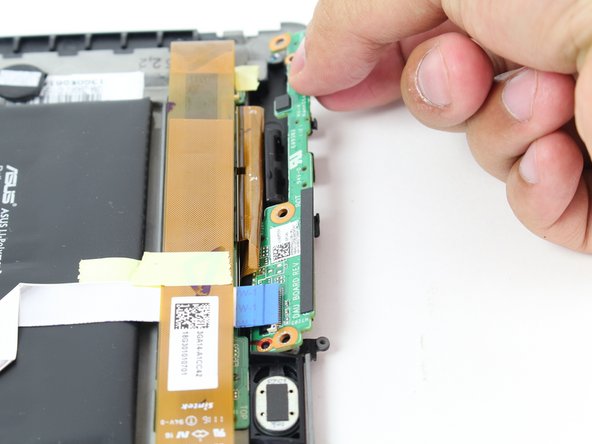
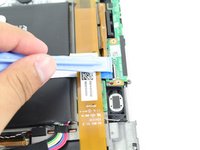
Use Plastic Opening Tool to pry off the clip located towards the bottom of the button component near the metallic strip with a blue end, capped by the black button clip.
-
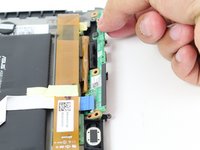
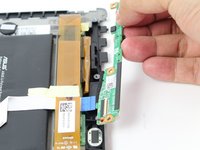
Remove button component by pulling straight outward from the device.
-
-
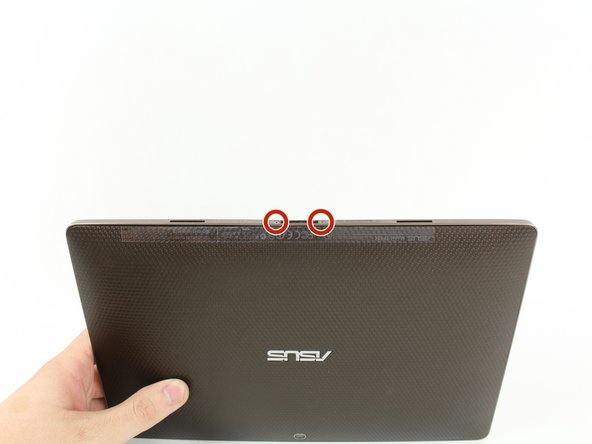


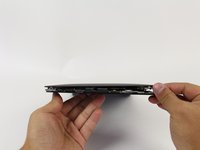
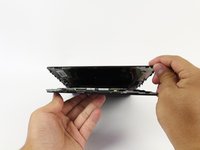


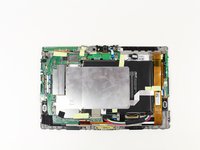


To reassemble your device, follow these instructions in reverse order.
Cancel: I did not complete this guide.
3 other people completed this guide.

Team

Cal Poly, Team 13-9, Forte Fall 2014 Member of Cal Poly, Team 13-9, Forte Fall 2014
CPSU-FORTE-F14S13G9
5 Members
72 Guides authored
