Free Shipping on Domestic Orders $75+

ASUS Chromebook C200MA DS01 Motherboard Replacement

What you need

    1. ASUS Chromebook C200MA DS01 Motherboard Replacement, Back Panel: step 1, image 1 of 1
      • Before proceeding, power down your Chromebook. Close the display and lay it on a soft surface, top-side down.

      • Remove the five 8.4 mm Phillips #0 screws.

      • Remove the four 4.6 mm Phillips #0 screws.

      Ask FixBot

      Add Comment

    2. ASUS Chromebook C200MA DS01 Motherboard Replacement: step 2, image 1 of 1
      • Use the plastic opening tool to gently work around the edge of the Chromebook until the back panel starts to lift off.

      Ask FixBot

      Add Comment

    3. ASUS Chromebook C200MA DS01 Motherboard Replacement: step 3, image 1 of 1
      • Remove the back panel by lifting it away from the Chromebook.

      • Some clicking will be heard as the panel is removed from the back, this is completely normal.

      Ask FixBot

      Add Comment

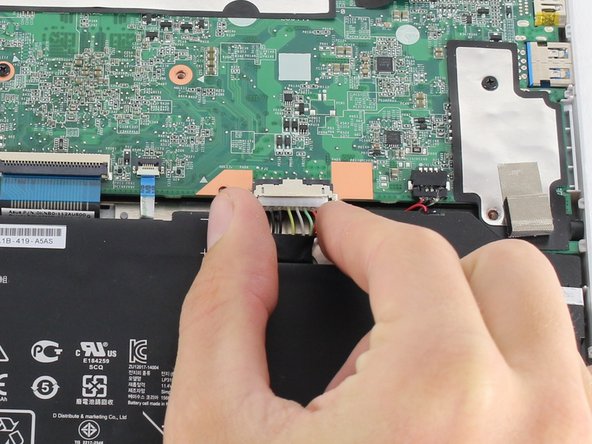
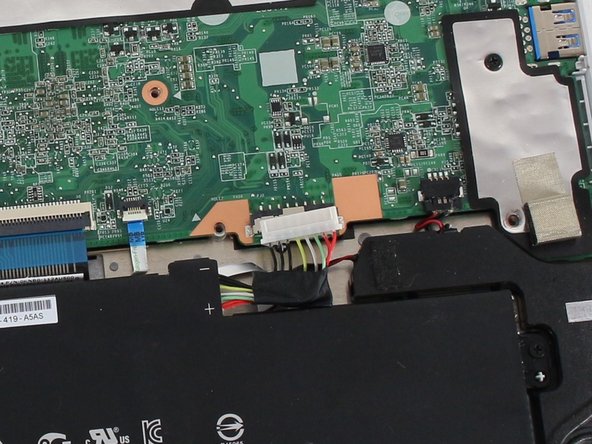
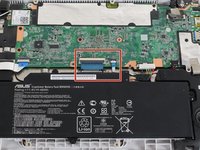
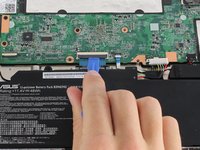
    1. ASUS Chromebook C200MA DS01 Motherboard Replacement, Battery Connection: step 4, image 1 of 3 ASUS Chromebook C200MA DS01 Motherboard Replacement, Battery Connection: step 4, image 2 of 3 ASUS Chromebook C200MA DS01 Motherboard Replacement, Battery Connection: step 4, image 3 of 3
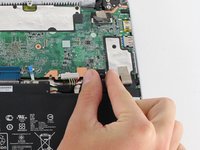
      • To disconnect the battery, pinch the multi-color bundle cable with your thumb and forefinger and pull directly back.

      Ask FixBot

      Add Comment

    1. ASUS Chromebook C200MA DS01 Motherboard Replacement, Motherboard: step 5, image 1 of 1
      • Disconnect the USB board ZIF (zero insertion force) connector located towards the bottom left of the motherboard.

      • Flip the ZIF connector retaining flap up using either a spudger or your fingers.

      • Pull gently on the ribbon cable to disconnect it from the motherboard.

      Ask FixBot

      Add Comment

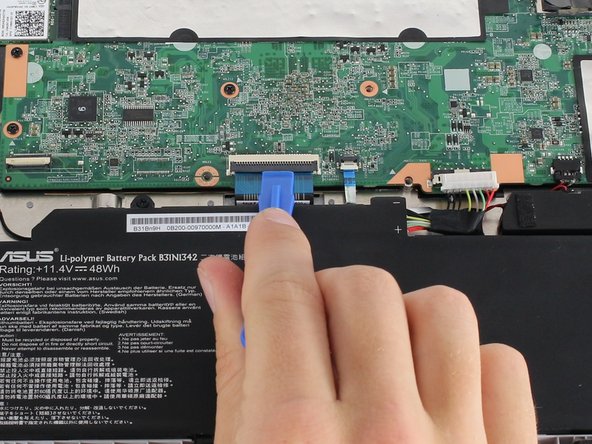
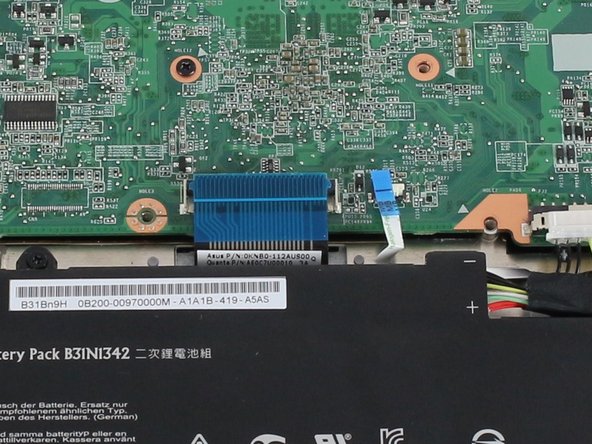
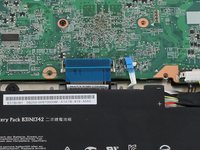
    2. ASUS Chromebook C200MA DS01 Motherboard Replacement: step 6, image 1 of 3 ASUS Chromebook C200MA DS01 Motherboard Replacement: step 6, image 2 of 3 ASUS Chromebook C200MA DS01 Motherboard Replacement: step 6, image 3 of 3
      • Disconnect the large keyboard and small touchpad ZIF connectors, both located in the middle of the bottom edge of the motherboard.

      • Flip both ZIF retaining flaps up using either a spudger or your fingers.

      • Gently pull on each ribbon cable to disconnect them from the motherboard.

      Ask FixBot

      Add Comment

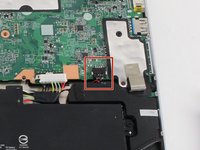
    3. ASUS Chromebook C200MA DS01 Motherboard Replacement: step 7, image 1 of 2 ASUS Chromebook C200MA DS01 Motherboard Replacement: step 7, image 2 of 2
      • Disconnect the speaker's black bundled cable connector (the cable is white, black and red).

      • Pinch the black bundled cable connector between your thumb and pointer finger and pull.

      Ask FixBot

      Add Comment

    4. ASUS Chromebook C200MA DS01 Motherboard Replacement: step 8, image 1 of 3 ASUS Chromebook C200MA DS01 Motherboard Replacement: step 8, image 2 of 3 ASUS Chromebook C200MA DS01 Motherboard Replacement: step 8, image 3 of 3
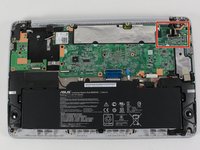
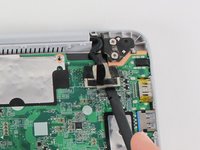
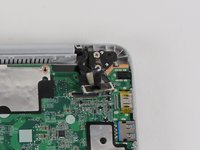
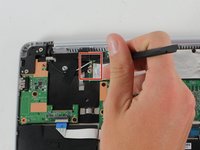
      • Disconnect the screen cable connector located towards the top right of the motherboard.

      • Using a spudger, gently pry up the sides of the connector.

      • Pull off the connector with your hands.

      Ask FixBot

      Add Comment

    5. ASUS Chromebook C200MA DS01 Motherboard Replacement: step 9, image 1 of 2 ASUS Chromebook C200MA DS01 Motherboard Replacement: step 9, image 2 of 2
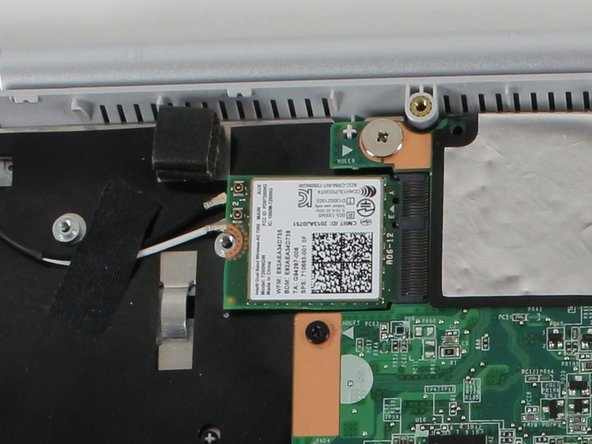
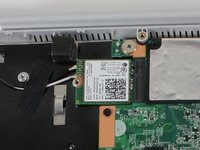
      • Disconnect the black and white antenna cable connectors for the WiFi card. The connectors look like small buttons on the ends of colored wires.

      • Gently pry the cable connectors off with your fingers or a spudger.

      • These connections are button-like and will have a little resistance when removing.

      Ask FixBot

      Add Comment

    6. ASUS Chromebook C200MA DS01 Motherboard Replacement: step 10, image 1 of 1
      • Remove the eight Phillips #0 4.7 mm screws.

      • Remove the Phillips #0 3.7 mm screw.

      • Remove the Phillips #0 2.8 mm screw.

      Ask FixBot

      Add Comment

    7. ASUS Chromebook C200MA DS01 Motherboard Replacement: step 11, image 1 of 1
      • Lift the motherboard from the Chromebook.

      Ask FixBot

      Add Comment

Conclusion

To reassemble your device, follow these instructions in reverse order.

Cancel: I did not complete this guide.

2 other people completed this guide.

Christopher Lim

Member since: 04/26/17

779 Reputation

7 Guides authored

Team

Cal Poly, Team S23-G4, Livingston Spring 2017 Member of Cal Poly, Team S23-G4, Livingston Spring 2017

CPSU-LIVINGSTON-S17S23G4

4 Members

114 Guides authored

0 Guide Comments

Add Comment

View Statistics:

Past 24 Hours: 1

Past 7 Days: 7

Past 30 Days: 33

All Time: 2,567