
AEE Mach 1 Camera Replacement

Cameron C Blanchard and 4 other contributors
Last updated on Apr 14, 2022
Views: 983
View statistics:
- Past 24 Hours:
- 1
- Past 7 Days:
- 12
- Past 30 Days:
- 80
- All Time:
- 983
Comments: 0
No one has left comments on this guide. Will you be first?
Go to guide commentsCompleted: 0 1
No one has marked this guide "completed." Will you be the first?
1 person has marked this guide "completed." It's you — great job!
Favorites: 1 2
1 person has favorited (and subscribed to) this guide. Will you be next?
2 people have favorited (and subscribed to) this guide — including you!
Needs Better Images
Better photos will improve this guide. Help out by taking, editing, or uploading new ones!
Introduction
Go to step 1 ↓This IFIXIT guide allows you to safely and properly remove the CAMERA from the AEE Mach 1 Drone. In order to remove the camera, please follow the step-by-step directions below and make sure to use the proper tools listed. When removing the top panel, make sure to be careful as there are still wired connections. Fix it!
What you need
Tools
-
Spudger4.9


-
-
-
Take out the AEE Mach 1 and place it on a surface with its propellers facing up.
 Ask FixBot
-
-
-
Holding the base of a propeller with one hand, unscrew the propeller by hand in a clockwise direction. Complete this action on all 4 propellers.
-
-
-
Flip the AEE Mach 1 upside down.
-
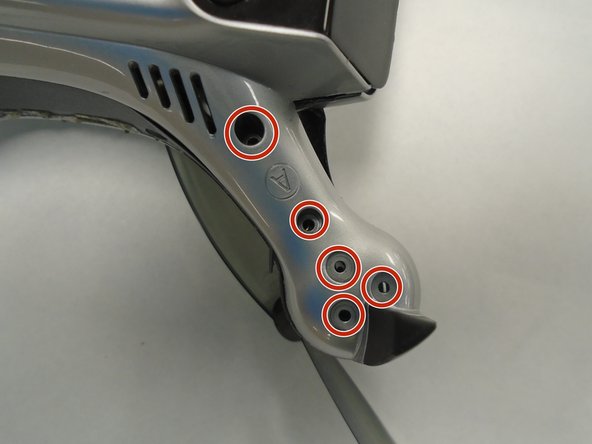
Remove the screws on the drone's arms using a Torx T5 screwdriver.
-
-
-
Gently pry open the top panel of the drone using a spudger.
-
Rotate the top panel slightly to reveal the four screws beneath each propellor arm.
-
Remove each of the four screws with a Phillips #0 screwdriver.
-
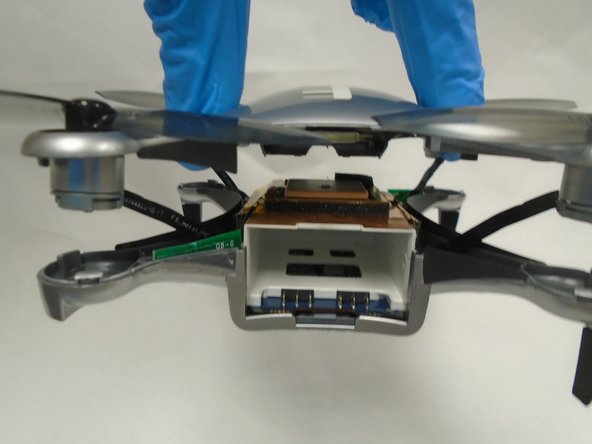
Lift off the top panel, as it should now be free from the rest of the device.
-
-
-
Using a Phillips #00 screwdriver, remove the screws from the four corners of the inner white chassis.
-
-
-
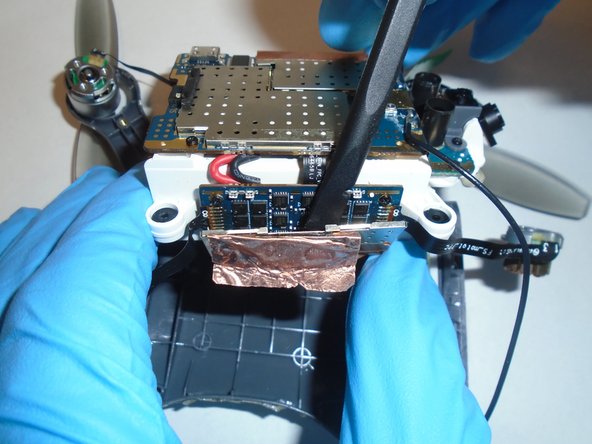
Using a Spudger (or similar tool to scrap/pry with), remove the copper foil used as tape from the sides of the chassis.
-
Remove the small metal covering from the side boards.
-
-
-
-
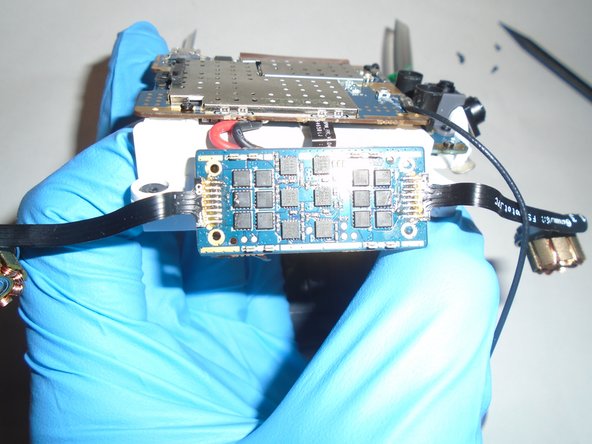
Using a Phillips #00 screwdriver, remove the four screws separating the side board from the white chassis.
-
-
-
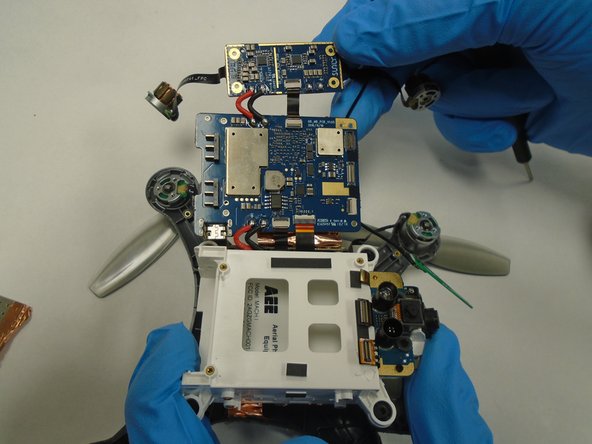
Using a Phillips #00 screwdriver, remove the four screws from the large motherboard on the white chassis.
-
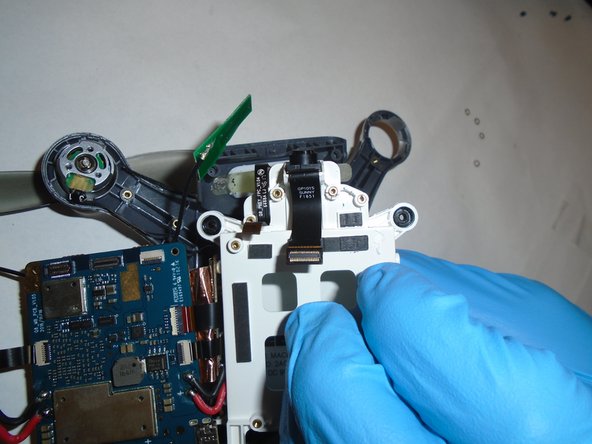
Lift the motherboard out of the case, revealing the camera cable.
-
-
-
Using the Phillips #00 screwdriver, remove the four screws holding the camera mechanism in place.
-
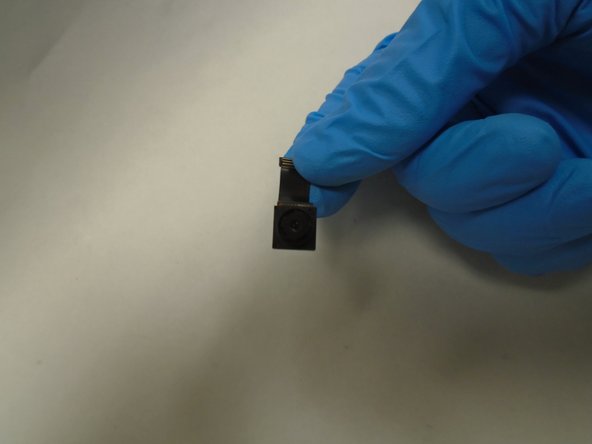
Lift the camera assembly out of the case.
-
-














To reassemble your device, follow these instructions in reverse order.

