Free Shipping on Domestic Orders $75+

AARP RealPad MA7BX2 Back Cover Replacement

What you need

    1. AARP RealPad MA7BX2 Back Cover Replacement, Back Cover: step 1, image 1 of 2 AARP RealPad MA7BX2 Back Cover Replacement, Back Cover: step 1, image 2 of 2
      • Loosen the back cover using the suction cup.

      • Pull up on the center of the back with the suction cup.

      • Pull up on all four corners of the back with the suction cup.

      Ask FixBot

      Add Comment

    2. AARP RealPad MA7BX2 Back Cover Replacement: step 2, image 1 of 1
      • Remove the back cover by gently placing the small opening tool in the crevice created by loosening the back.

      • Slide the opening tool around the edges of the device.

      • Wedge it open using the opening tool.

      • Use the suction cup again if you're having trouble removing the back cover.

      Ask FixBot

      Add Comment

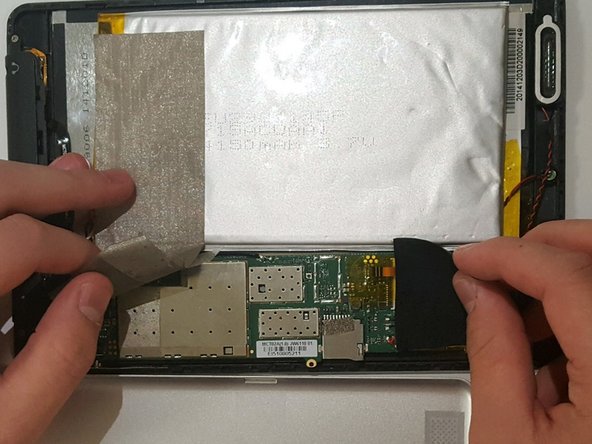
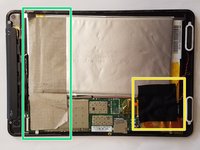
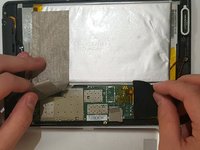
    3. AARP RealPad MA7BX2 Back Cover Replacement: step 3, image 1 of 2 AARP RealPad MA7BX2 Back Cover Replacement: step 3, image 2 of 2
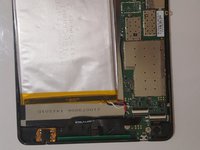
      • The black tape is stuck to delicate wires; remove with caution.

      • Peel off the silver tape.

      • Gently pull off the black tape.

      Ask FixBot

      Add Comment

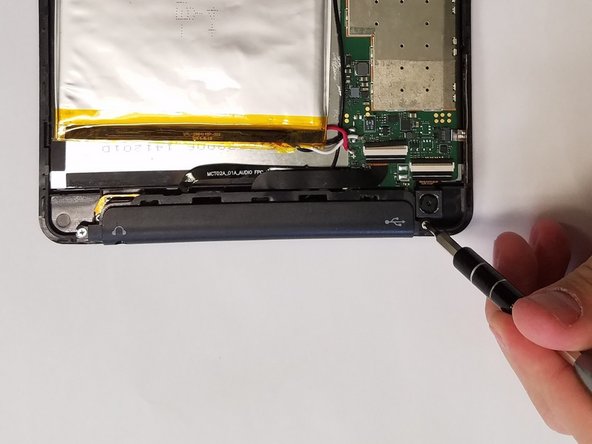
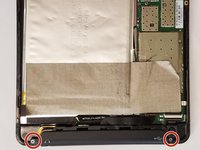
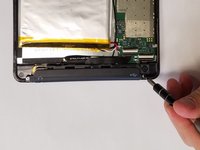
    4. AARP RealPad MA7BX2 Back Cover Replacement: step 4, image 1 of 2 AARP RealPad MA7BX2 Back Cover Replacement: step 4, image 2 of 2
      • Using a JIS #000 screwdriver, remove the two 2.5 mm screws.

      Ask FixBot

      Add Comment

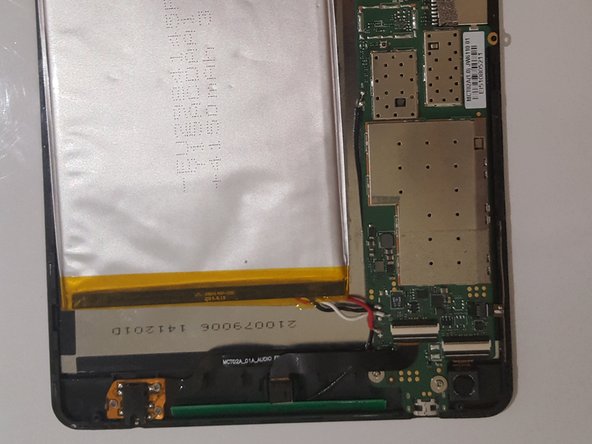
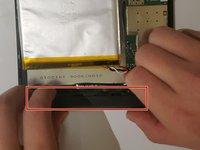
    5. AARP RealPad MA7BX2 Back Cover Replacement: step 5, image 1 of 2 AARP RealPad MA7BX2 Back Cover Replacement: step 5, image 2 of 2
      • Lift off the black audio cover.

      Ask FixBot

      Add Comment

Conclusion

To reassemble your device, follow these instructions in reverse order.

Cancel: I did not complete this guide.

One other person completed this guide.

0 Guide Comments

Add Comment

View Statistics:

Past 24 Hours: 2

Past 7 Days: 6

Past 30 Days: 41

All Time: 1,221