
A Jammed SD Card Tray

Sqwerks and 2 other contributors
Last updated on Apr 13, 2023
Views: 2.2K
View statistics:
- Past 24 Hours:
- 4
- Past 7 Days:
- 21
- Past 30 Days:
- 111
- All Time:
- 2,189
Comments: 4
4 guide comments.
Go to guide commentsCompleted: 1 2
1 person has marked this guide "completed." Will you be next?
2 people have marked this guide "completed." Including you — great job!
Favorites: 0 1
No one has favorited (and subscribed to) this guide. Will you be the first?
1 person has favorited (and subscribed to) this guide — and that's you!
Community-Contributed Guide
An awesome member of our community made this guide. It was not created by iFixit staff.
Introduction
Go to step 1 ↓This is for owners of the 3ds system that have a jammed sd port instead of disassembling the system you can just pop it open in just three steps.
What you need
Tools
-
Spudger4.9

-
-
-
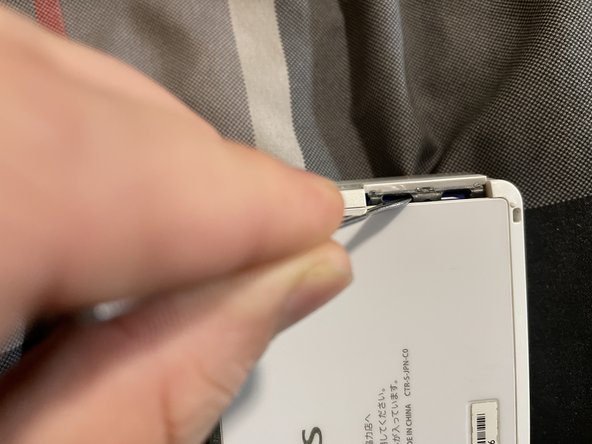
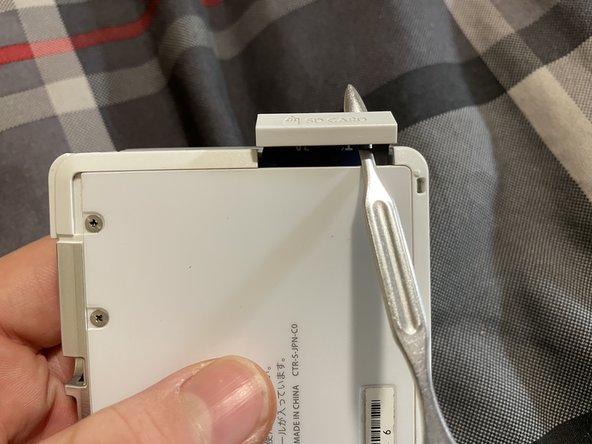
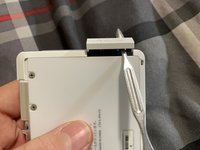
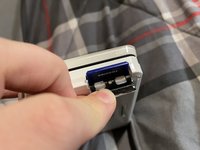
As you see the sd tray is bent in.
-
And you can’t get it open like usual.
 Ask FixBot
-
-
-
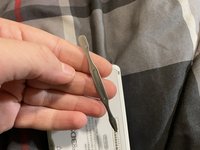
Here is the tool you need or something similar
-
PLEASE BE CAREFUL IT CAN DAMAGE THE EXPOSED MOTHERBOARD INSIDE IF NOT
-
-
-
-
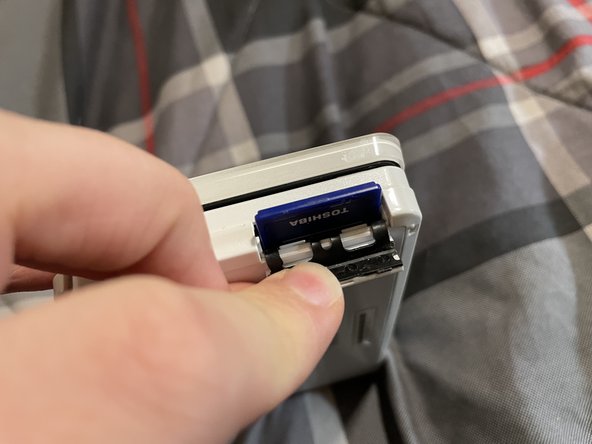
You have to press down on sd like the physical game to get it out
-
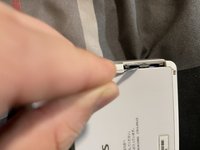
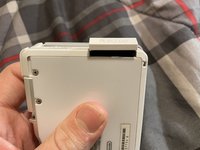
And don’t forget to close the tray
-
-



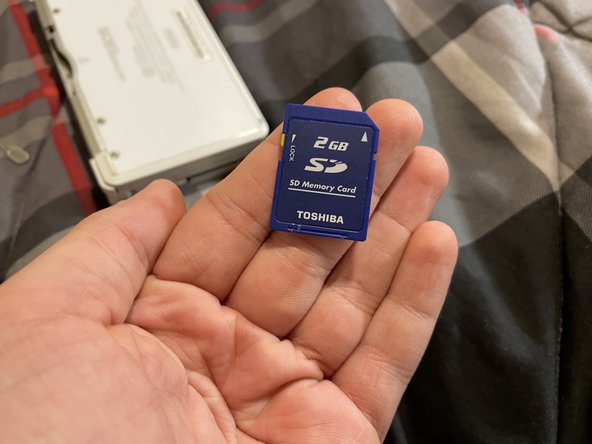
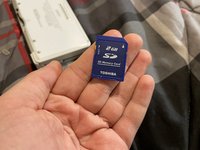
Thanks and you’re welcome now you have free access to your sd card!
Cancel: I did not complete this guide.
One other person completed this guide.

Team

4 Guide Comments
also i sold the 3ds to @tronicsfix (if your reading this sorry) but yea (just so you know I'm here as well)
