
360fly 4K Lens Replacement

Jacob Herron and 4 other contributors
Last updated on Dec 20, 2021
Views: 2.5K
View statistics:
- Past 24 Hours:
- 3
- Past 7 Days:
- 20
- Past 30 Days:
- 101
- All Time:
- 2,532
Comments: 9
5 comments on steps, 4 guide comments.
Go to guide commentsCompleted: 0 1
No one has marked this guide "completed." Will you be the first?
1 person has marked this guide "completed." It's you — great job!
Favorites: 0 1
No one has favorited (and subscribed to) this guide. Will you be the first?
1 person has favorited (and subscribed to) this guide — and that's you!
Action Shots
Be an action hero! This guide needs images that better demonstrate how to perform specific actions.
Introduction
Go to step 1 ↓The 360fly is a lens, camera, and storage device all in one. Its internal battery and 32GB memory give users the power to capture approximately 2 hours of 360° HD footage each time out.
This lightweight camera provides everything users need to take entire surroundings from a single digital unit.
- Powerful 16-megapixel image sensor and 4K video resolution 2880 x 2880 pixels up to 30 fps.
- Eight glass element ultra-fish-eye lens is used to capture 360-degree video.
If you are unable to clearly capture an image or the lens has been damaged in some way, follow this guide to replace the lens.
What you need
Tools


-
-
-
Flip the camera upside down and peel off the two plastic screw covers with the metal spudger to reveal the screws.
 Ask FixBot
-
-
-
Remove the two 5 mm screws from the bottom of the camera with a T4 screwdriver.
-
-
-
Gently pry the plastic ring from around the charging plate with the metal spudger.
-
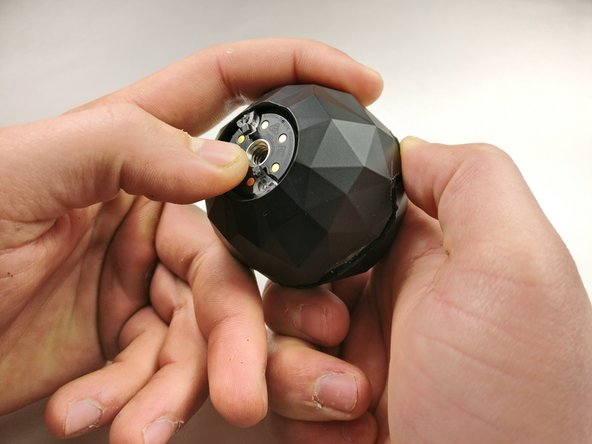
Remove the outside shell by pressing against the center of the charging plate and pulling the bottom shell away from the top shell.
-
-
-
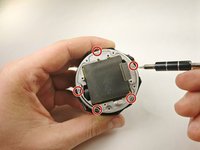
Remove the five 2 mm screws using a T4 screwdriver.
-
Pull off the charging plate assembly.
-
-
-
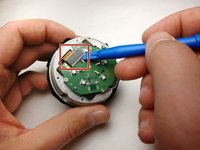
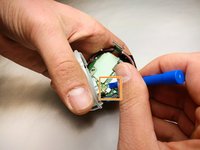
Gently pry the plug off the port on the circuit board with a plastic opening tool.
-
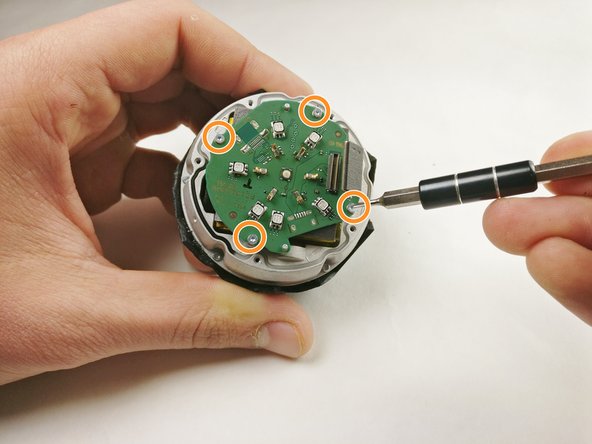
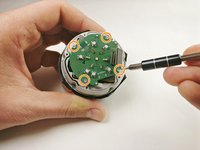
Remove the four 2 mm screws using a T4 screwdriver.
-
Remove the circuit board from the device.
-
-
-
Remove the five 4 mm screws around the battery assembly with a T4 screwdriver.
-
Lift the battery assembly and gently pry the plug out of its port on the board below with a plastic opening tool.
-
Press the battery from the back of the battery assembly to remove it with a plastic opening tool until the glue releases the battery.
-
-
-
-
-
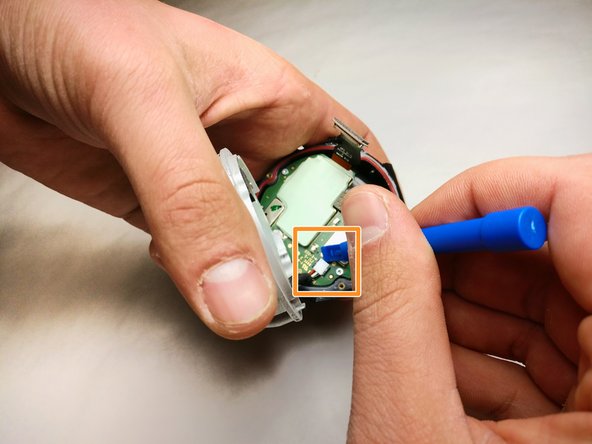
Gently pry the plug from the motherboard and remove the motherboard from the assembly.
-
-
-
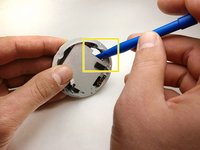
Remove the three 3 mm screws from the circuit assembly with a T4 screwdriver.
-
-
-
-
-
-
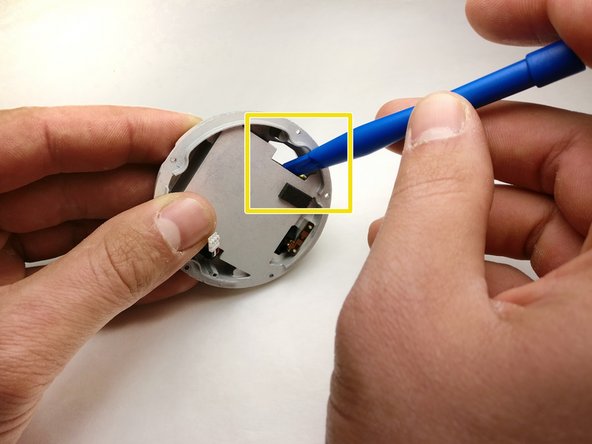
Gently push against the lens module to remove it from the 360fly 4K assembly.
-







To reassemble your device, follow these instructions in reverse order.

Team

IUPUI, Team S5-G3, Baechle Fall 2017 Member of IUPUI, Team S5-G3, Baechle Fall 2017
IUPUI-BAECHLE-F17S5G3
3 Members
36 Guides authored
4 Guide Comments
Hi. Where to get a replacement lens as I am in need for this repair, but 360fly offer a full service for $150 and do not sell spare lenses. Thx
