
2015 KIA Optima Key Fob Battery Replacement

Al Leo Moran and 3 other contributors
Last updated on Apr 8, 2024
Views: 5.1K
View statistics:
- Past 24 Hours:
- 13
- Past 7 Days:
- 86
- Past 30 Days:
- 341
- All Time:
- 5,099
Comments: 3
3 comments on steps.
Completed: 0 1
No one has marked this guide "completed." Will you be the first?
1 person has marked this guide "completed." It's you — great job!
Favorites: 0 1
No one has favorited (and subscribed to) this guide. Will you be the first?
1 person has favorited (and subscribed to) this guide — and that's you!
Introduction
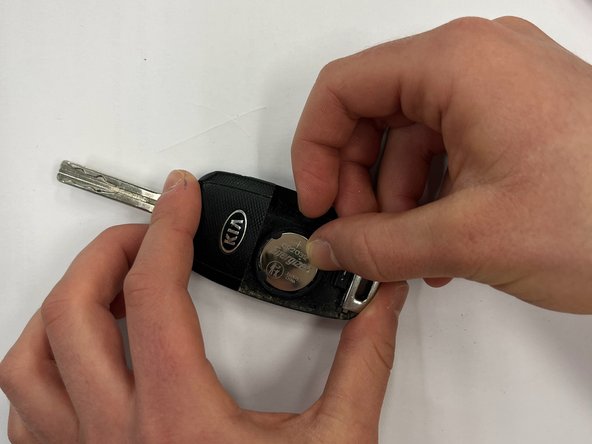
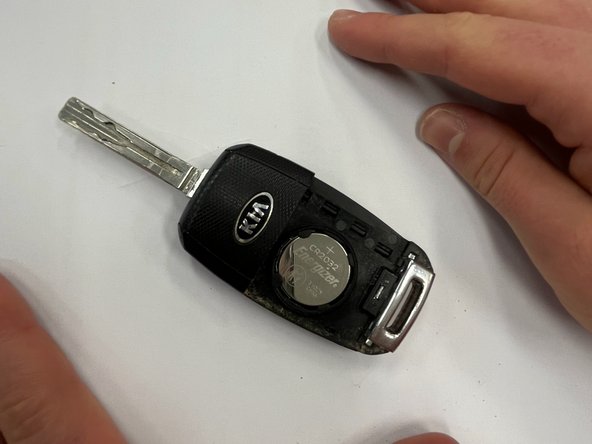
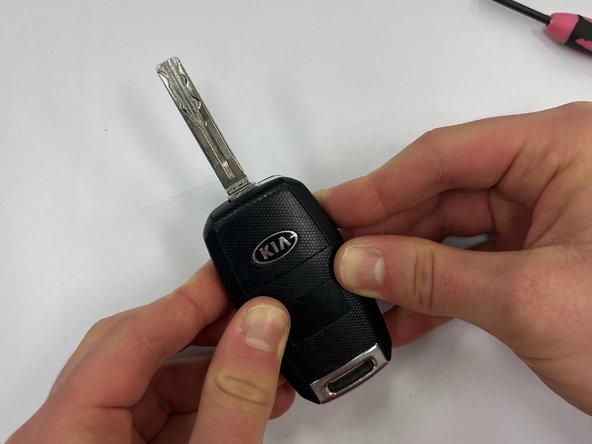
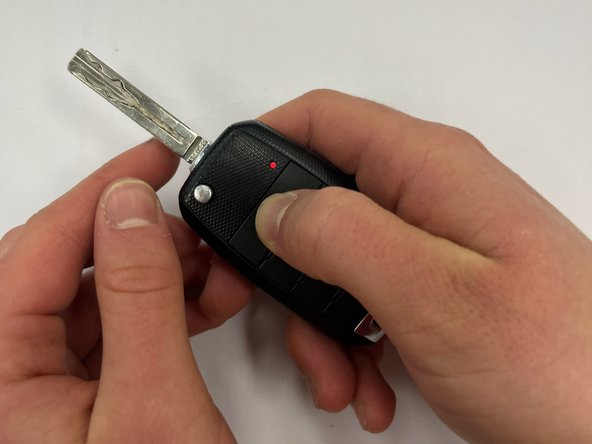
Go to step 1 ↓If your KIA Optima key fob isn't working, it's likely due to a dead battery, and will need to be replaced.
Replacing a 2015 KIA Optima car key battery is a very simple process that can be completed at home.
We will need to use sharp objects that might pose risk of injury if used improperly. However, most people have experience using screwdrivers or other similar objects, and this process presents little opportunity for serious injury.
What you need


-
-
-
Use a small flathead screwdriver to pry open the case and separate the two halves.
-
-


 Ask FixBot







Team

University of Wisconsin Eau Claire, Team 1-6, Cameron Fall 2023 Member of University of Wisconsin Eau Claire, Team 1-6, Cameron Fall 2023
UWEC-CAMERON-F23S1G6
2 Members
12 Guides authored
