Introduction
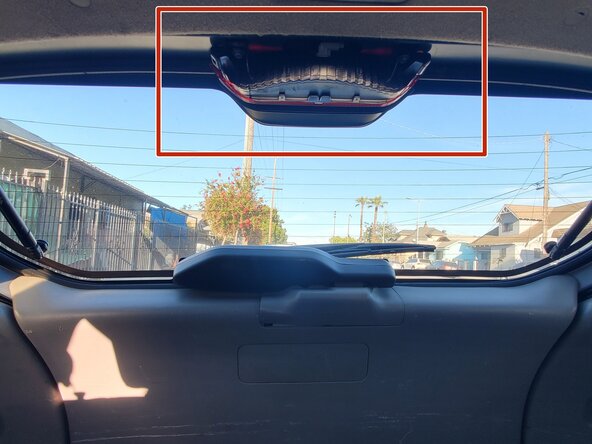
In this guide, I will show how to repair a faulty center brake light bulb on a 2006 Toyota Matrix. Replacing a fused or burnt light bulb in your brake light is an easy to follow and harmless procedure. If you notice your center brake light isn't turning on, I hope this guide will serve good use to you.
It is very important to have all functioning brake lights when driving as driving with a non-working brake light can be very dangerous at nighttime or during low visibility weather conditions. It is also required by the law to have all brake lights working when driving on the road.
Before you begin the repair, make sure your car is off and in park. Also, when replacing the bulb, avoid touching the bulb glass with your hands. The salt and oils from your skin can cause the glass to break down and your light may burn out more quickly.
What you need
-
-
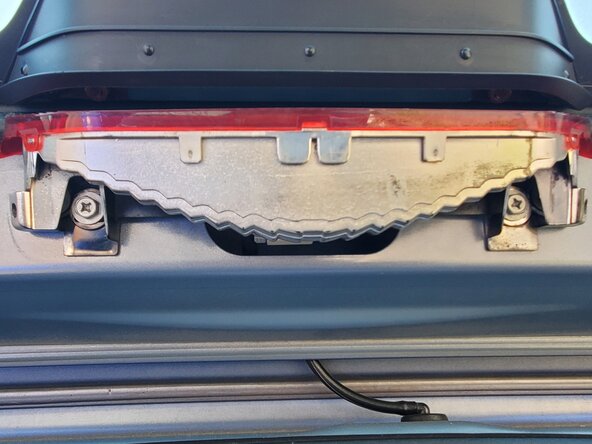
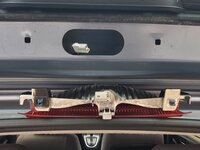
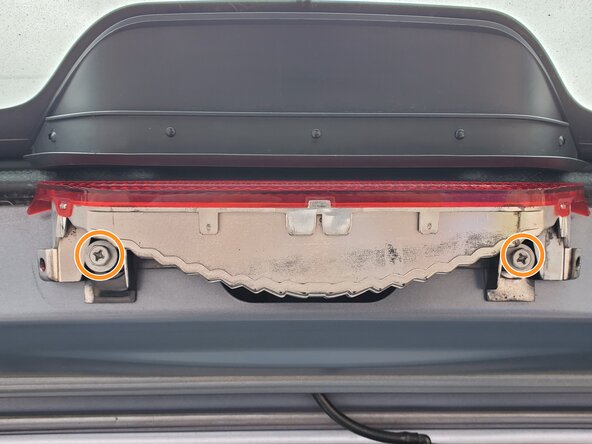
Use a Phillips screwdriver to remove two screws from the brake light mount.
-
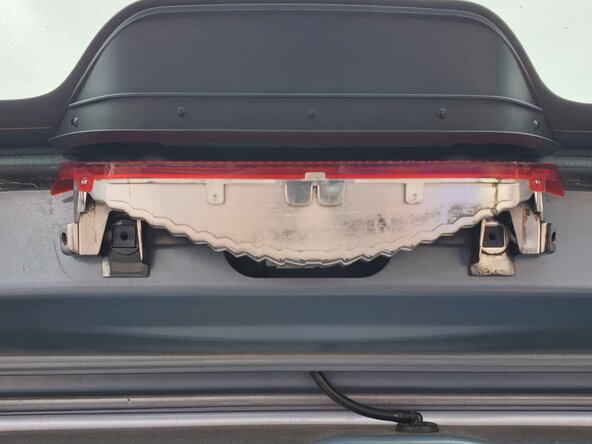
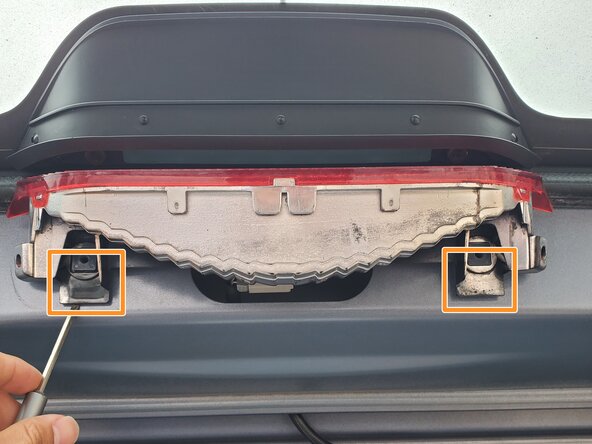
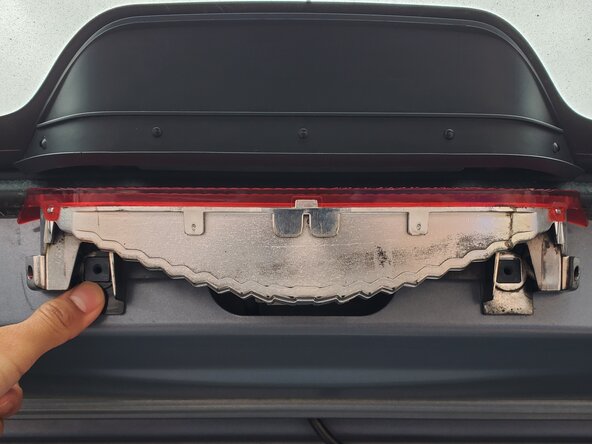
Use a flathead screwdriver to pry the brake light mount on both sides and push out the black plastic fasteners.
-
-
-
-
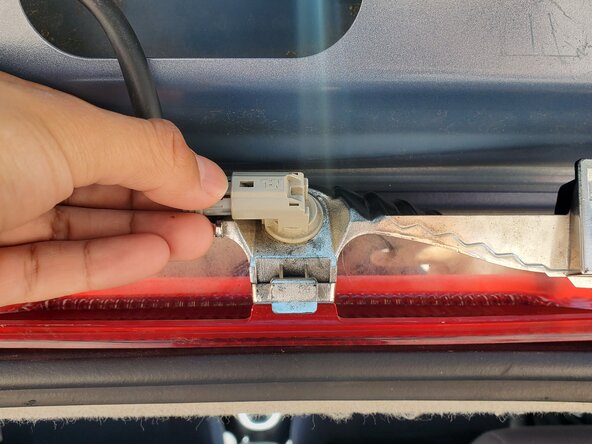
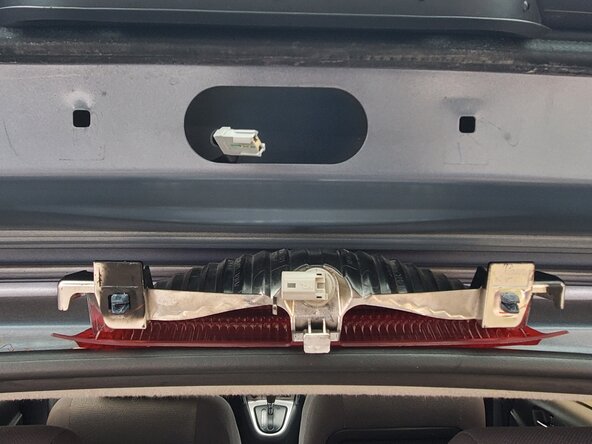
Hold the brake mount in place, carefully press down on the brake light cable connector, and remove it from the socket.
-
-
-
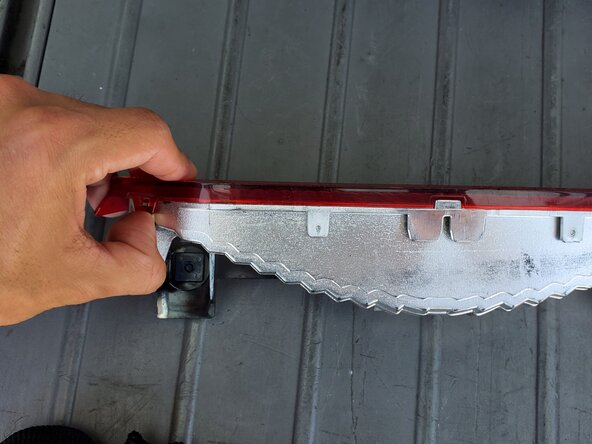
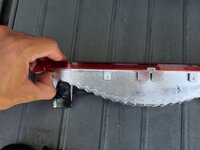
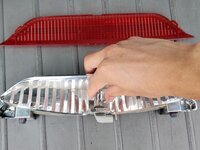
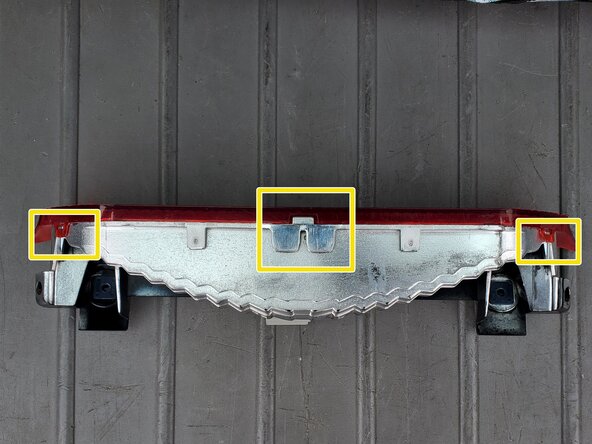
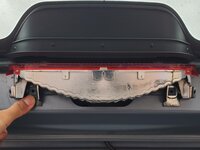
Unclip the red light cover from the mounting points on both the front-left and front-right sides.
-
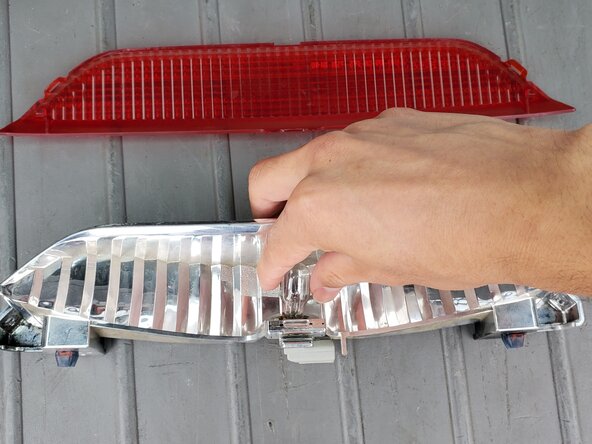
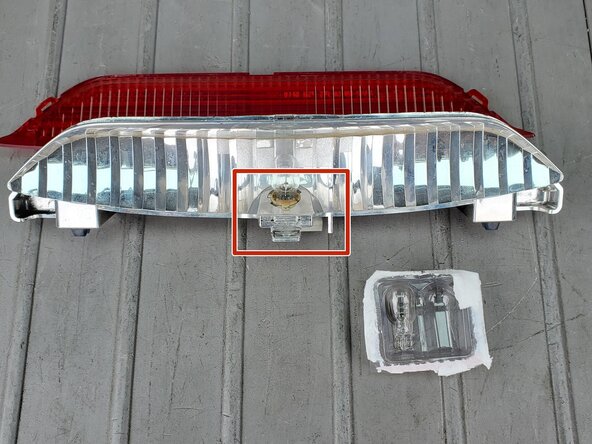
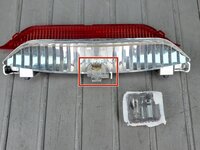
Gently wiggle and pull out the light bulb from its location.
-
-
-
Insert the new light bulb, then carefully press down to secure the light bulb.
-
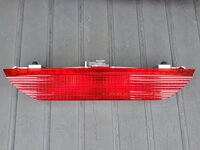
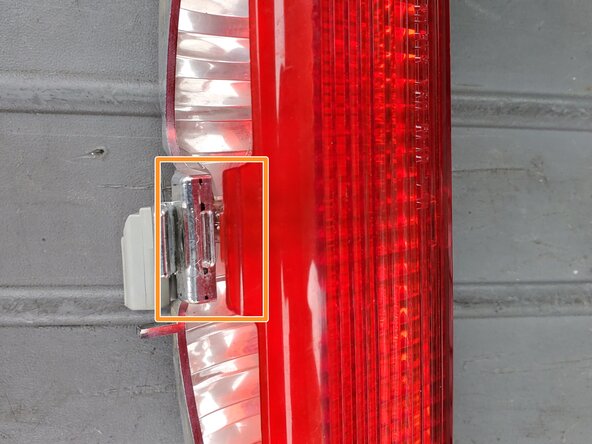
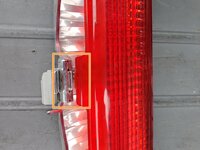
Insert the center clip of the red cover into the slot on the brake light mount.
-
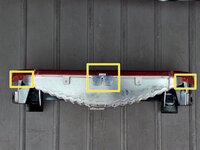
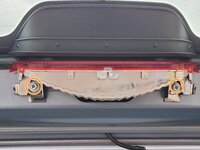
Clip the lens front-side left and right clipping position into the mount's designated clipping locations.
-
-
-
Reconnect the brake light mount to the cable attachment.
-
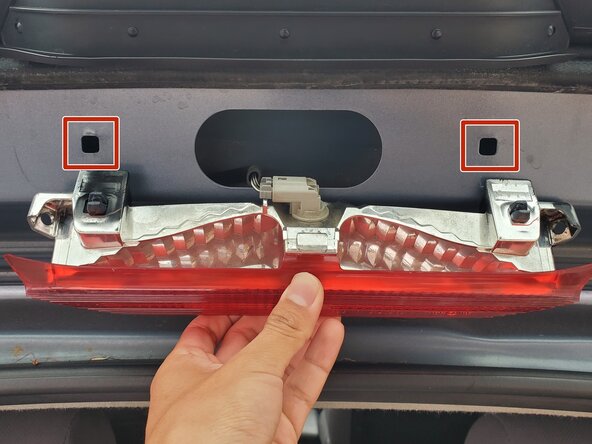
Push the mount's black plastic fasteners into the highlighted holes.
-
Replace the two Phillips screws into the brake light mount.
-



 Ask FixBot




To reassemble your device, follow these instructions in reverse order. Take your e-waste to an R2 or e-Stewards certified recycler.

Team

CSU Los Angeles, Team 5-35, Harris Spring 2025 Member of CSU Los Angeles, Team 5-35, Harris Spring 2025
CSULA-HARRIS-S25S5G35
1 Member
1 Guide authored
