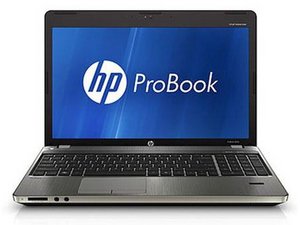

Cooling fan isn't working
My cooling fan isn't working what should i do for fix it
Is this a good question?
Score
1
Rep: 13
 1
1
My cooling fan isn't working what should i do for fix it
Is this a good question?
Rep: 862.2k
1.5k
 980
980
 2.4k
2.4k
@janiking anytime you have issues with a fan, it is best to replace it. After all, fan failure can lead to overheating and can cause major damage. To replace the fan use the HP Probook 4330s Maintenance And Service Guide and on page 67 it is explained how to replace the fan. It also shows the part number for a replacement fan as 646358-001.
While you work on your laptop, take lots of pictures. Once you are done with it, take those pictures and create a guide for iFixit. That will help the next person that has a device with the same issues as you do. It's easy and fun to create these guides. https://ifixit.com/Guide/new The iFixit community will appreciate this.
Repair is War on Entropy!
Was this answer helpful?
Past 24 Hours: 1
Past 7 Days: 9
Past 30 Days: 20
All Time: 214

